Preliminary Preparation
Create a Developer Account
Go to the Jiguang official website to create a Jiguang developer account.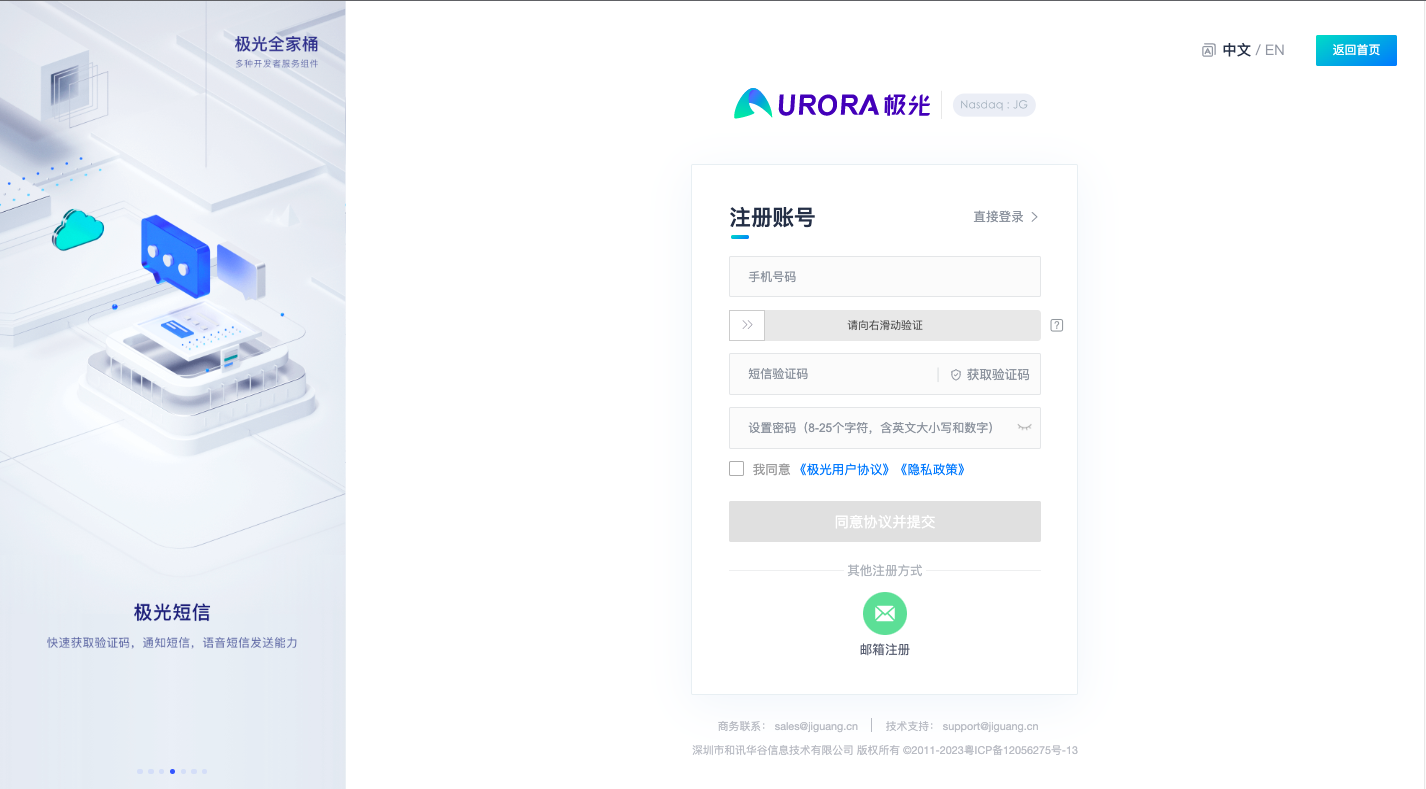
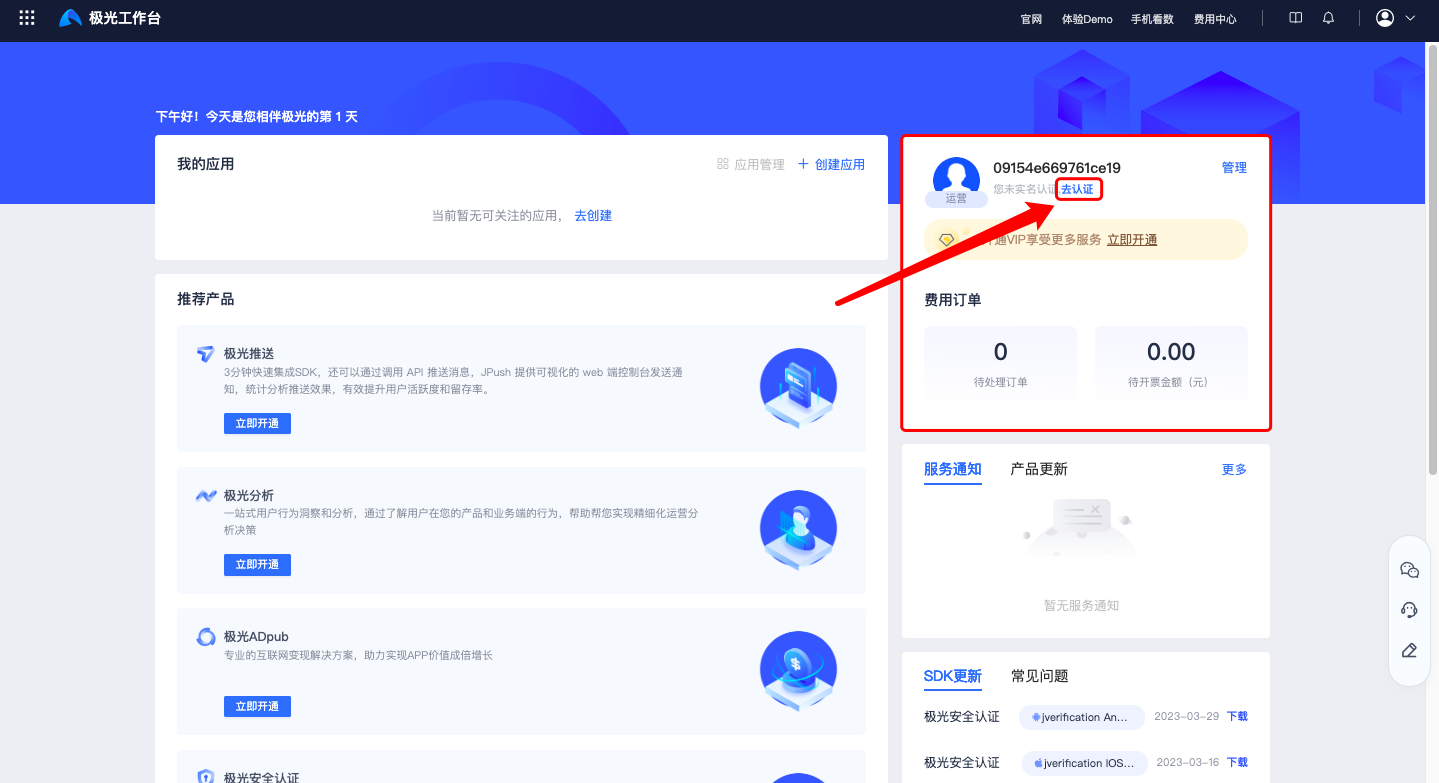
Developer Authentication
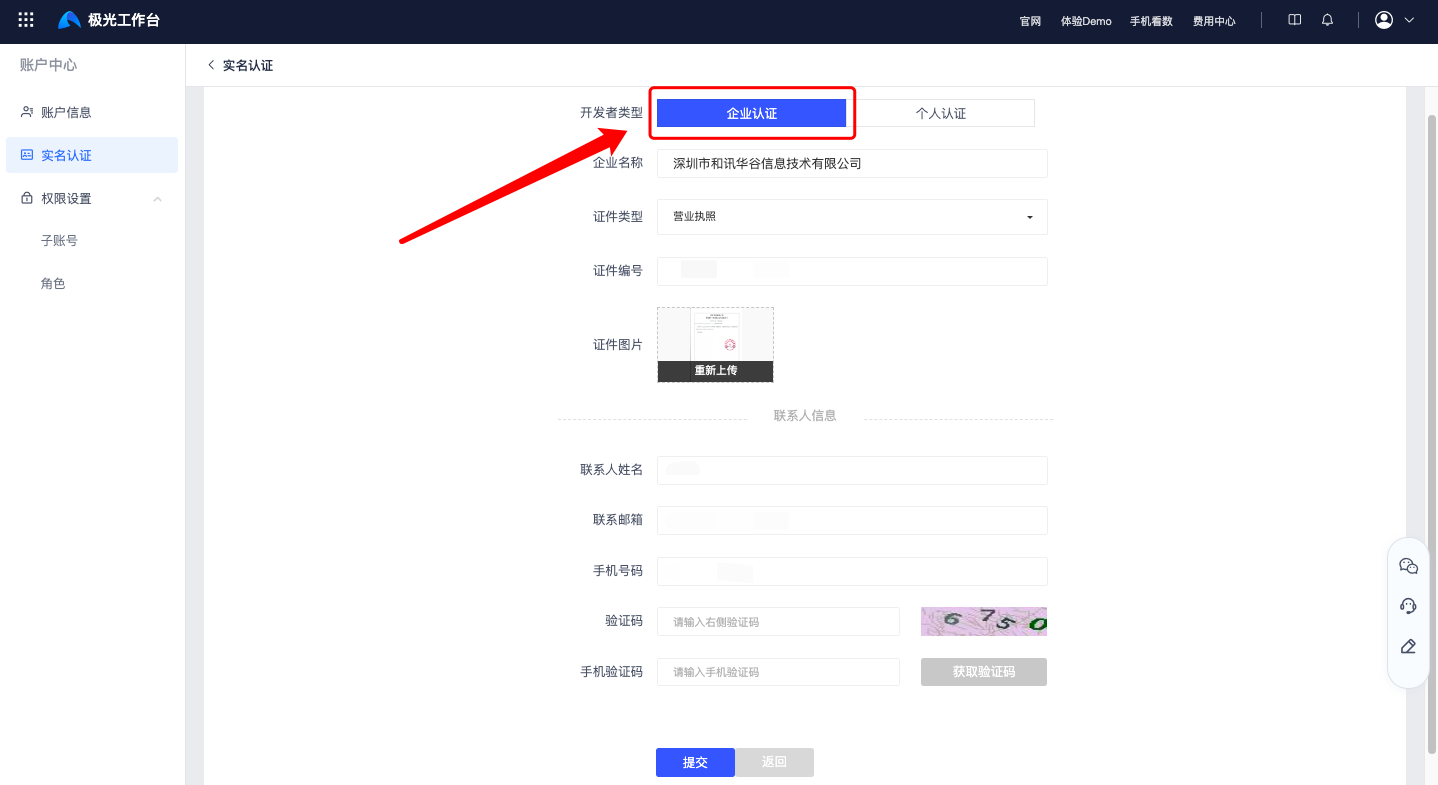
Due to carrier requirements, enterprise qualification authentication must be completed before using Jiguang SMS services. All authentication fields are required. Click to start developer authentication now.
After approval, the information cannot be modified. Please fill in the authentication information carefully to avoid affecting later use of SMS, authentication, and other services.
Create an App
Then create an app. After the app is created successfully, you can obtain the unique AppKey of the app. When calling the SMS REST API, use the AppKey and MasterSecret for access authentication.
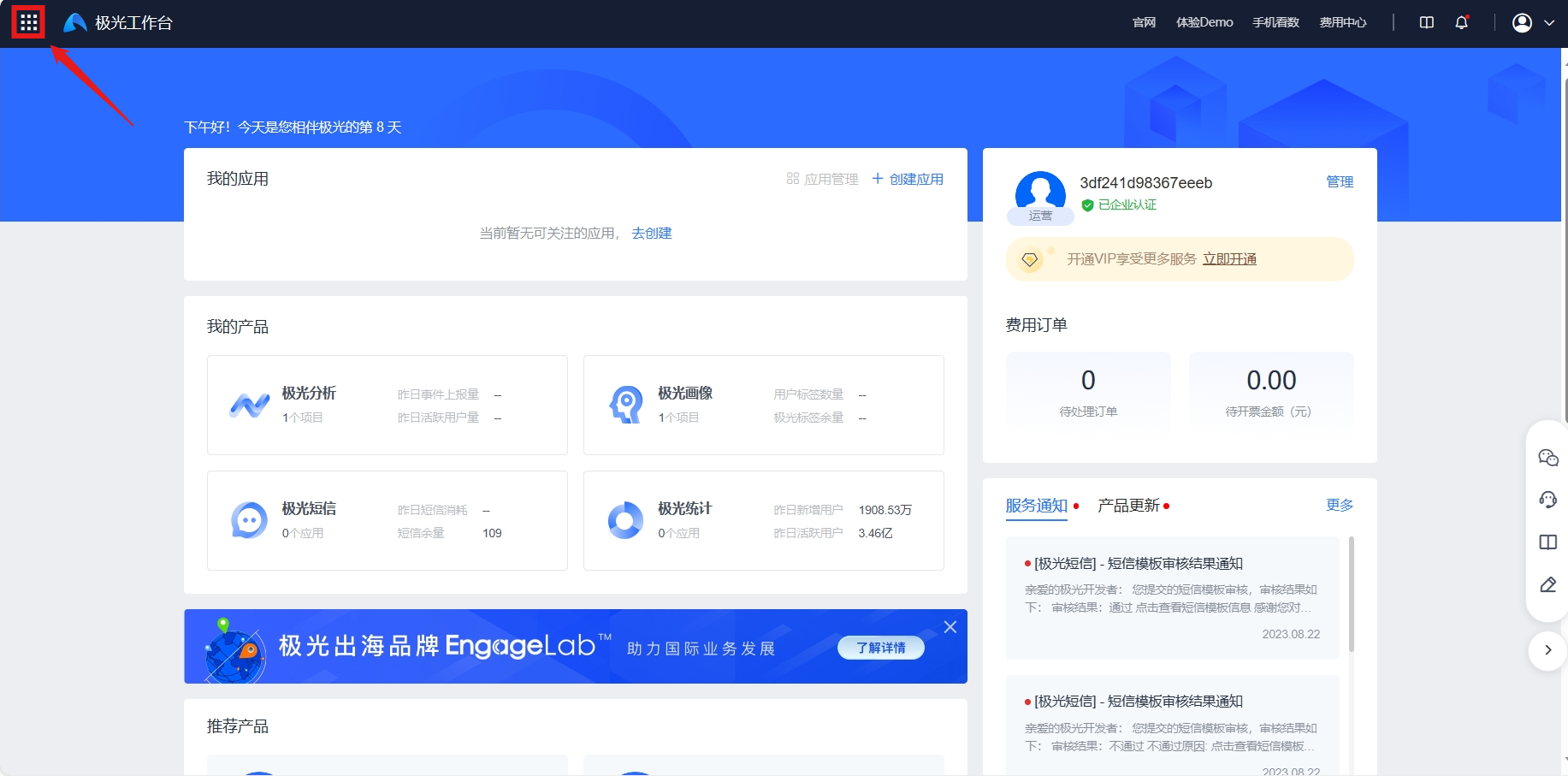
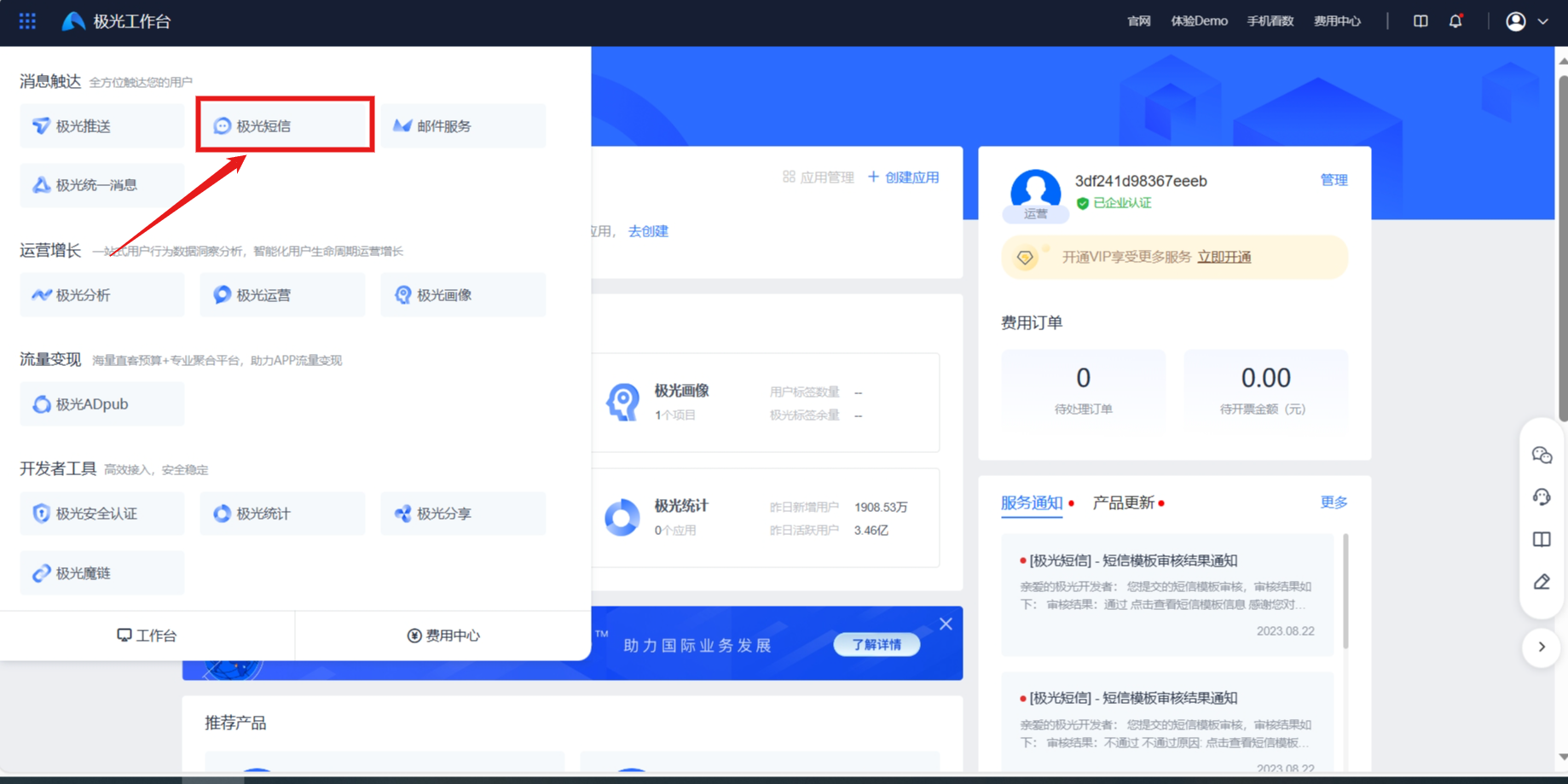
Log in to the Jiguang Developer Service Console, click the Jiguang Workspace icon in the upper-left corner, then choose Jiguang SMS and create an app.
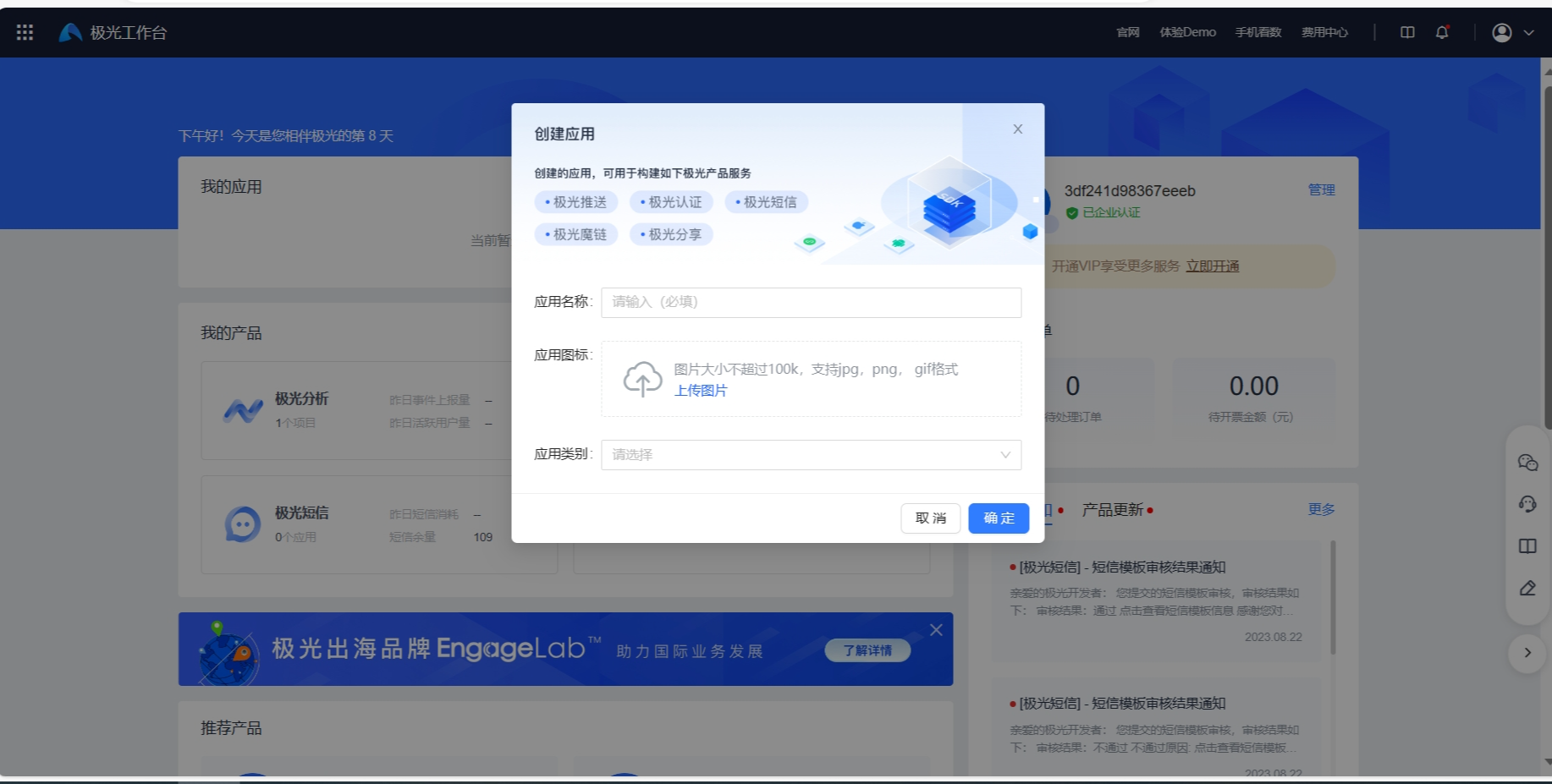
Fill in [App Name], [App Icon], and select [App Category]. [App Name] and [App Category] are required.
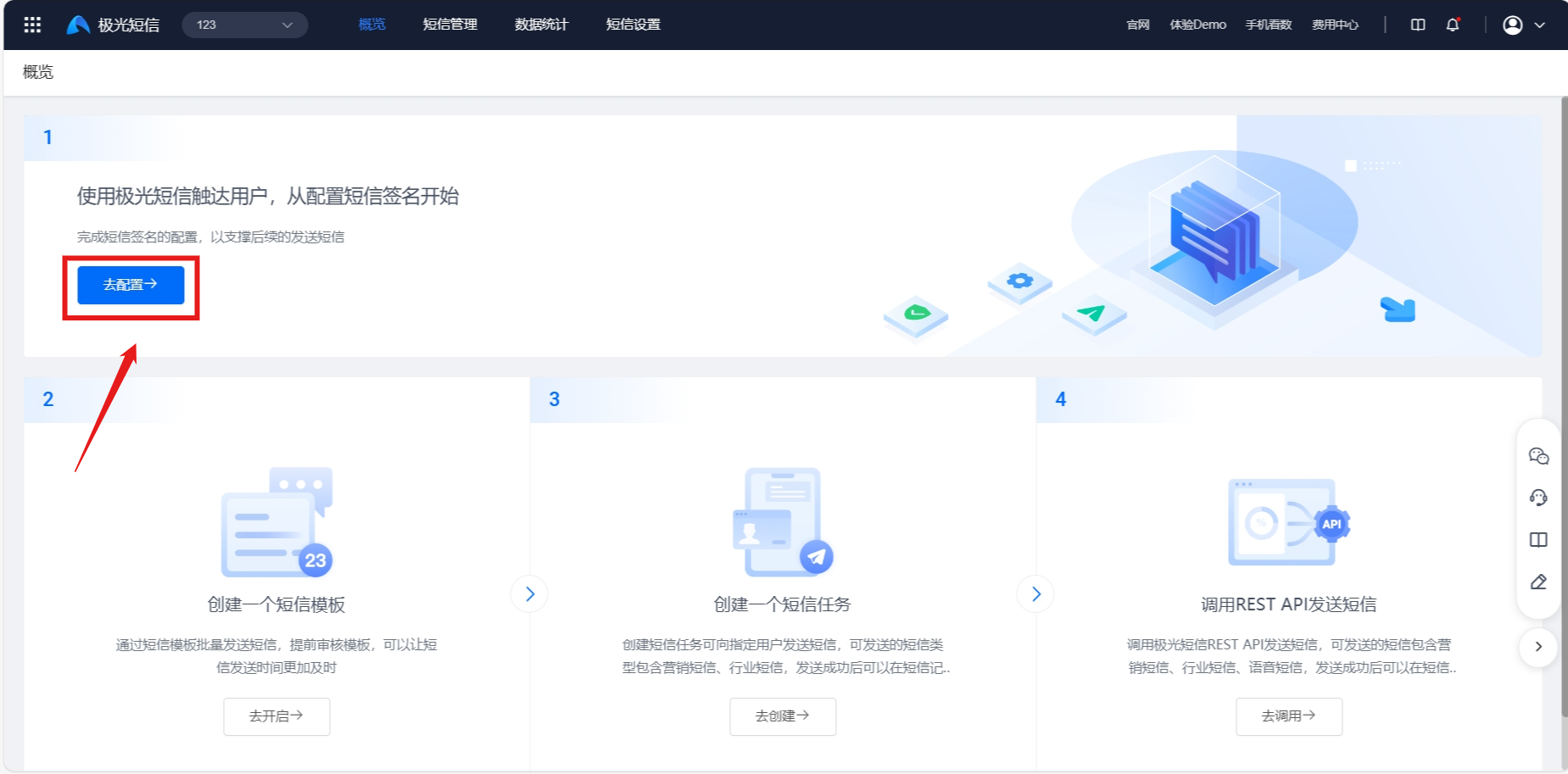
Click [Configure] on the overview page.