Overview
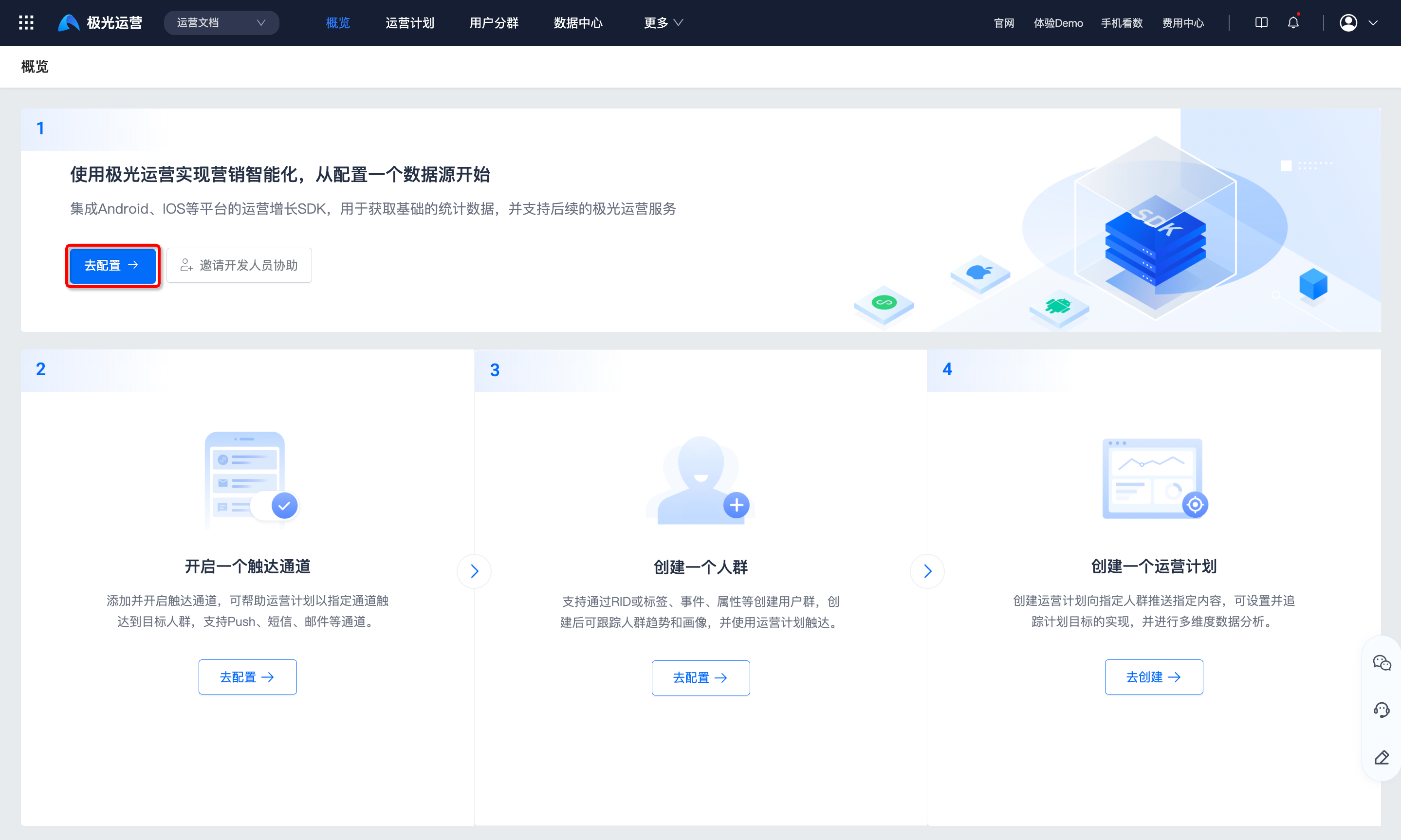
This guide helps you get started with Jiguang Operation quickly:
- Configure a data source
- Enable a reach channel
- Create an audience
- Create an operation plan
Configure Data Source
To use the intelligent user operation system, configure a data source first. Integrate SDKs for Android, iOS, Web, and other platforms to collect basic statistics and support subsequent Operation Growth services.
Click Go to configure to open the data source configuration page.
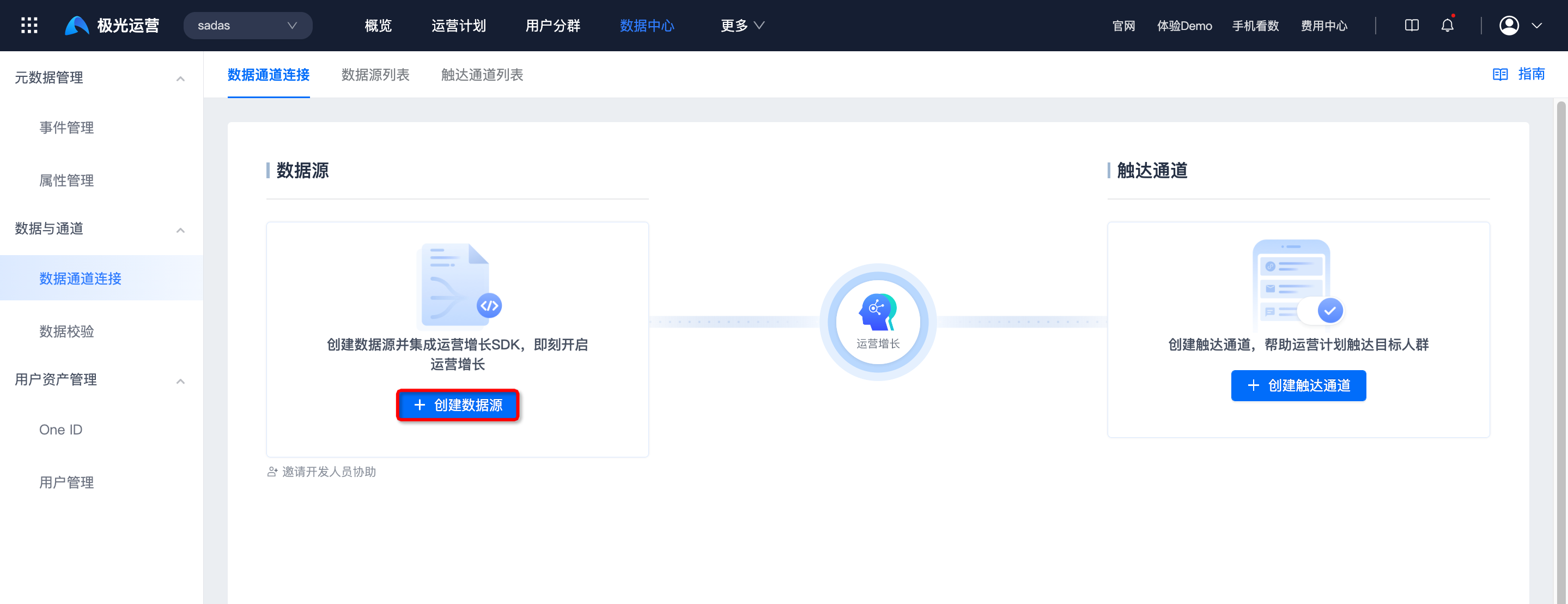
Click Create data source for the target platform. See Data source integration guide.
Invite Members
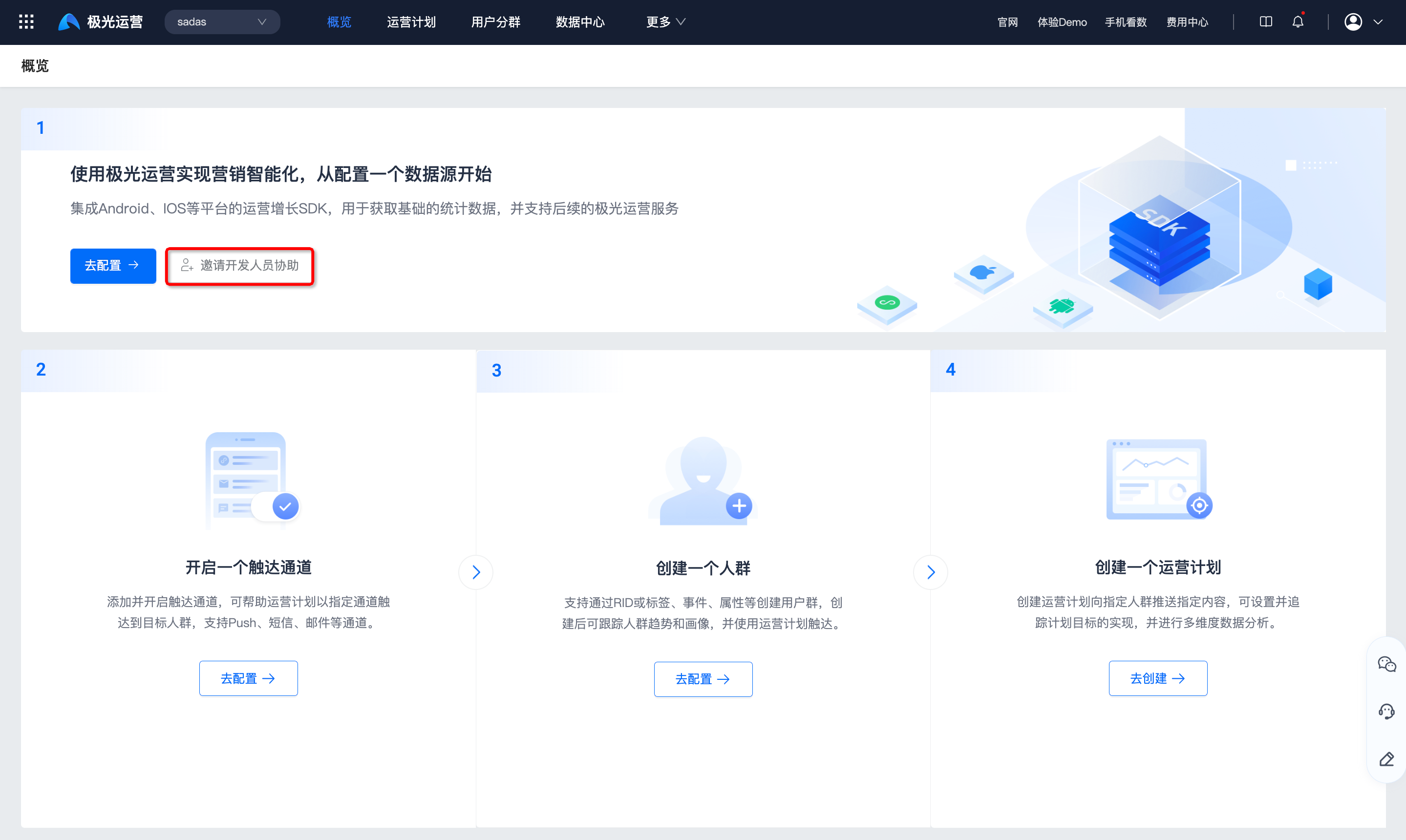
To invite other team members, click Invite developers to assist.
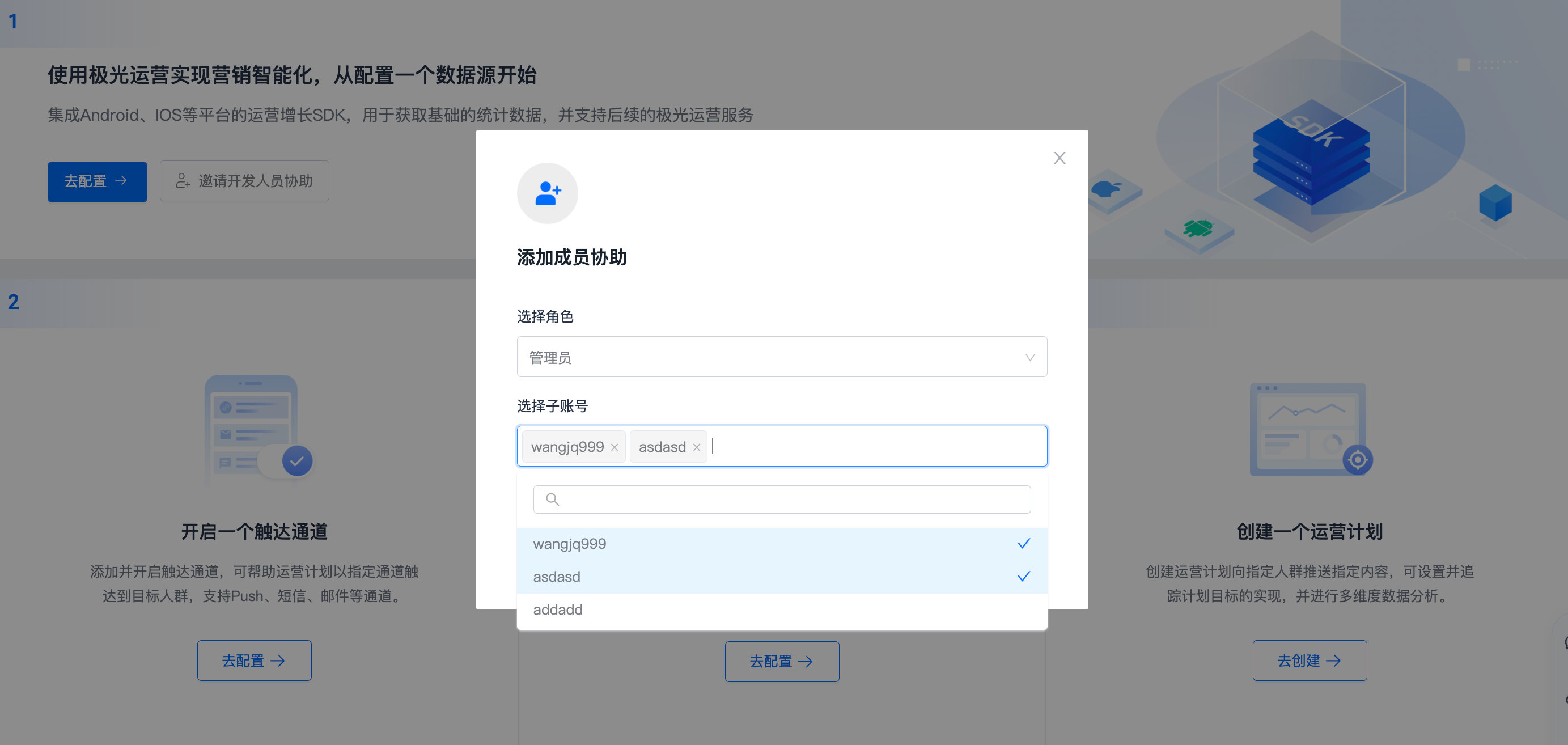
Select a role and accounts to invite (multiple accounts supported).
See Public modules - Super admin for account creation.
Enable Reach Channel
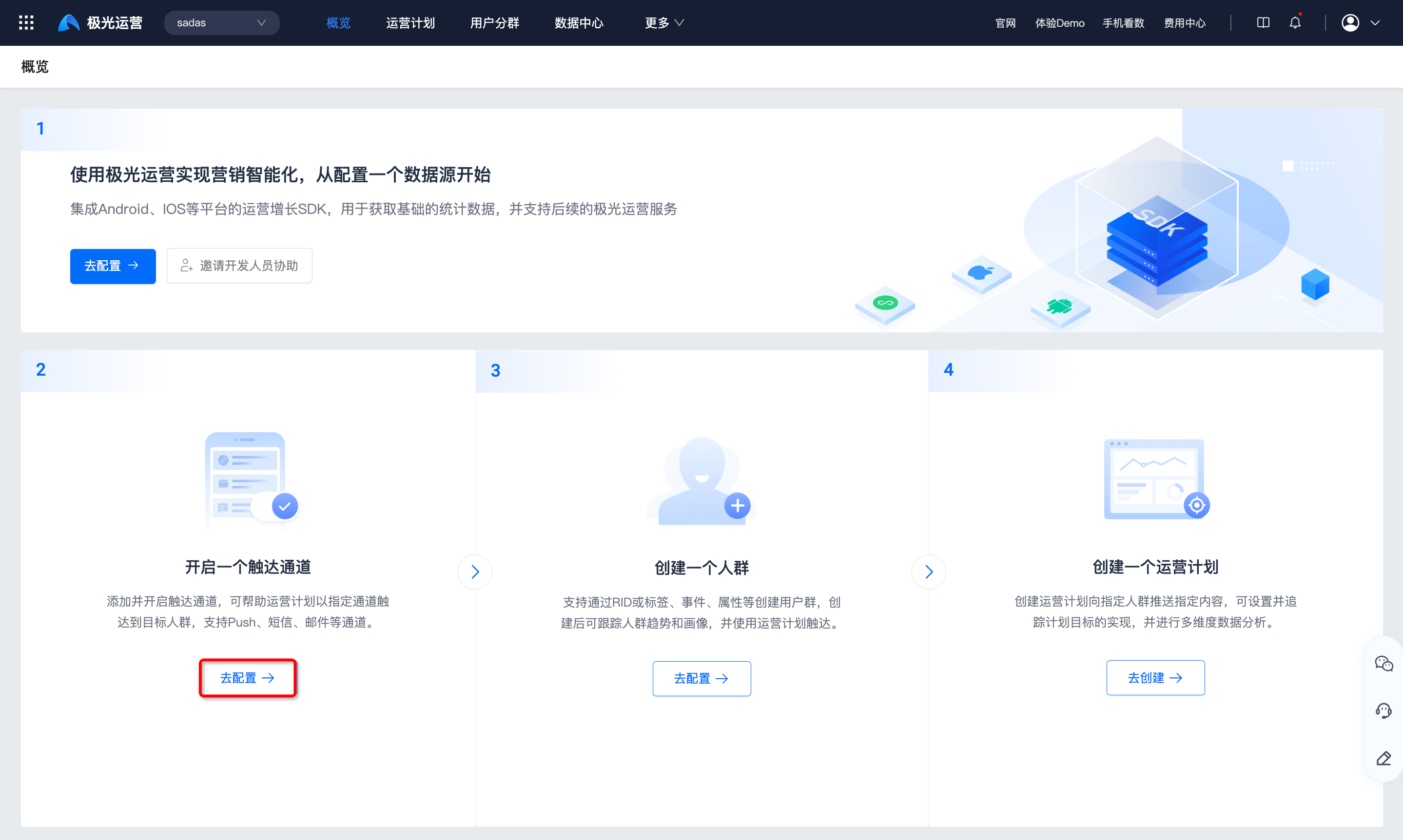
Add and enable reach channels so operation plans can reach target audiences via Push, SMS, email, and more.
Click Go to configure to open the data channel connection page.
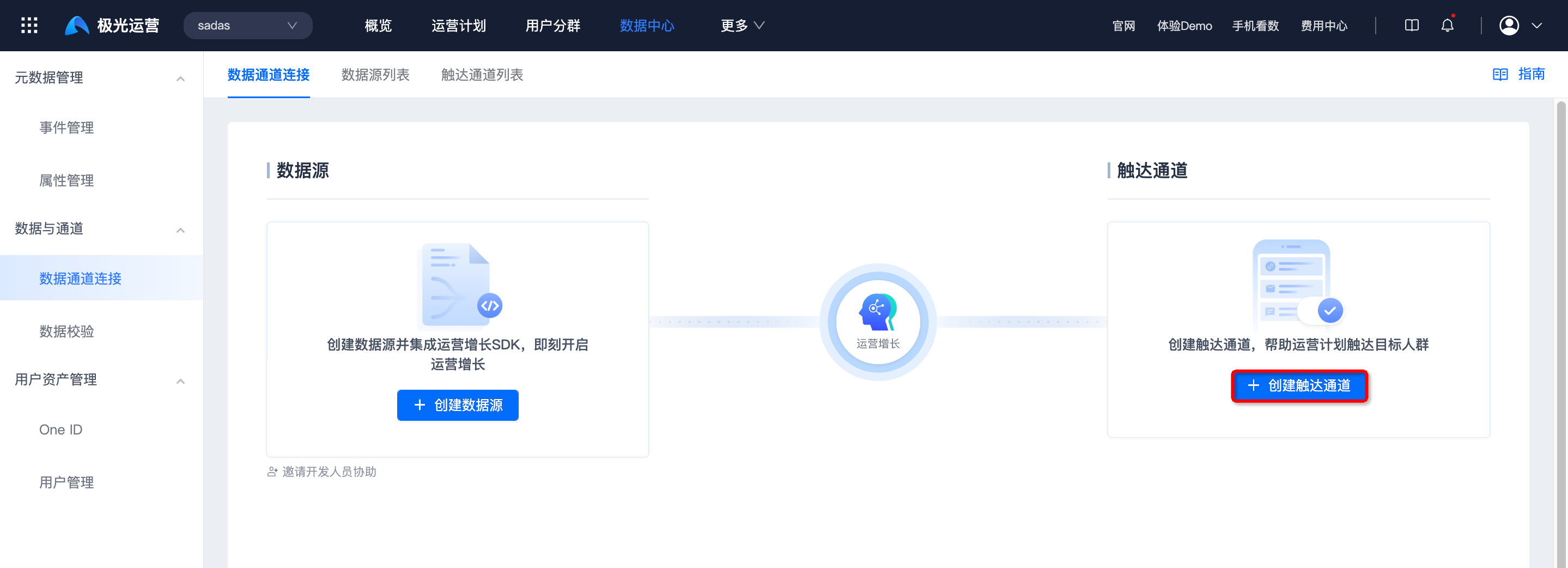
Click Create reach channel. See Public modules - Reach channel integration.
Create Audience
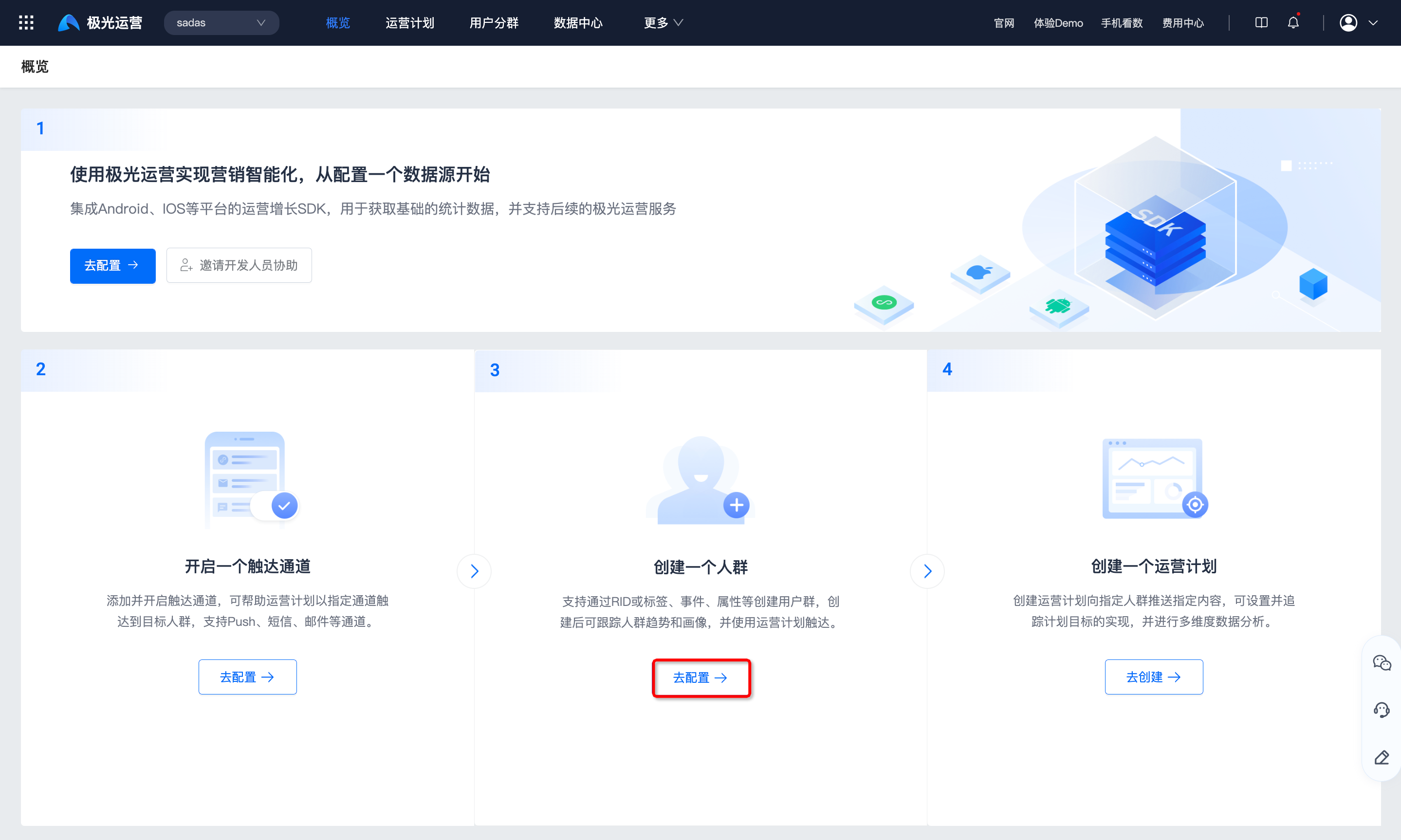
Create user groups by RID, tags, events, attributes, etc. Track trends and portraits, then reach via operation plans.
Click Go to configure to open custom segments.
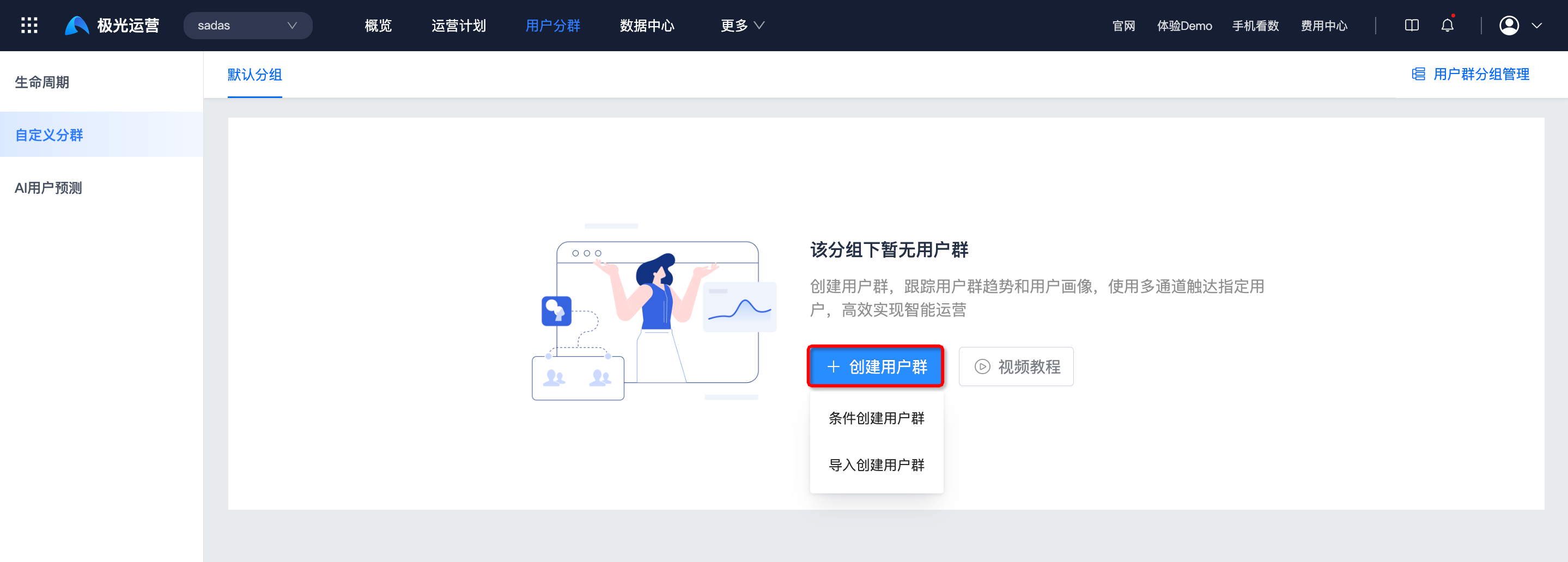
Click Create user group and choose a method. See Public modules - Custom segments.
Create Operation Plan
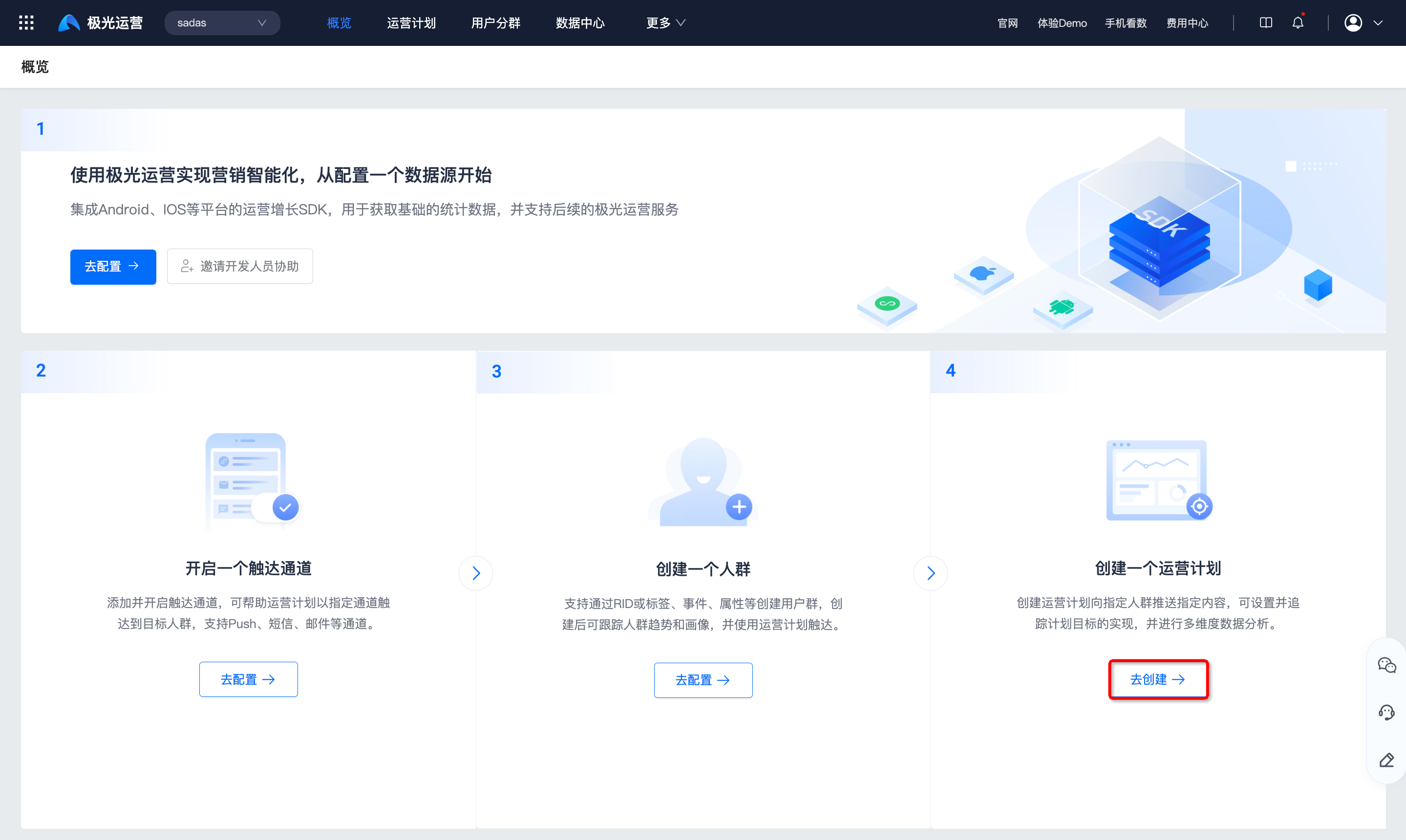
Create operation plans to push content to specified audiences, set and track goals, and analyze data in multiple dimensions.
Click Create to open operation plans.
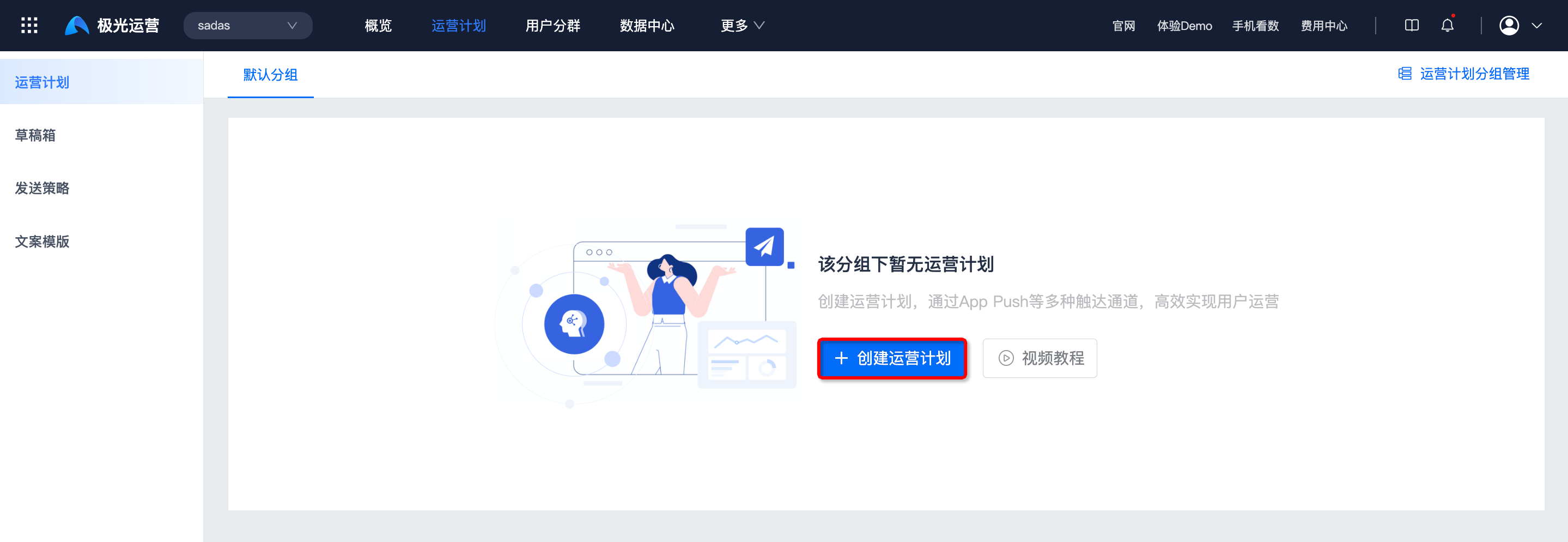
Click Create operation plan. See Create operation plan.
Overview Details
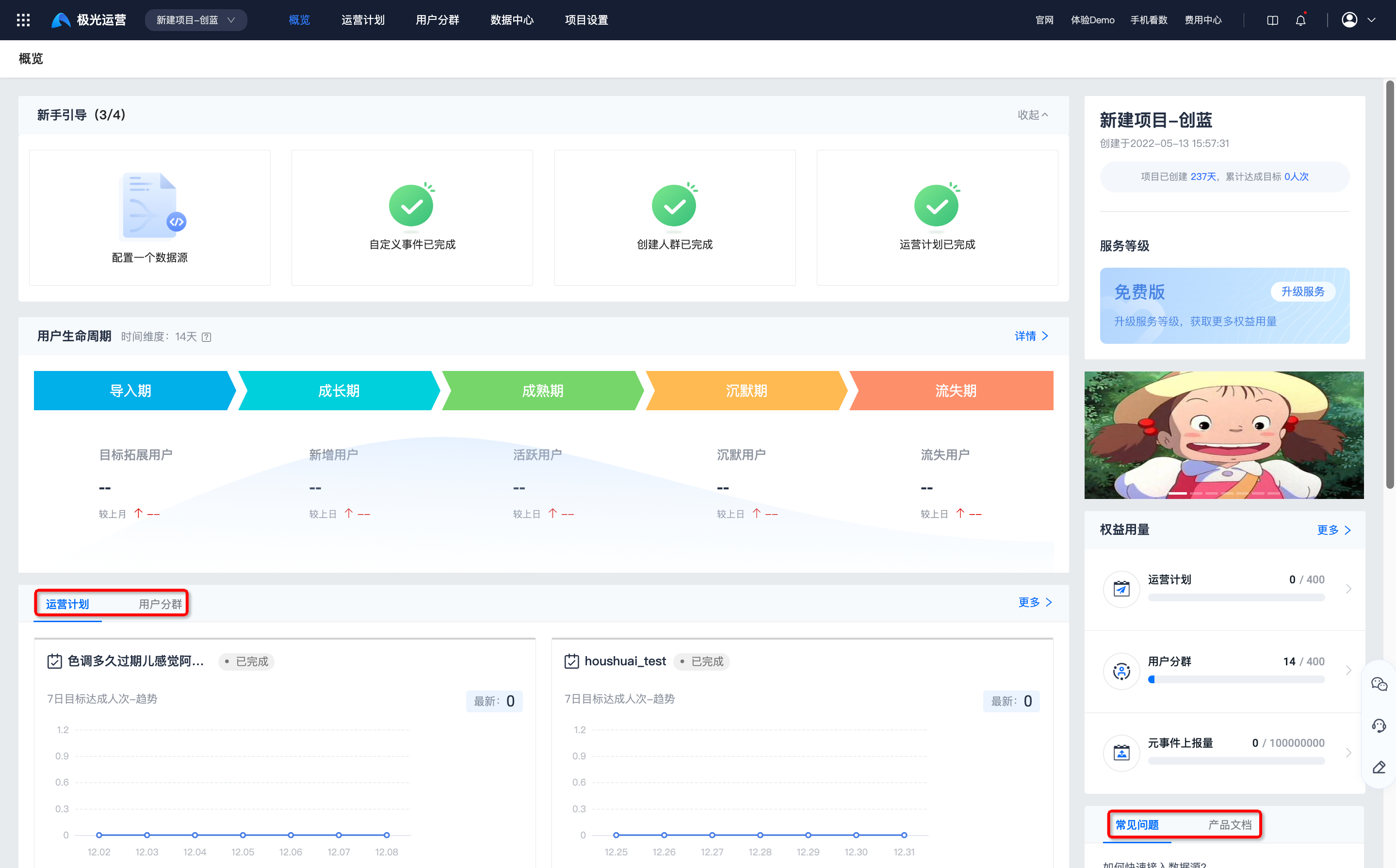
- After each step, the onboarding guide marks it complete. The guide can be collapsed or expanded.
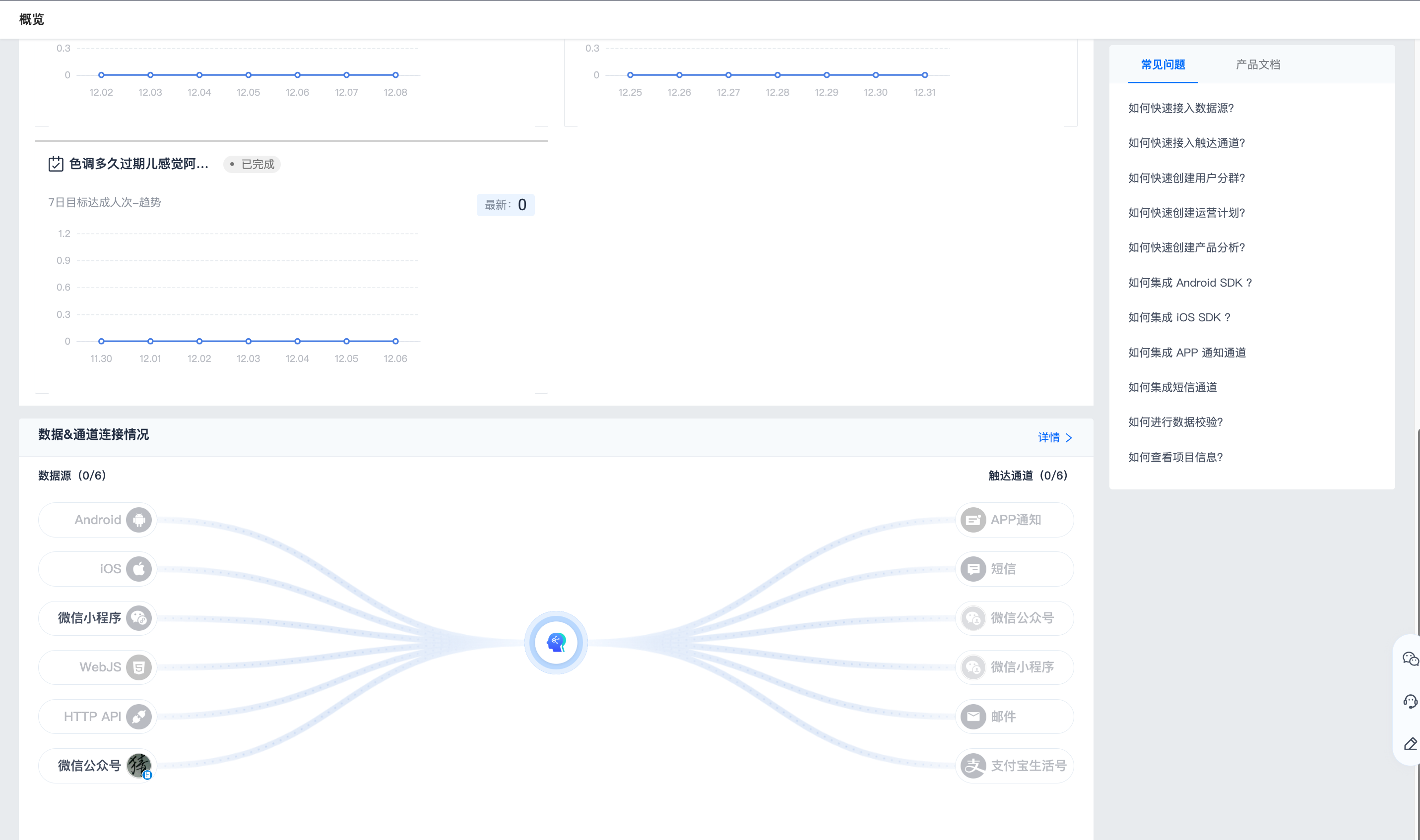
- After configuration, the overview shows lifecycle, operation plans, user segments, service level, quota usage, FAQ, product docs, and data & channel connection. Click each module for details.