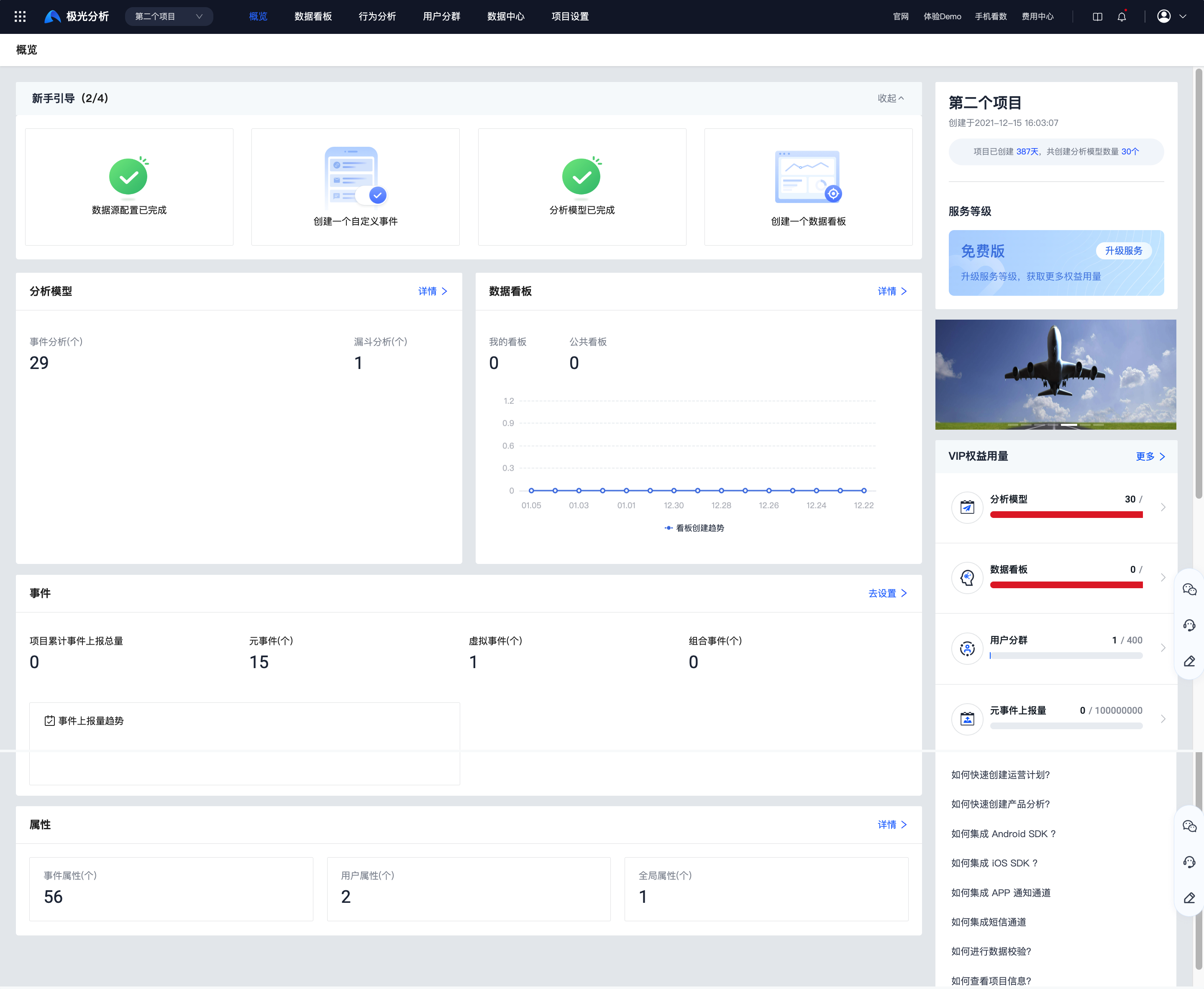
Overview
This document guides users through quickly getting started with Jiguang Analytics. The steps are as follows:
- Configure a data source
- Create a custom event
- Create an analysis model
- Create a dashboard
Configure Data Source
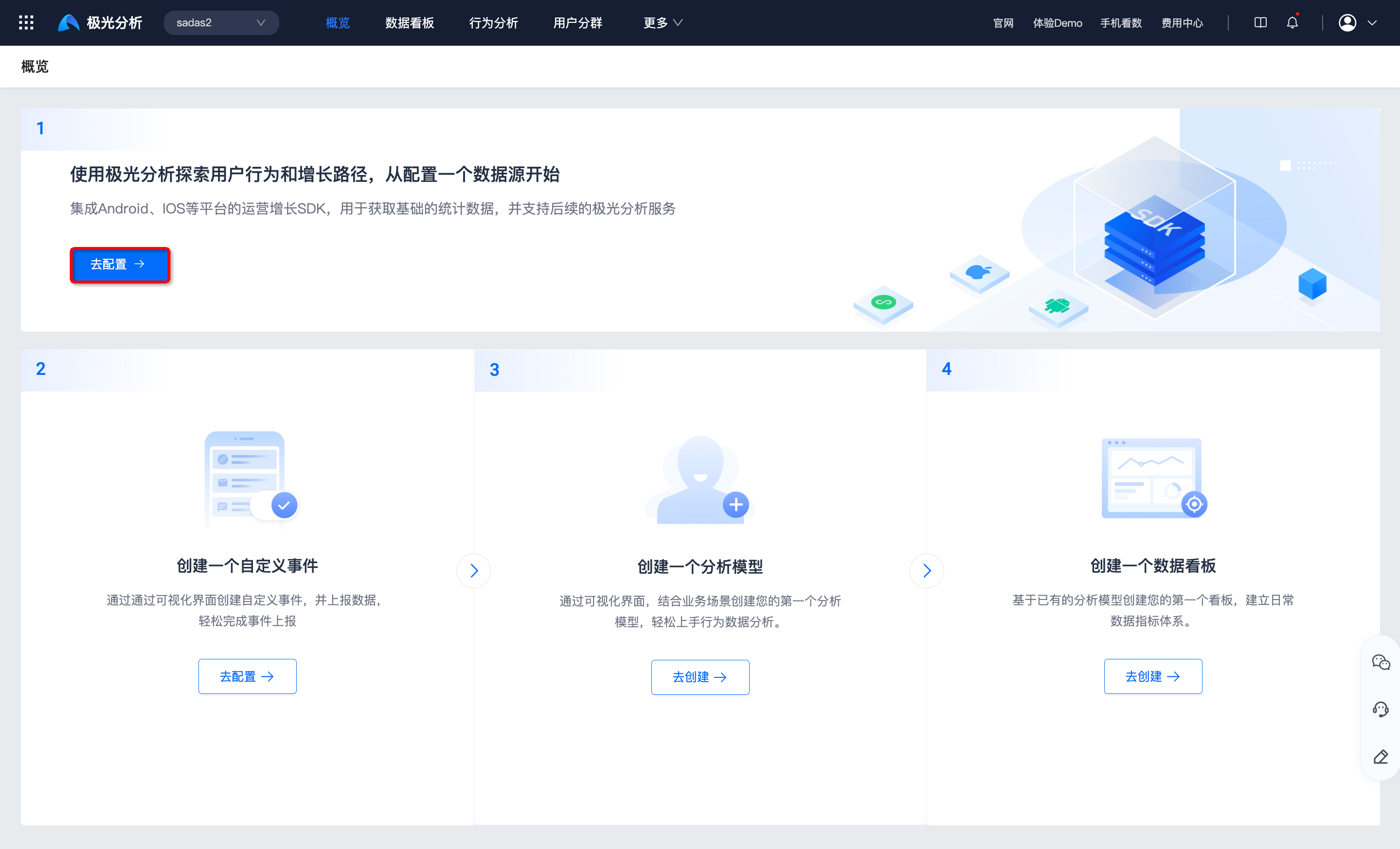
To use Jiguang Analytics to explore user behavior and growth paths, you must first configure a data source. By integrating SDKs for platforms such as Android, iOS, and Web, you can obtain basic statistical data and provide subsequent services for Jiguang Analytics.
Click Configure to go to the data source configuration page.
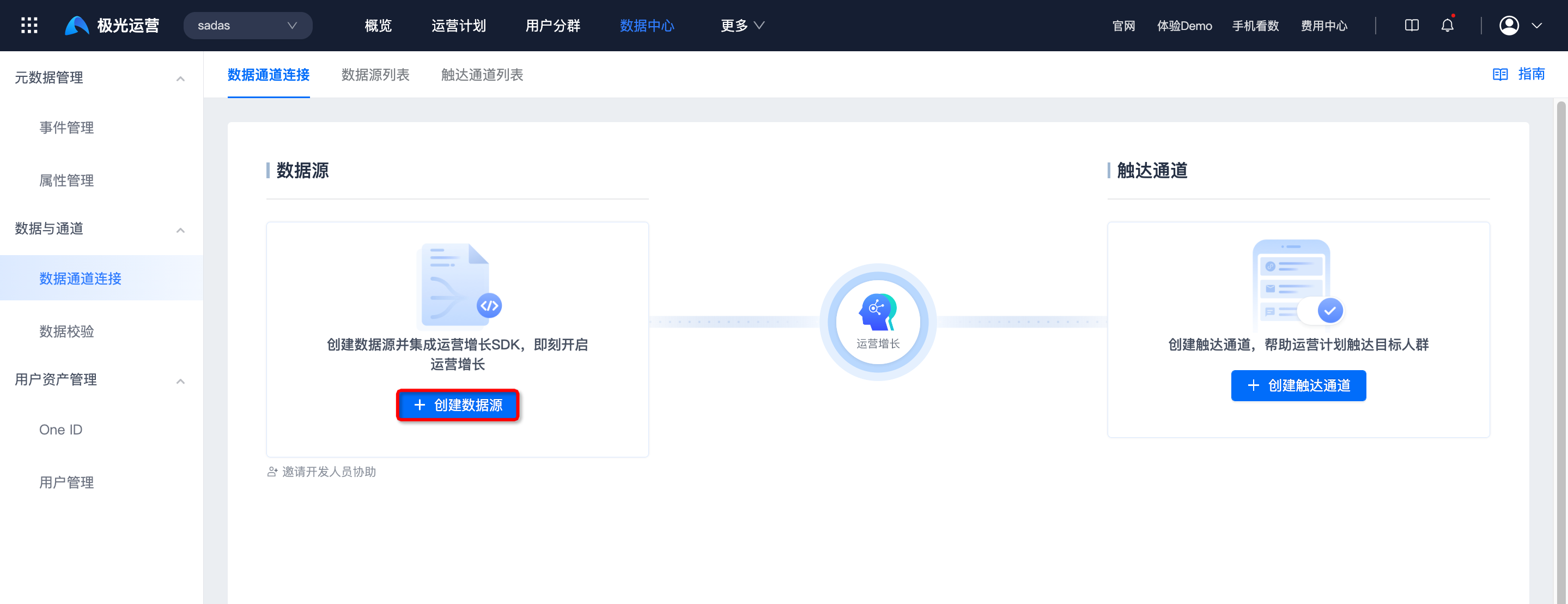
Click Create Data Source to create a data source for the corresponding platform. For details, see the Data Source Integration Guide.
Create Custom Event
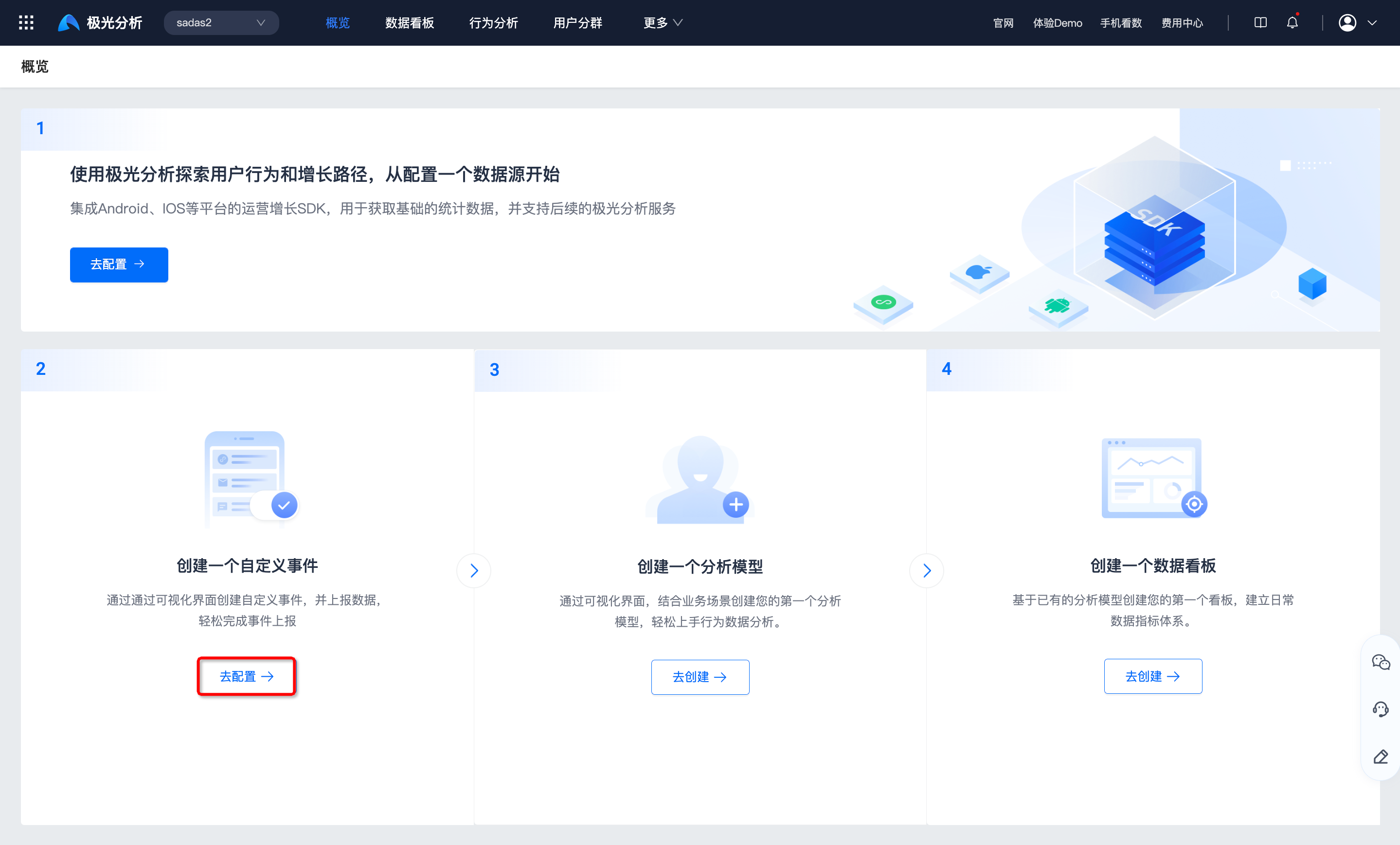
Create custom events through the visual interface and report data to easily complete event reporting.
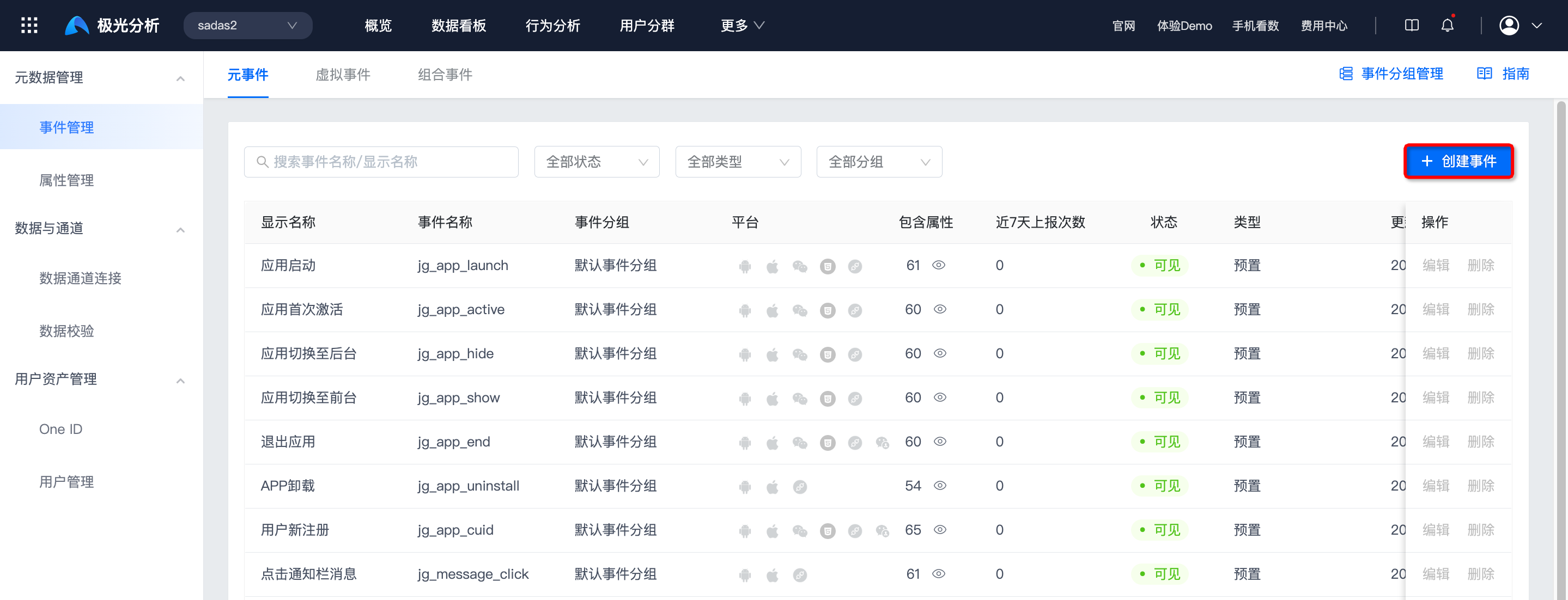
Click Configure to go to Data Center -> Metadata Management -> Event Management.
Click Create Event to create an event. For details, see Public Module - Event Management Documentation.
Create Analysis Model
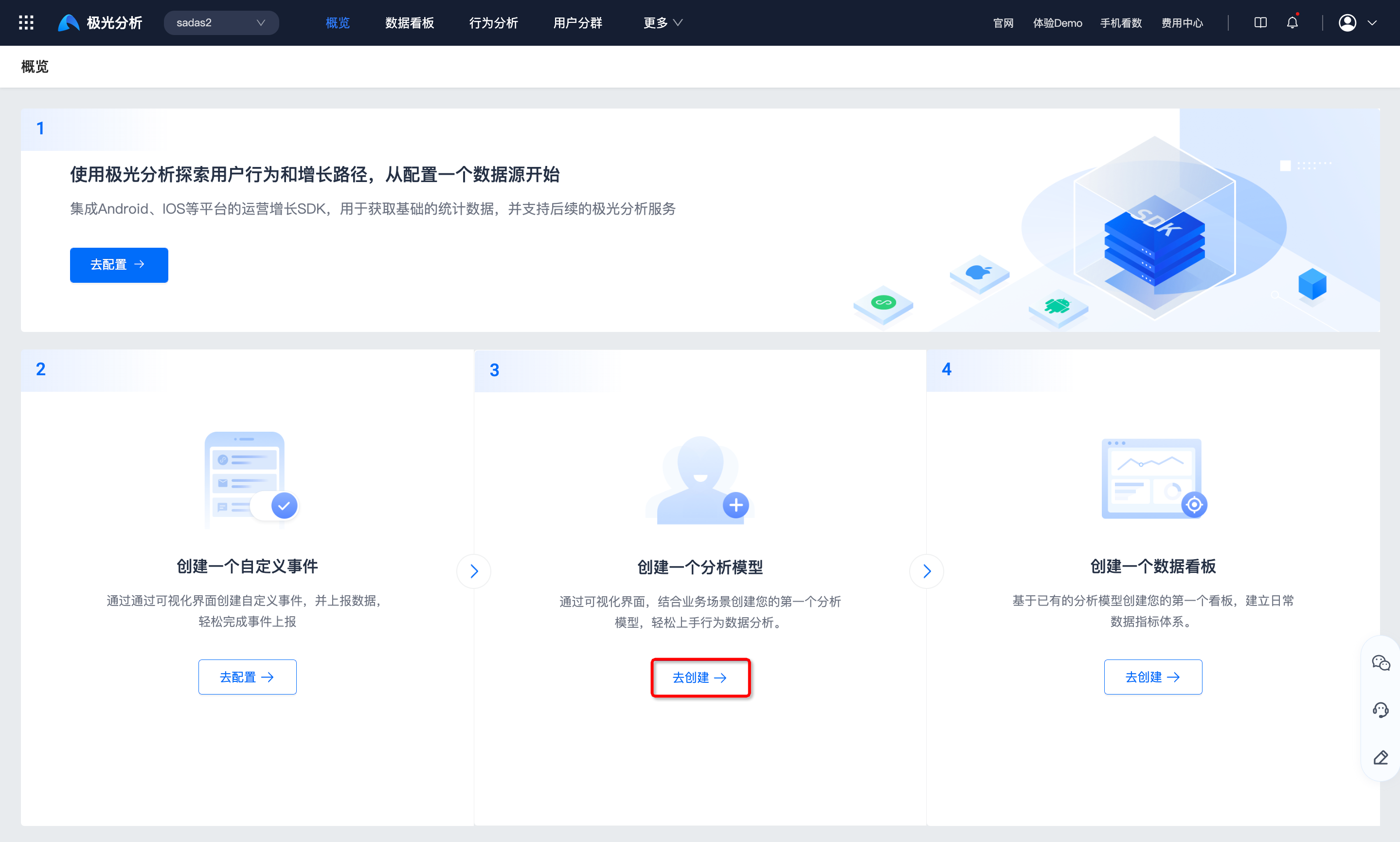
Through the visual interface, create your first analysis model based on business scenarios and easily get started with behavior data analysis.
Click Create to go to the behavior analysis page.
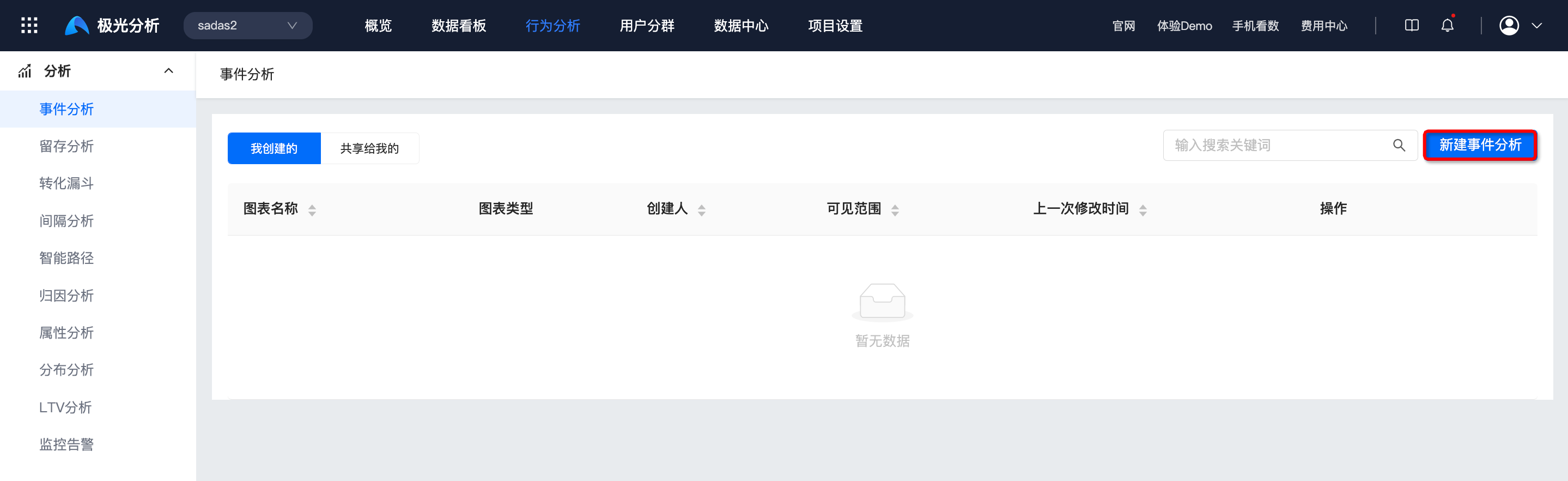
Select an analysis model and click New XXXX to create the model. For details, see the Behavior Analysis documentation.
Create Dashboard
Create your first dashboard based on existing analysis models and establish a daily data metrics system.
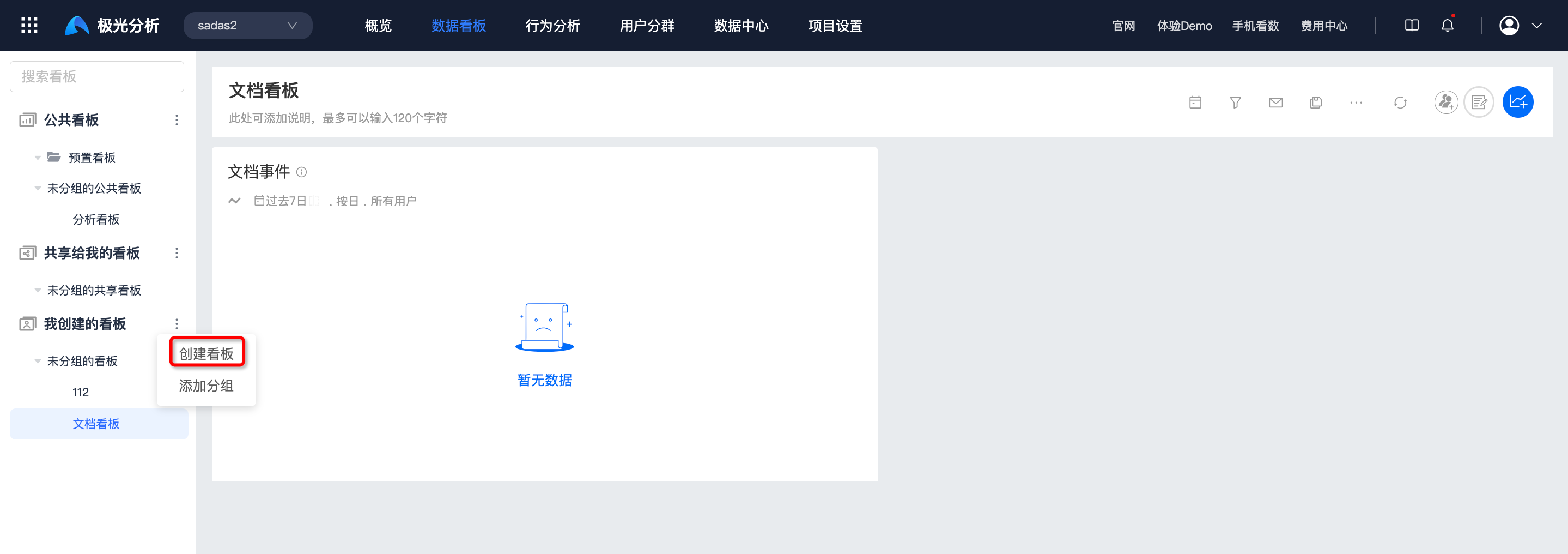
Click Create to go to the dashboard page.
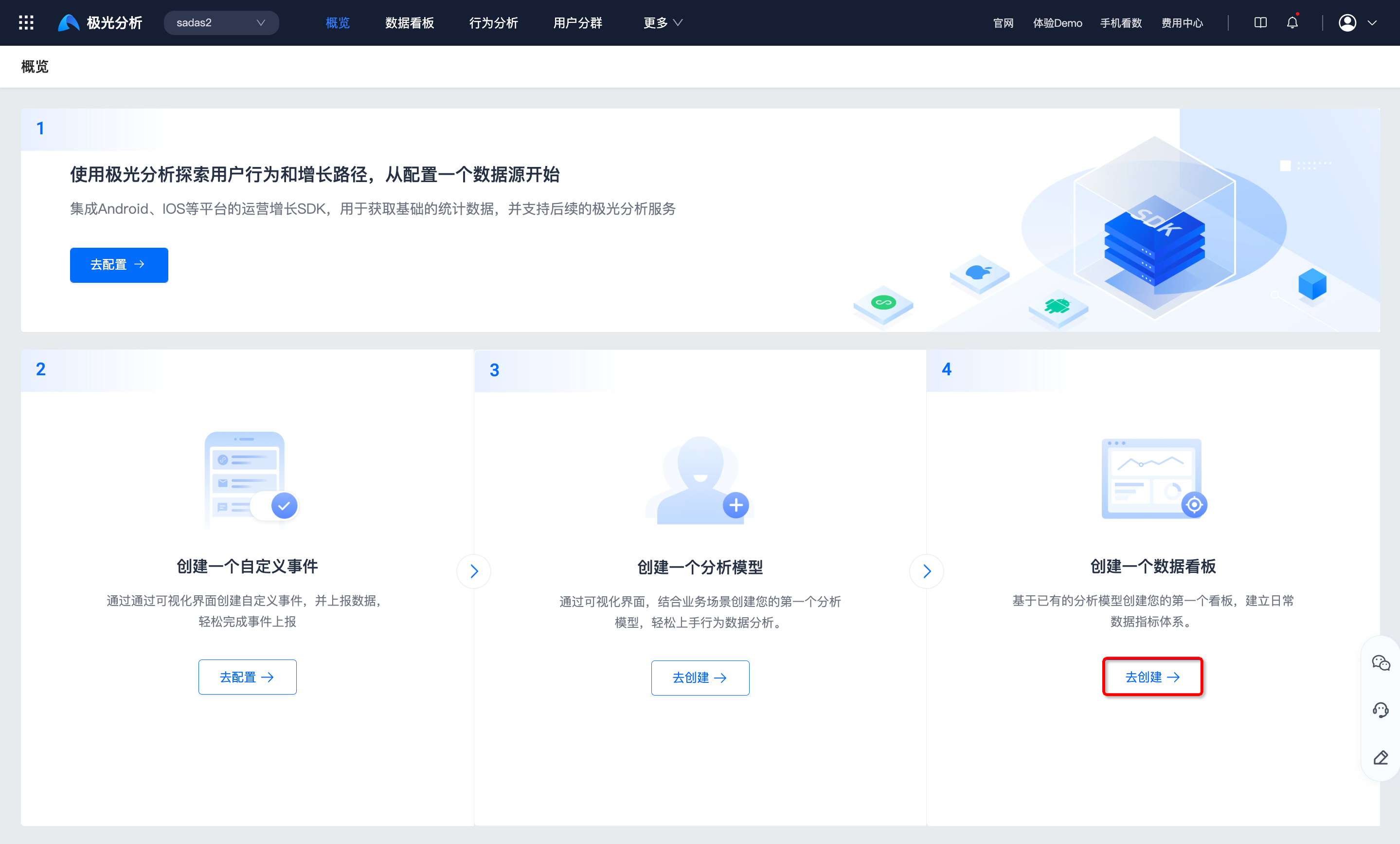
Click More -> Create Dashboard to create one. For details, see the Dashboard documentation.
Overview Details
- After each configuration is completed, the beginner guide shows the configuration as complete. The beginner guide supports collapsing and expanding.
- After one configuration is completed, the overview page displays modules such as analysis models, dashboards, events, attributes, FAQs, and product documentation. Click each module to view details.