Verification Statistics
This document guides users on how to view and export statistics for one-click login, number verification, and business risk control.
- Authentication balance: remaining available count for Jiguang Verification service, shared by all apps under the current developer account.
- Consumption: the number of authentication results that are consistent or inconsistent. These two result types are billed; unknown results are not billed.
One-Click Login Statistics
One-Click Login Overview
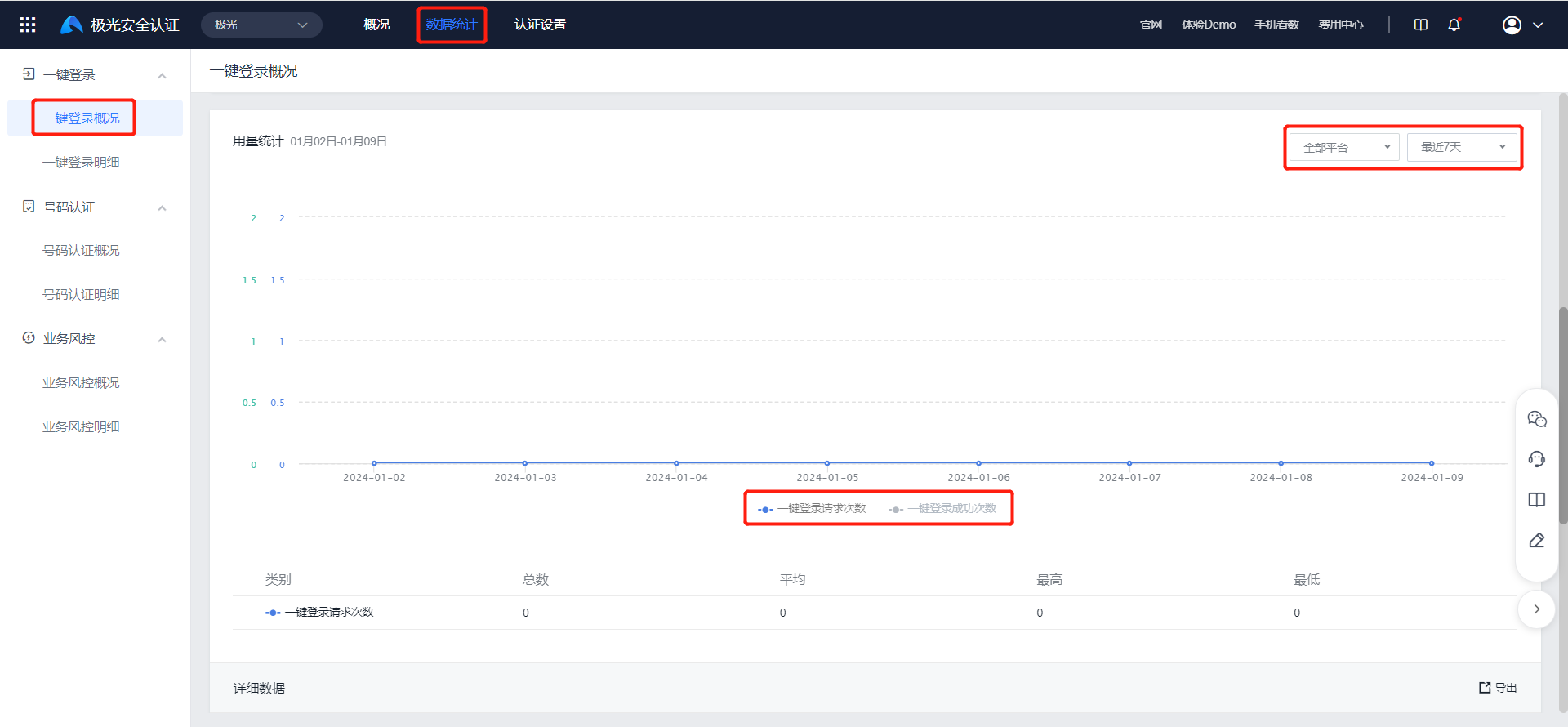
Go to [One-Click Login] - [One-Click Login Overview] to view the overview, usage trend chart, and detailed data for one-click login.
Filtering by platform and time is supported. Data from up to the most recent year can be viewed.
Click the gray categories below the coordinates, and the trend chart and table will add data for that category.
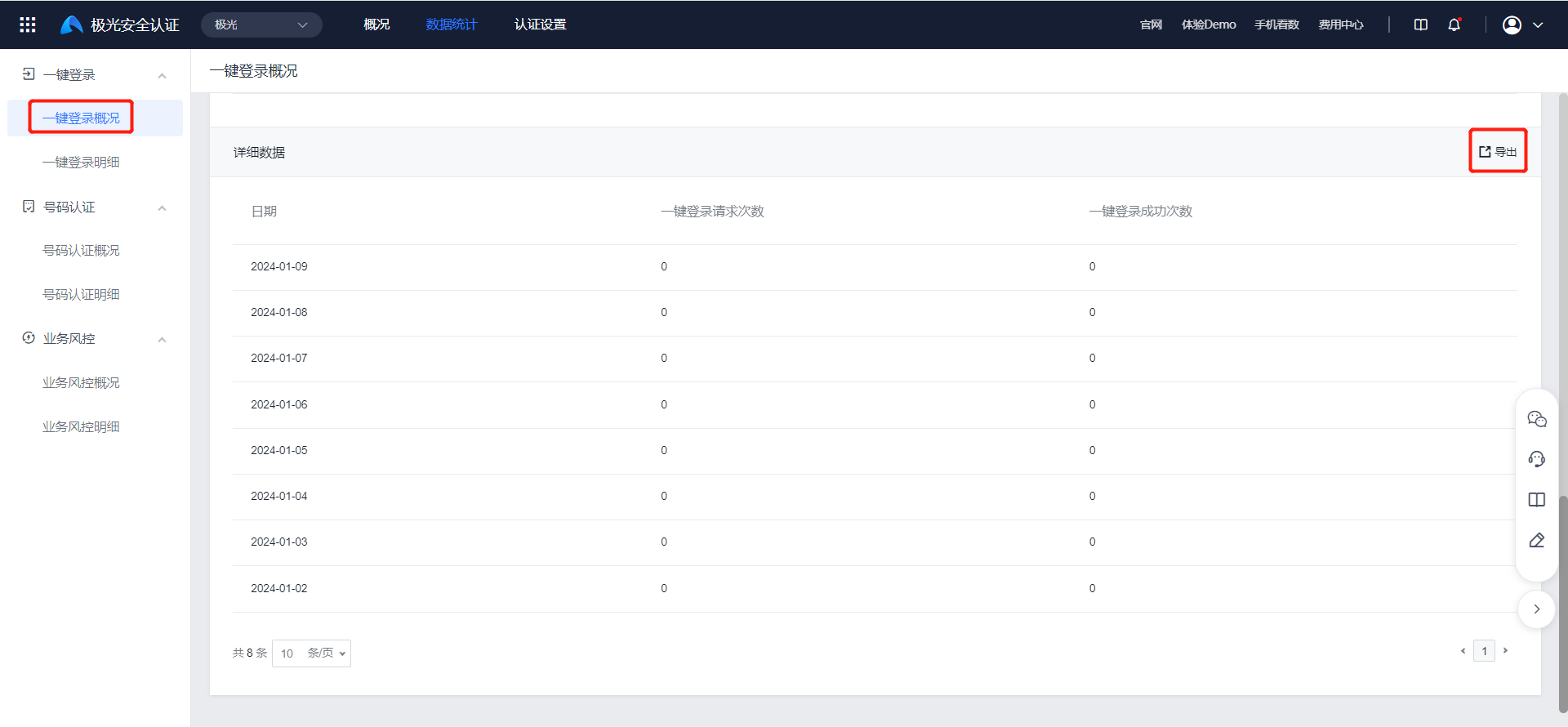
Click "Export" to export detailed data for filtered one-click login request counts and success counts.
One-Click Login Details
Go to [One-Click Login] - [One-Click Login Details] to view customer authentication details for one-click login. Filtering by platform, carrier, billing status, and date is supported, with data from up to the most recent year.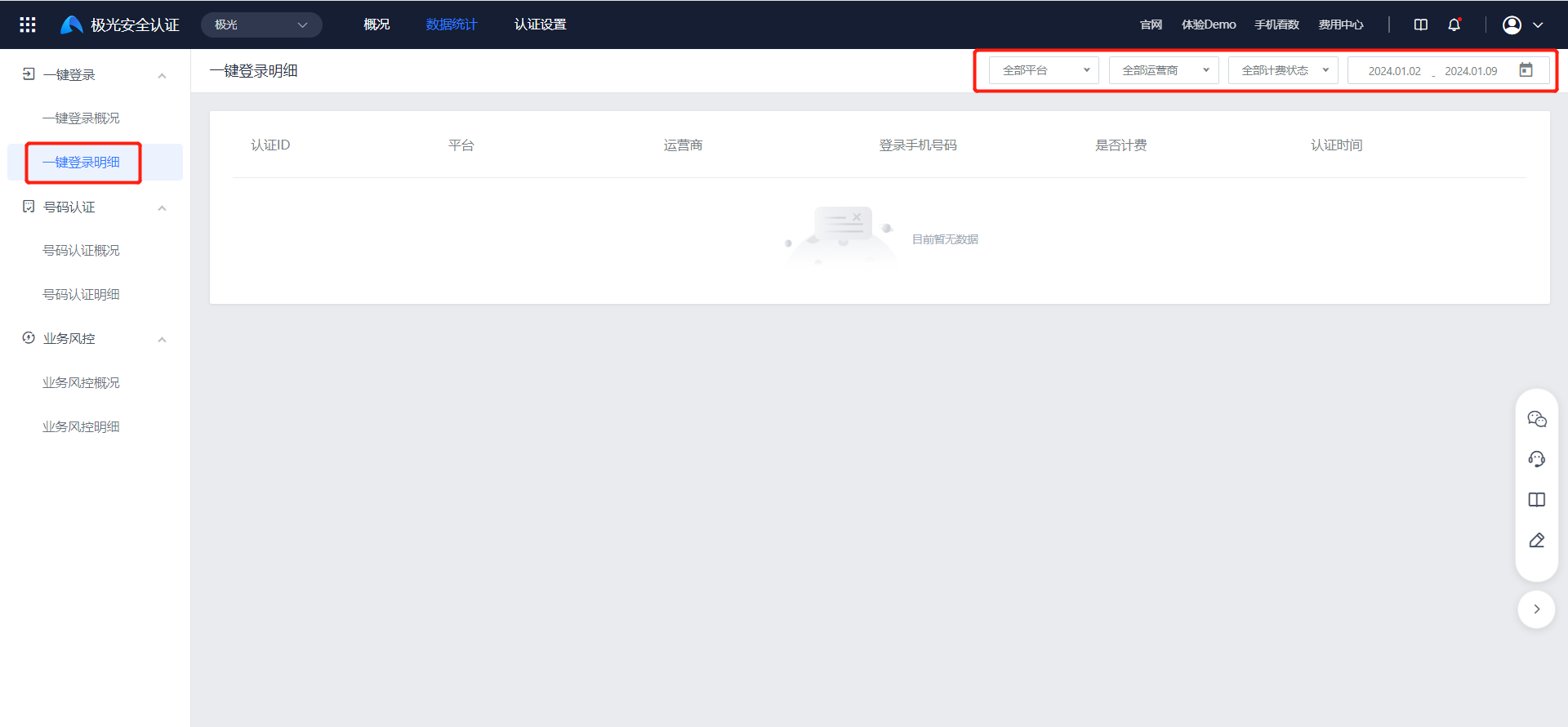
Number Verification Statistics
Number Verification Overview
Go to [Number Verification] - [Number Verification Overview] to view the overview, usage trend chart, and detailed data for number verification.
- Filtering by platform and time is supported. Data from up to the most recent year can be viewed.
- Click the gray categories below the coordinates, and the trend chart and table will add data for that category.
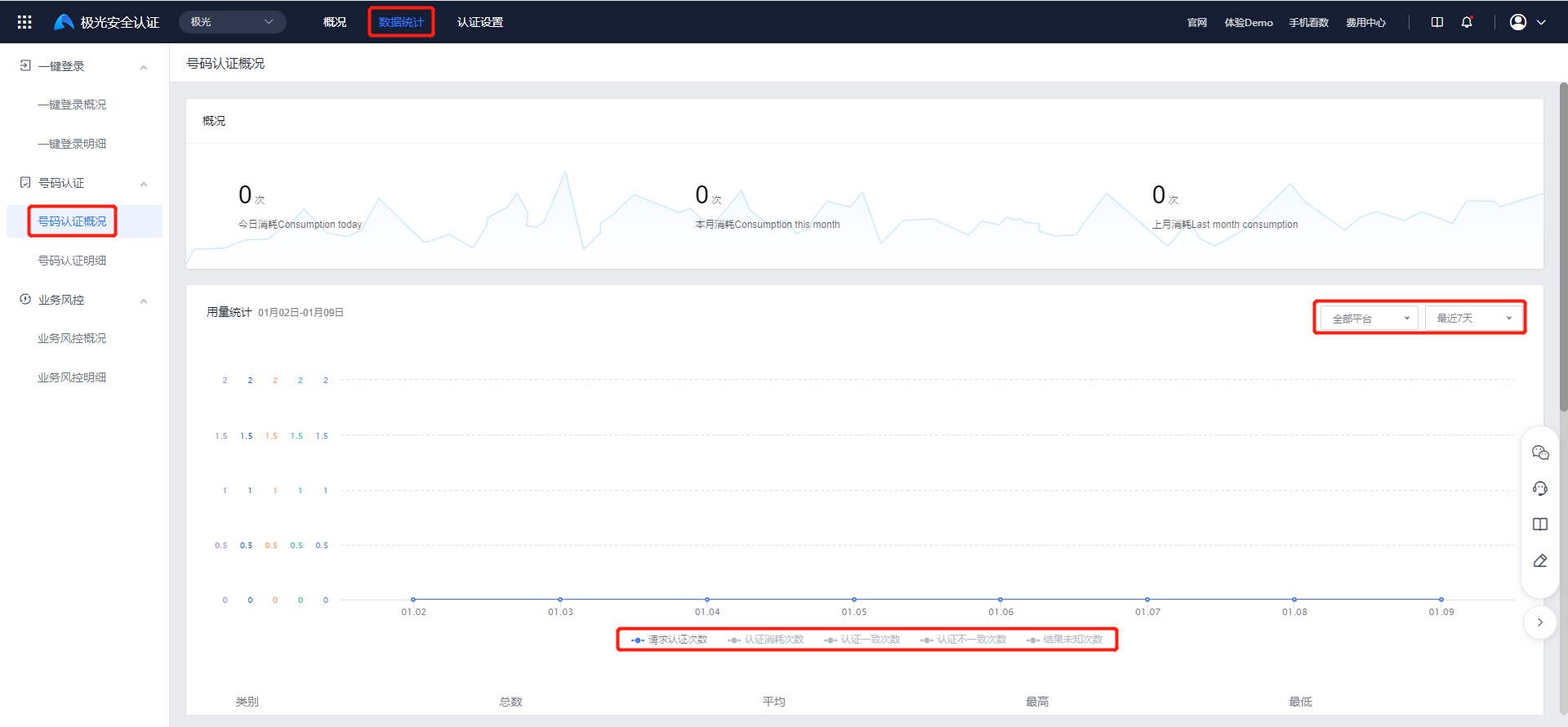
Detailed data includes number of verification requests, verification consumption count, consistent verification count, inconsistent verification count, and unknown result count. Click "Export" to export filtered detailed data.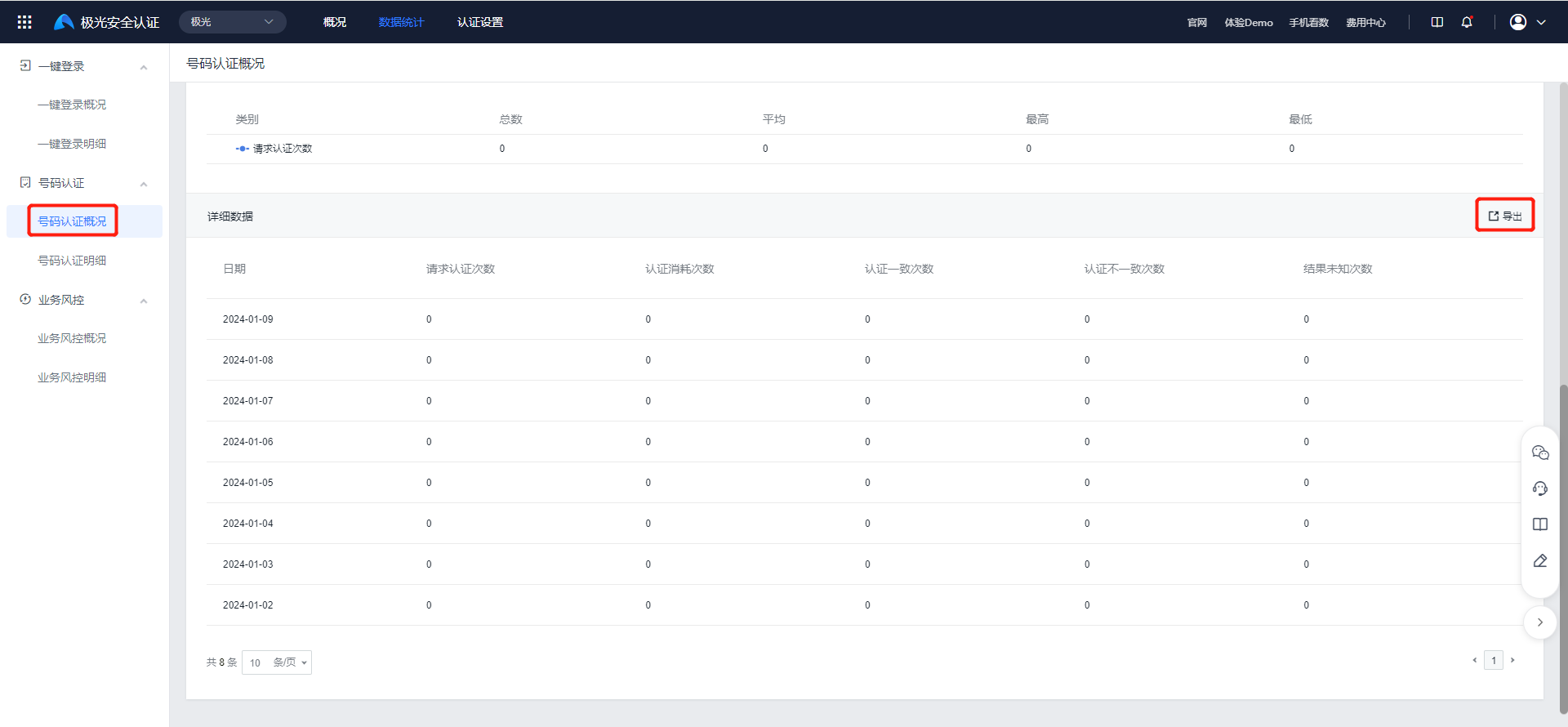
Number Verification Details
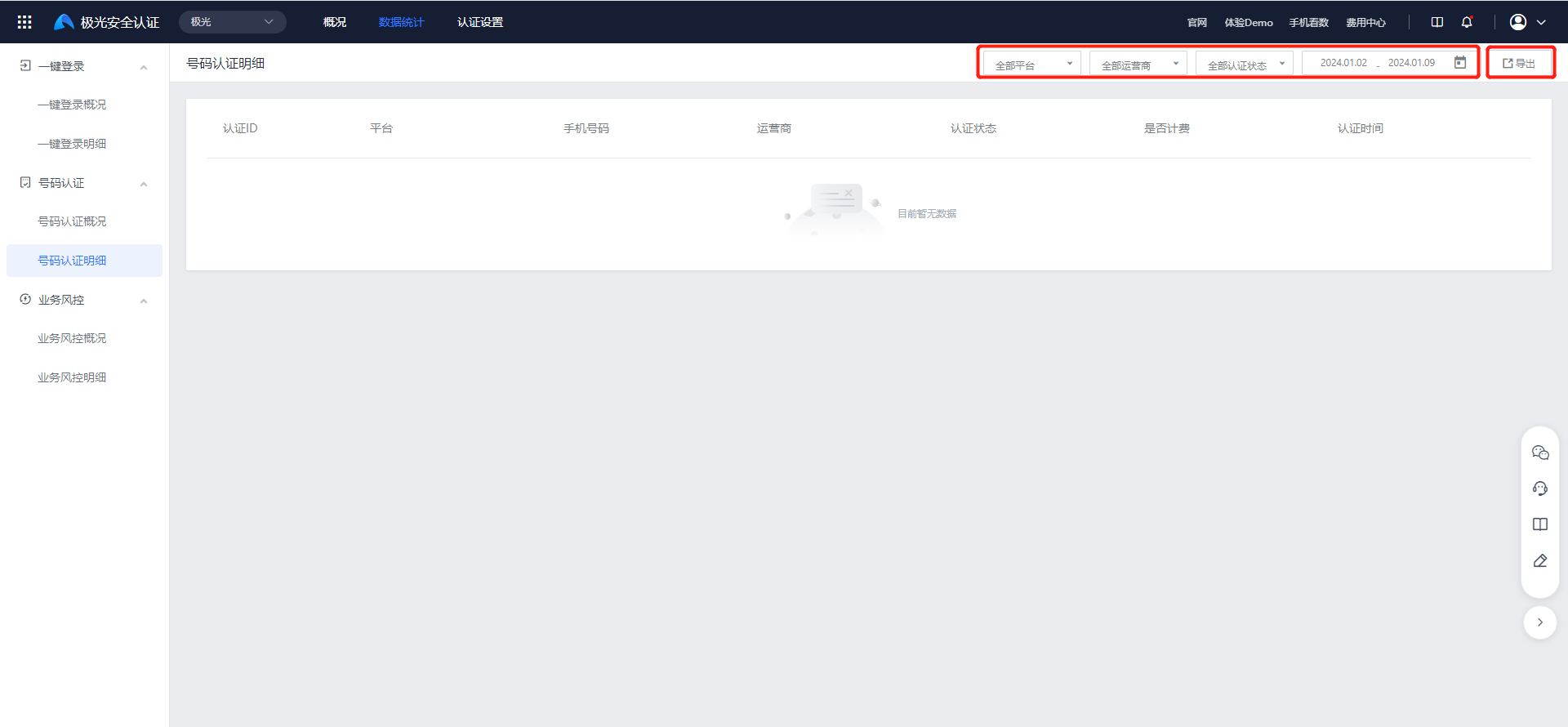
Go to [Number Verification] - [Number Verification Details] to view customer authentication details for number verification.
- Filtering by platform, carrier, authentication status, and date is supported, with data from up to the most recent year.
- Click "Export" to export filtered data.
- As long as the number verification API call succeeds, it is billed regardless of whether the number verification result is consistent.
Business Risk Control Statistics
Business Risk Control Overview
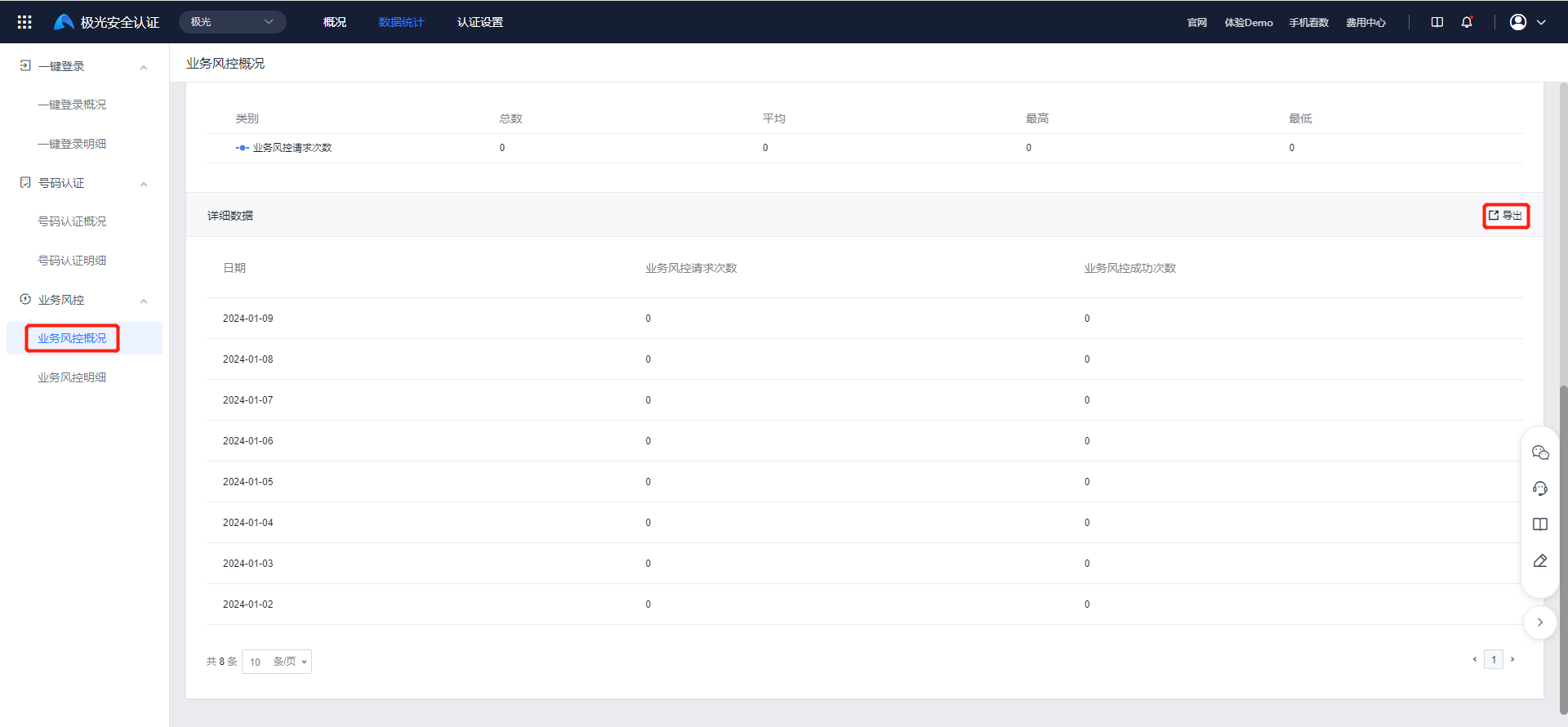
Go to [Business Risk Control] - [Business Risk Control Overview] to view the overview, usage trend chart, and detailed data for business risk control.
Filtering by platform and time is supported. Data from up to the most recent year can be viewed.
Click the gray categories below the coordinates, and the trend chart and table will add data for that category.
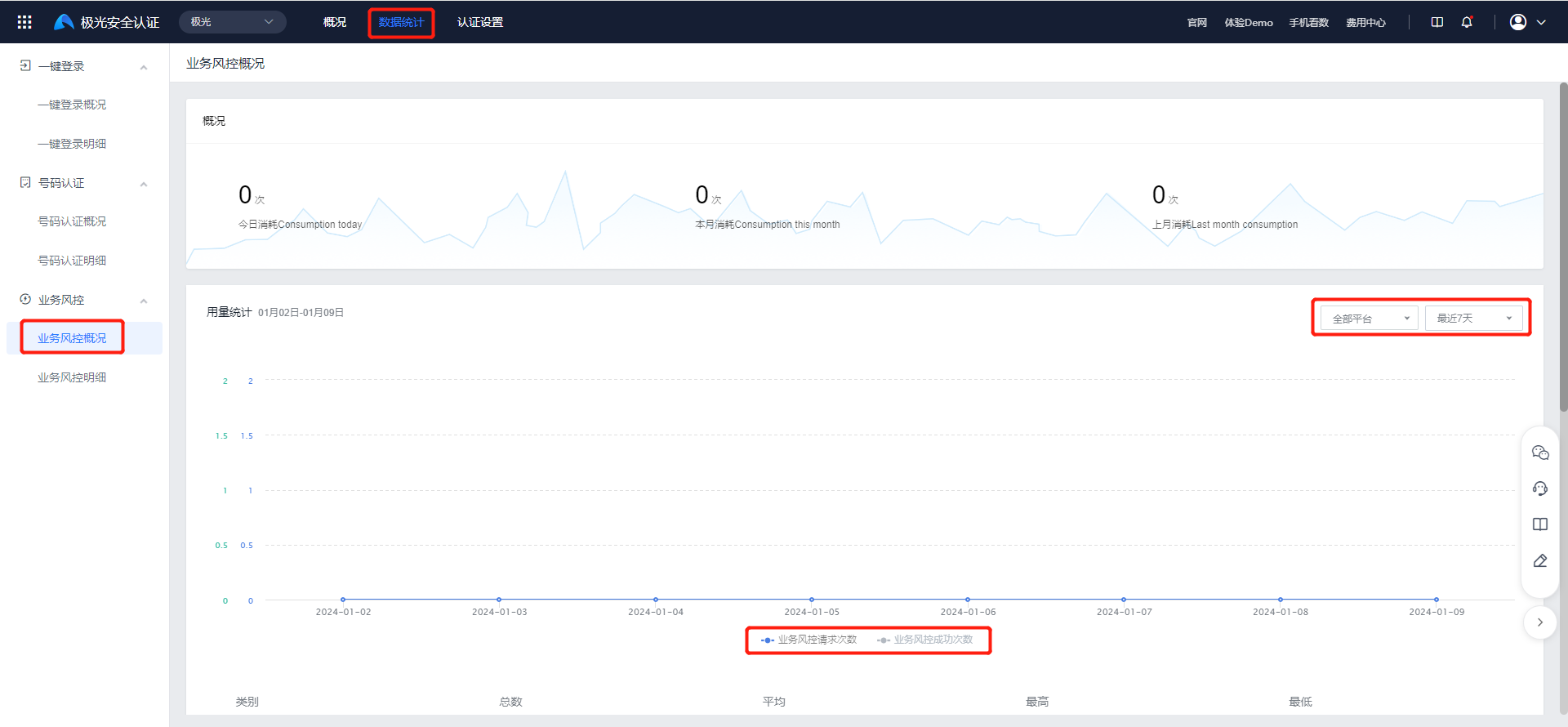
Click "Export" to export detailed data for business risk control request counts and success counts.
Business Risk Control Details
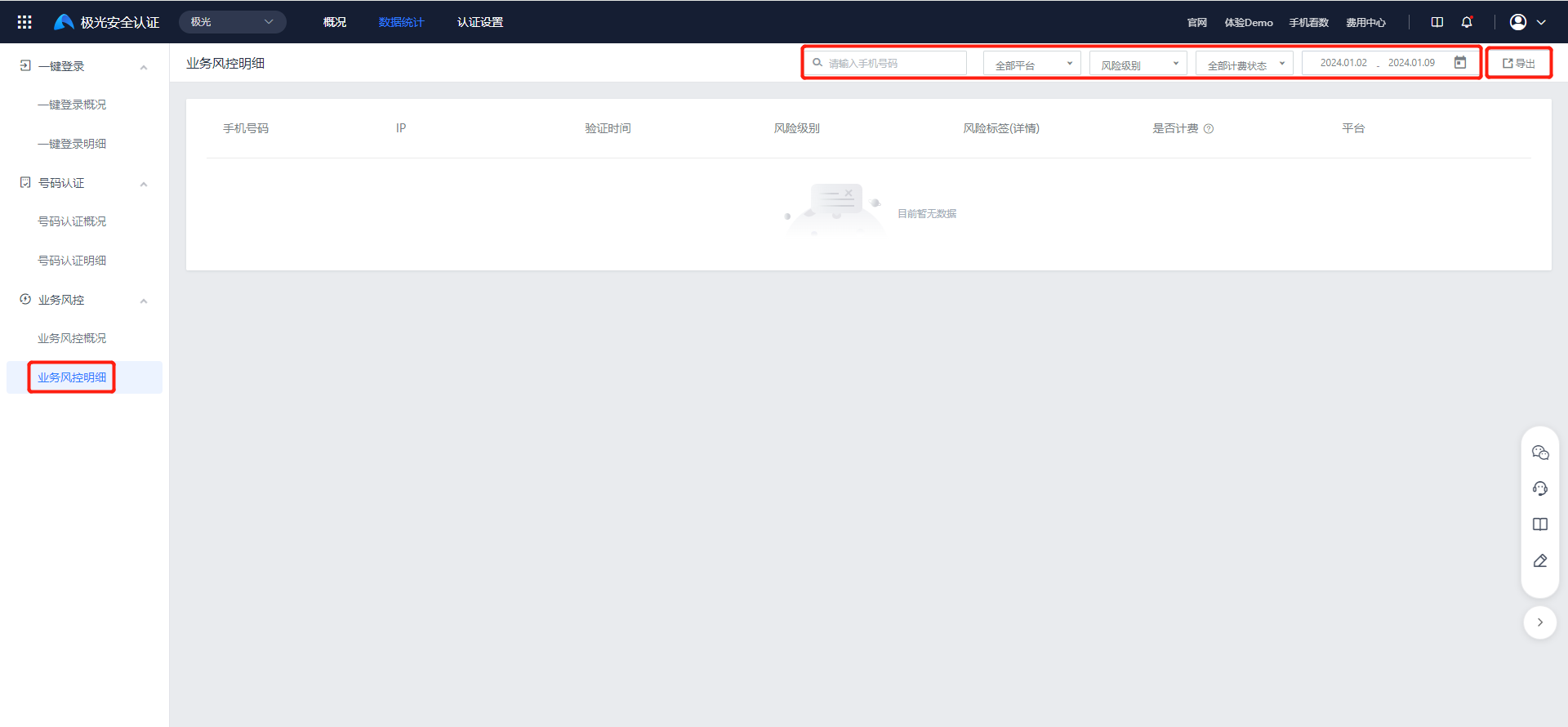
Go to [Business Risk Control] - [Business Risk Control Details] to view customer request details for business risk control.
- Filtering by mobile number, platform, risk level, billing status, and date is supported, with data from up to the most recent year.
- Click "Export" to export filtered data.