Integrate Demo in Three Minutes
This document helps developers who are new to Jiguang Verification run Jiguang Verification within a few minutes:
- Complete authentication configuration in the console.
- Install the demo on the client.
- Test one-click login and number verification on the client.
Prerequisites
You need to create a developer account, complete developer authentication, and complete authentication settings first. For details, see Enable Verification Service.
Download Jiguang Demo
Android Platform
On the platform/service integration page, click "Download SDK".
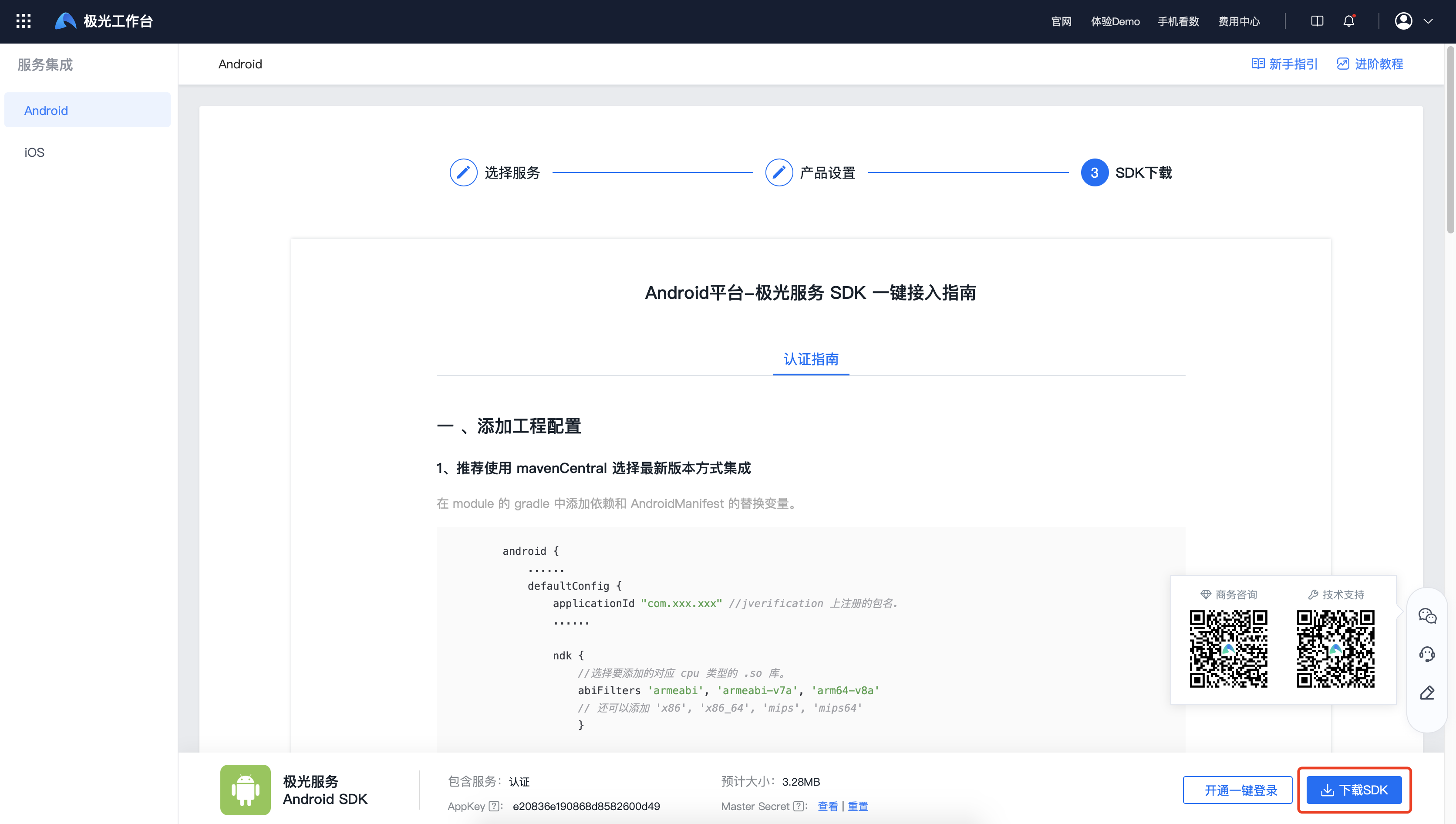
The downloaded SDK contains jiguang and jiguang-demo files. Import jiguang into jiguang-demo as an Import Module through AS. Import steps: AndroidStudio -> File -> New -> Import Module -> select jiguang.
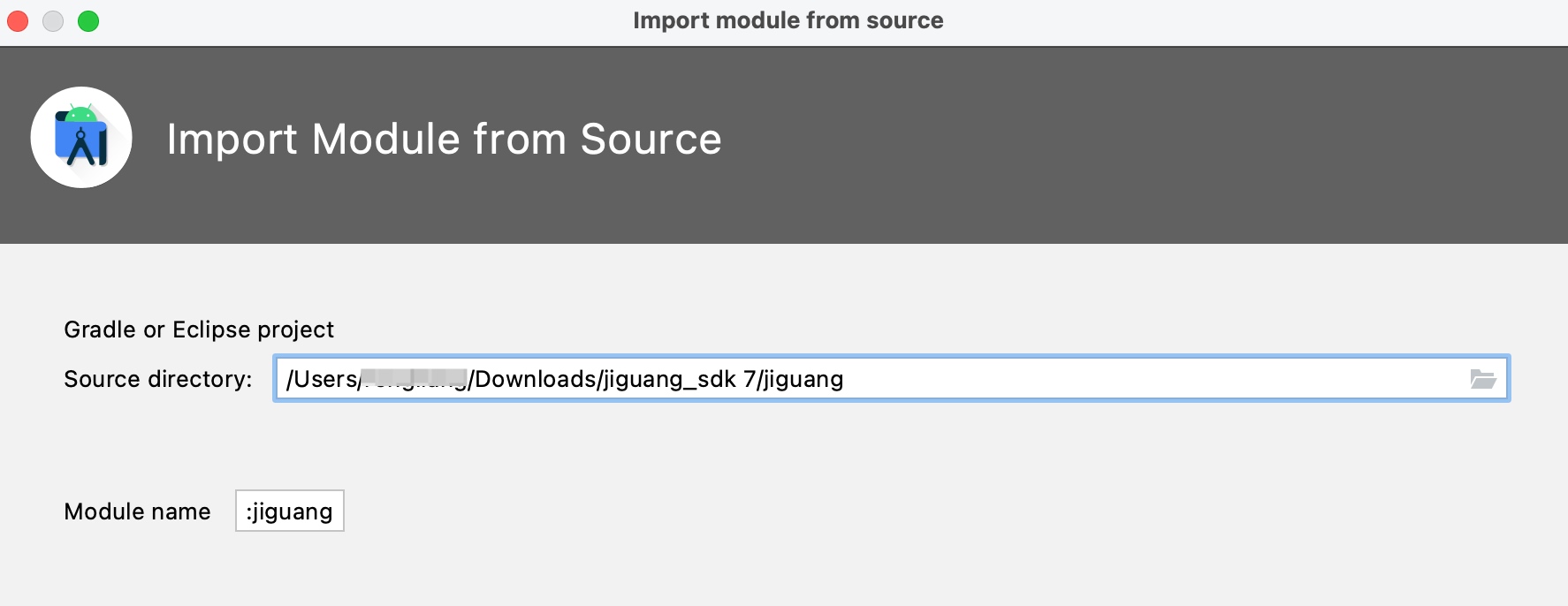
3. jiguang-demo has already configured the current app package name and AppKey. After compilation succeeds, it can be installed directly on the phone for client-side authentication service experience.
iOS Platform
Click "Download SDK" and run the app on the phone using Xcode.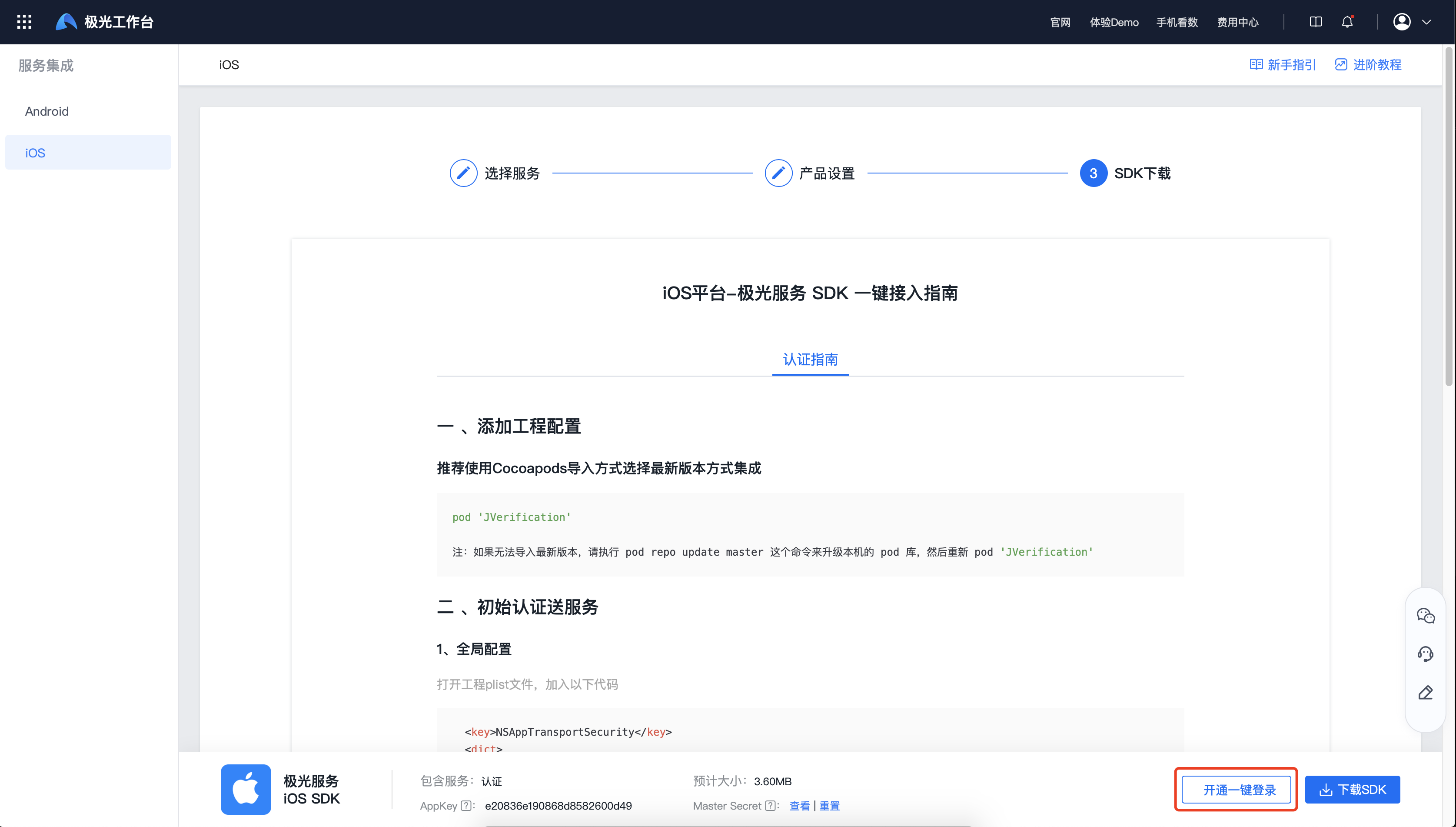
Quick Test
Install and open the sample app. After authorizing permissions, click "Jiguang Verification" to enter the authentication page, as shown below: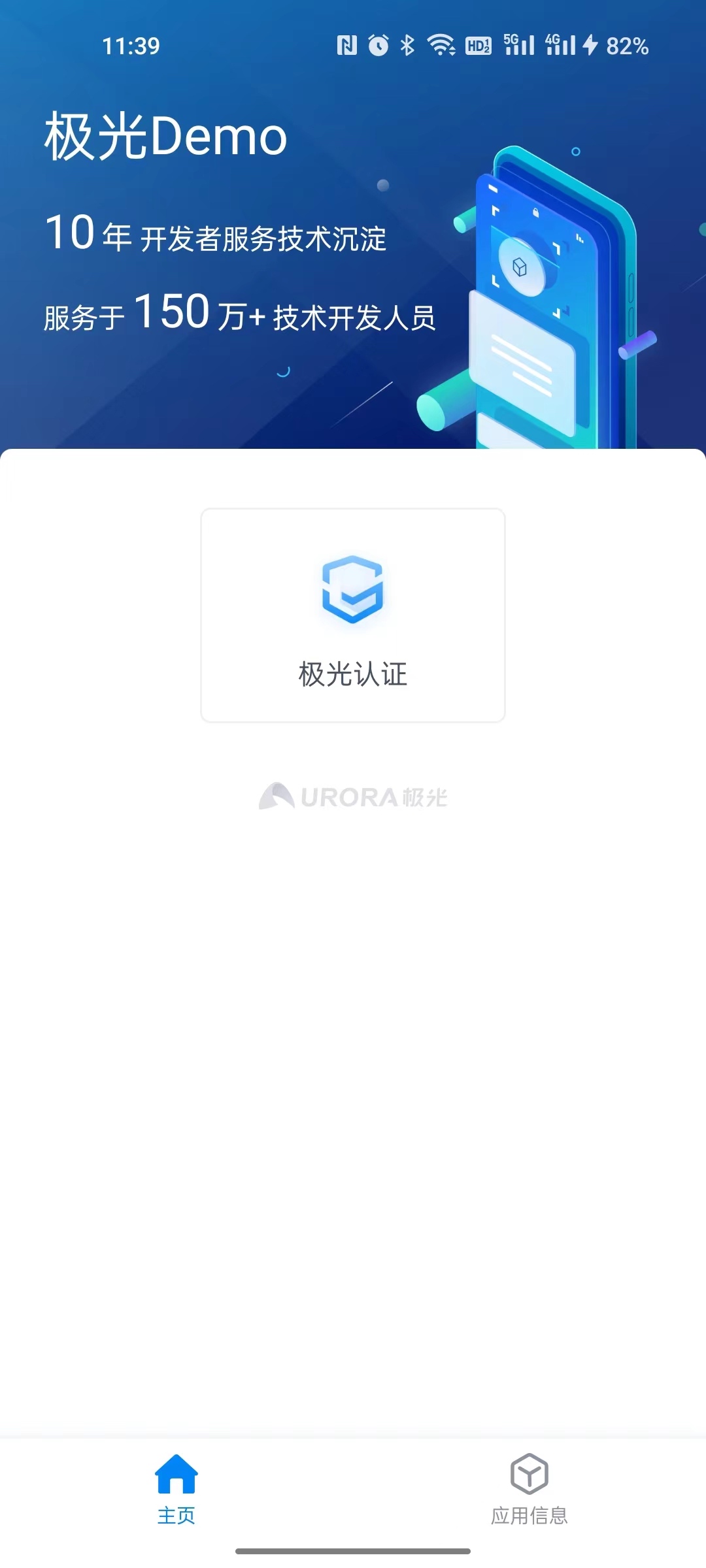
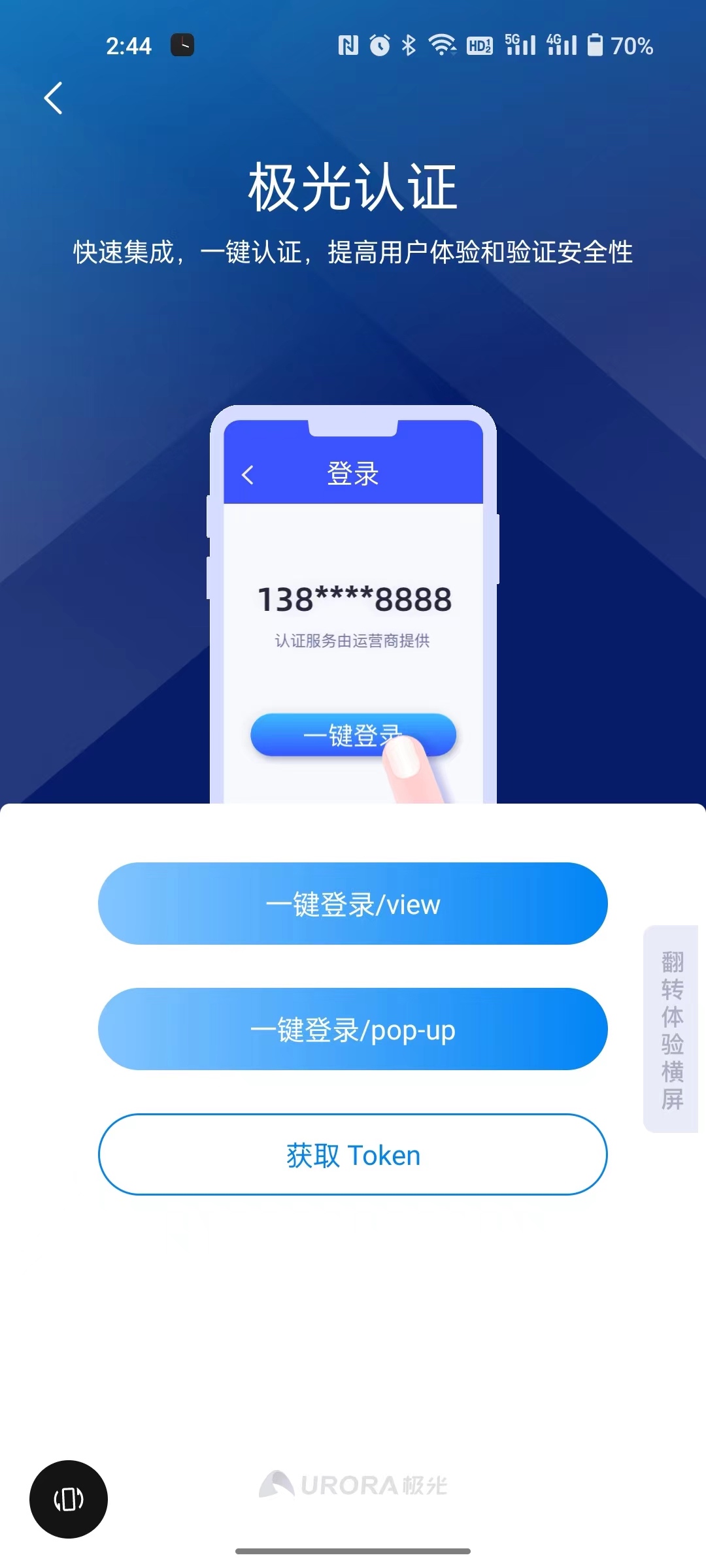
One-Click Login Flow
Click "One-click login/view" or "One-click login/pop" to enter the one-click login authorization page, then click "One-click login".
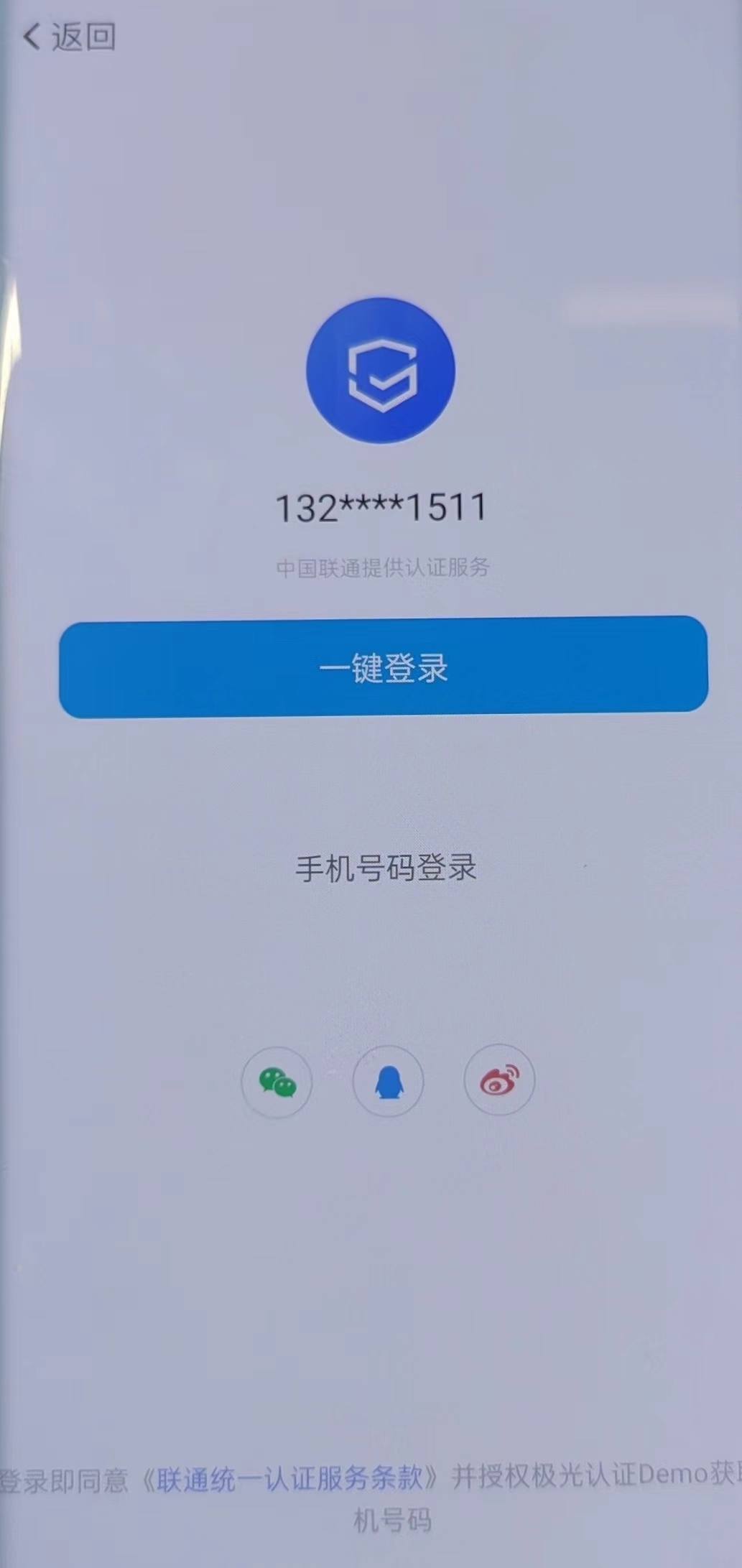
If the current network supports one-click login, the client can obtain loginToken after authorization.
Upload loginToken to the server. The server calls loginTokenVerify API to obtain the encrypted mobile number.
Use the private key corresponding to the public key configured in the Jiguang console to decrypt the encrypted mobile number.
After decryption, the plaintext mobile number can be obtained.

Number Verification Flow
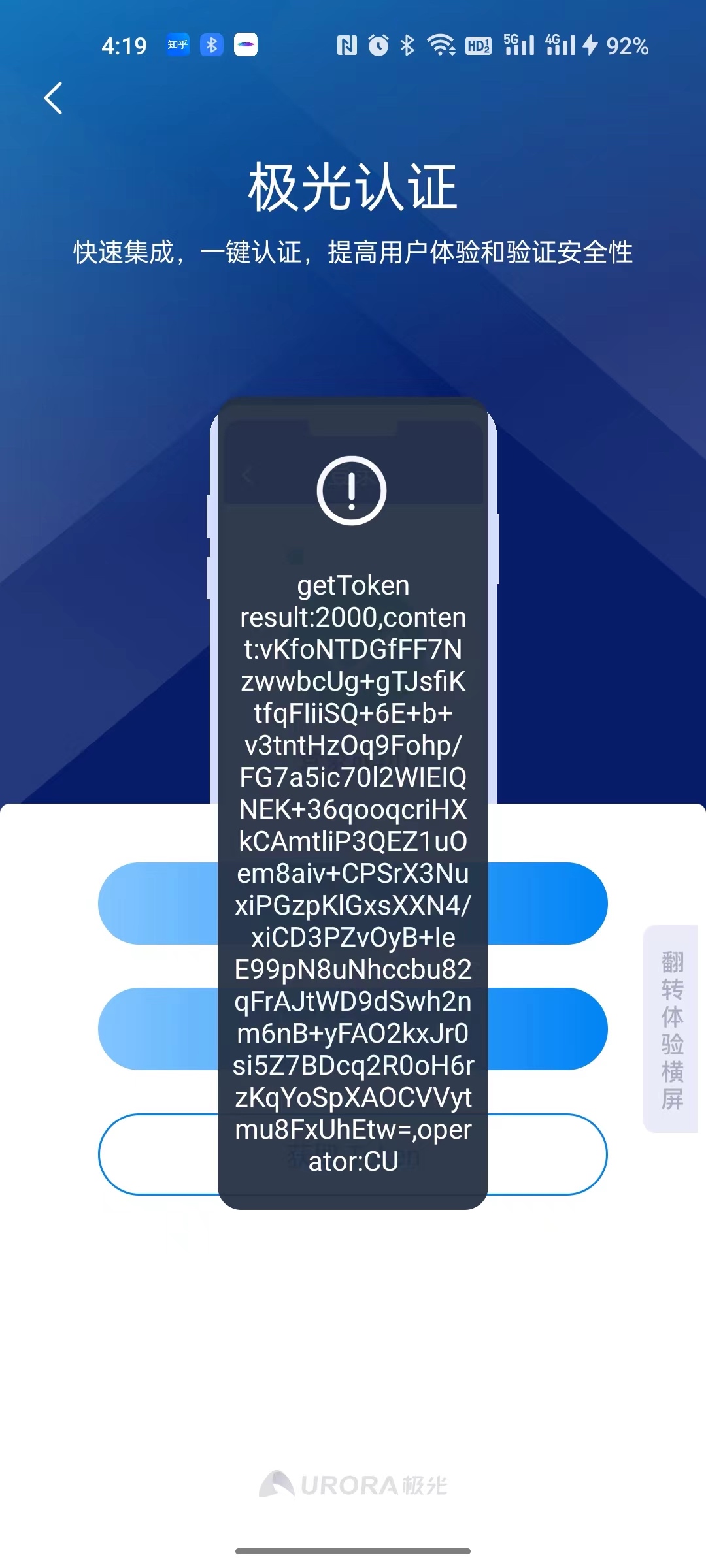
Click "Get Token". If data is returned as shown below, the number verification token has been obtained successfully.
Pass the obtained number verification token to the server. The server calls Verify API to verify whether the local number is consistent with the mobile number to be verified.
View Statistics
After completing one-click login, go to [Jiguang Verification] - [One-Click Login Details] to view detailed statistics.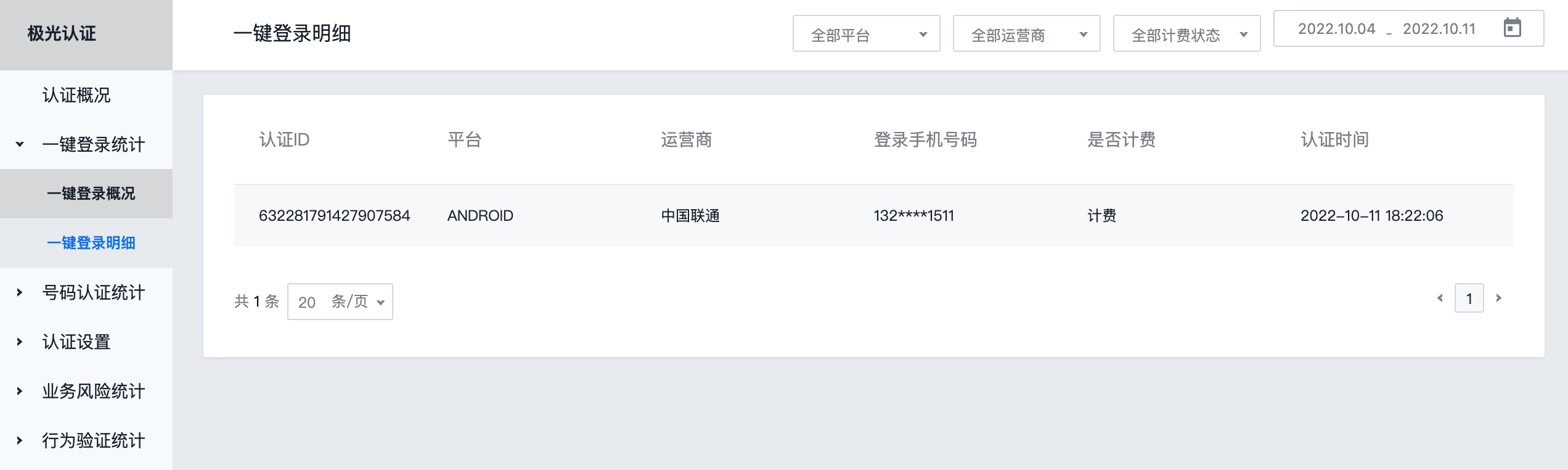
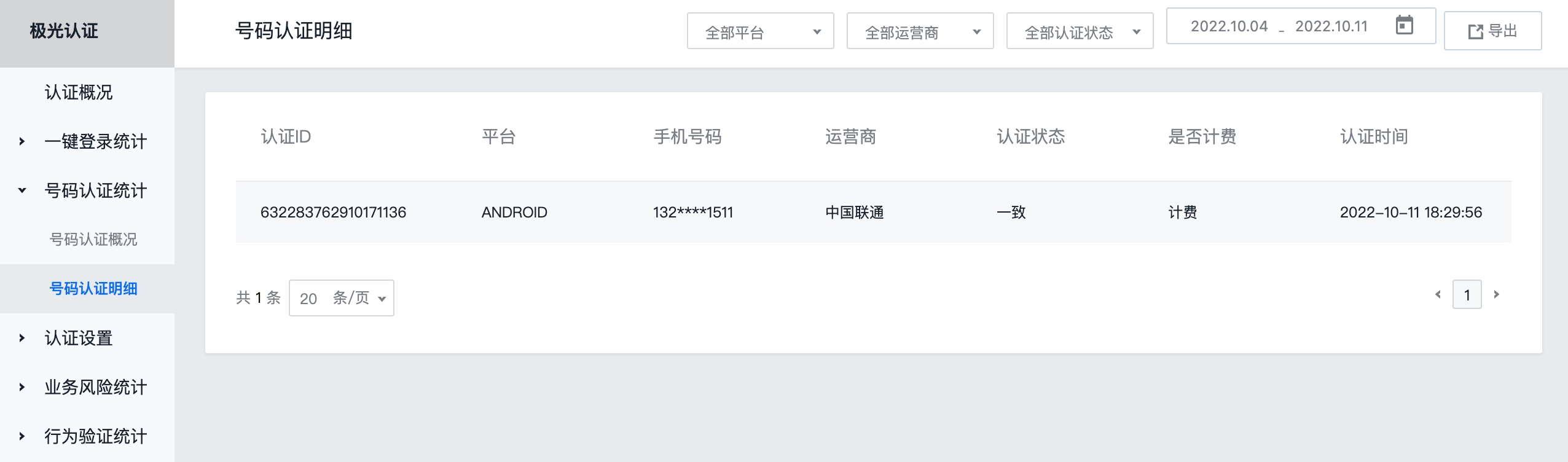
After completing number verification, go to [Jiguang Verification] - [Number Verification Details] to view detailed statistics.