


Role Management
Last updated:2023-02-21
Role Management
Go to [Project Permissions] - [Role Management] to view all roles, permission details for roles, and role member lists.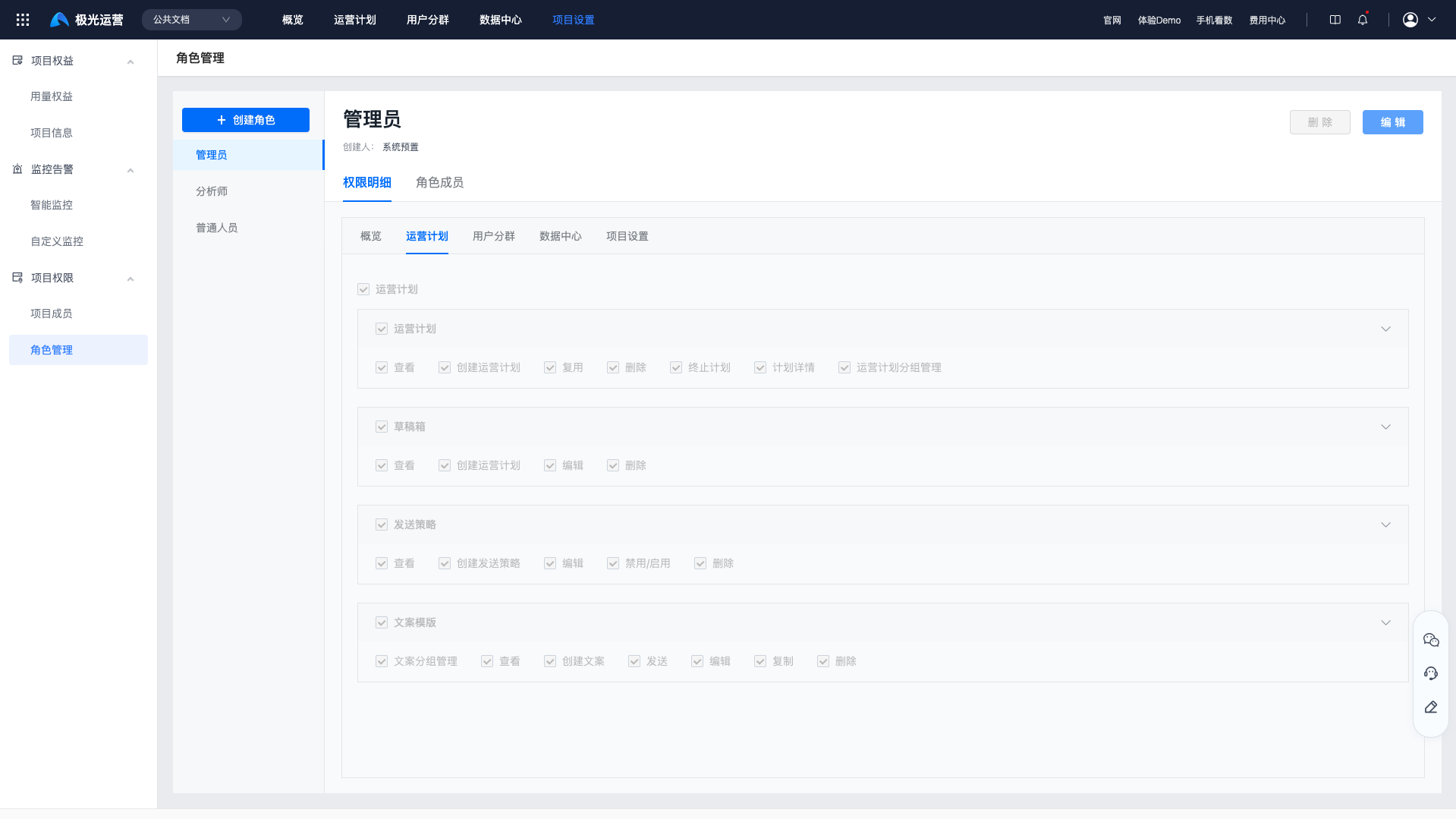
Create a Role
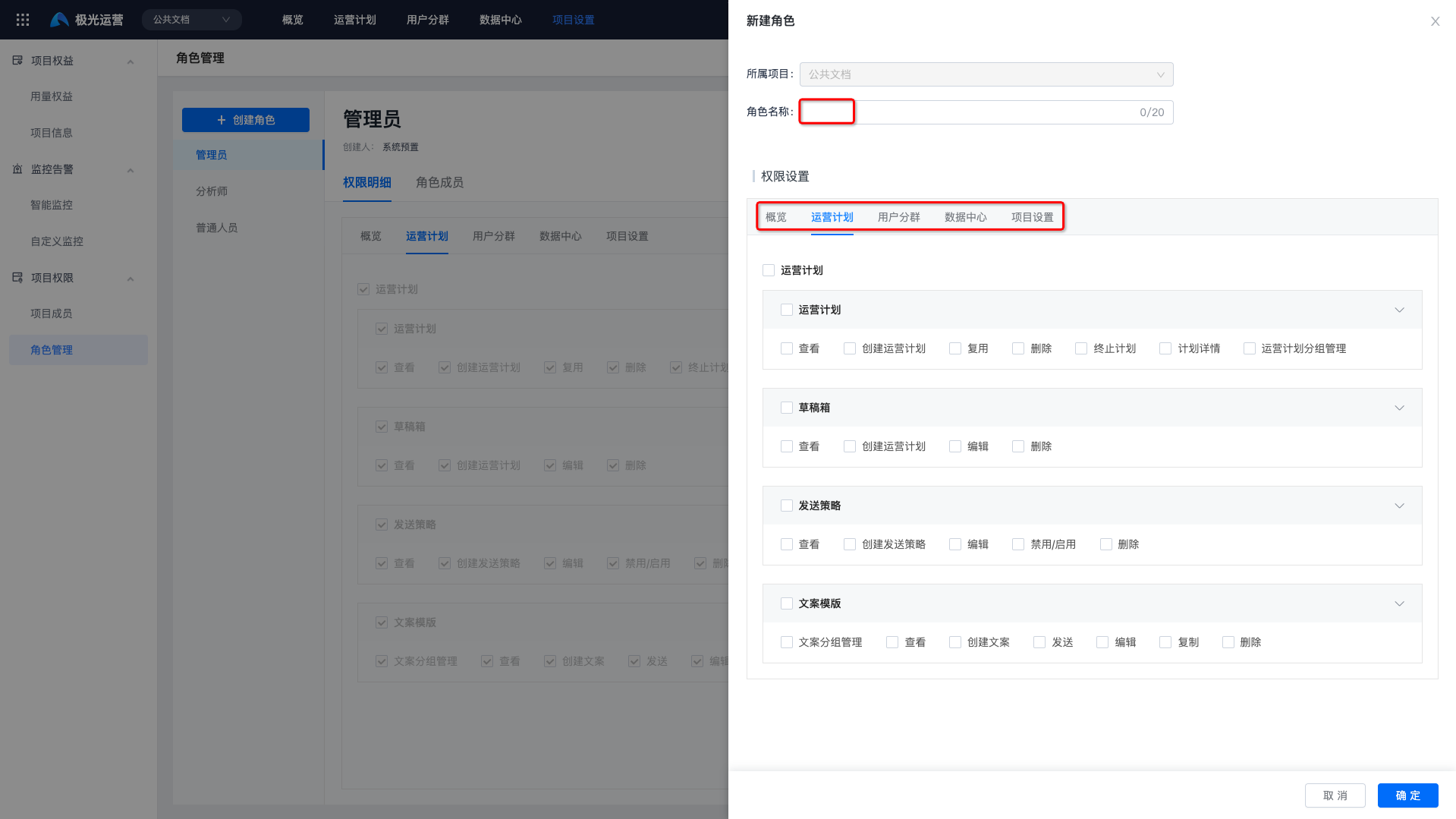
Click "Add Role", fill in the role name, and select permissions.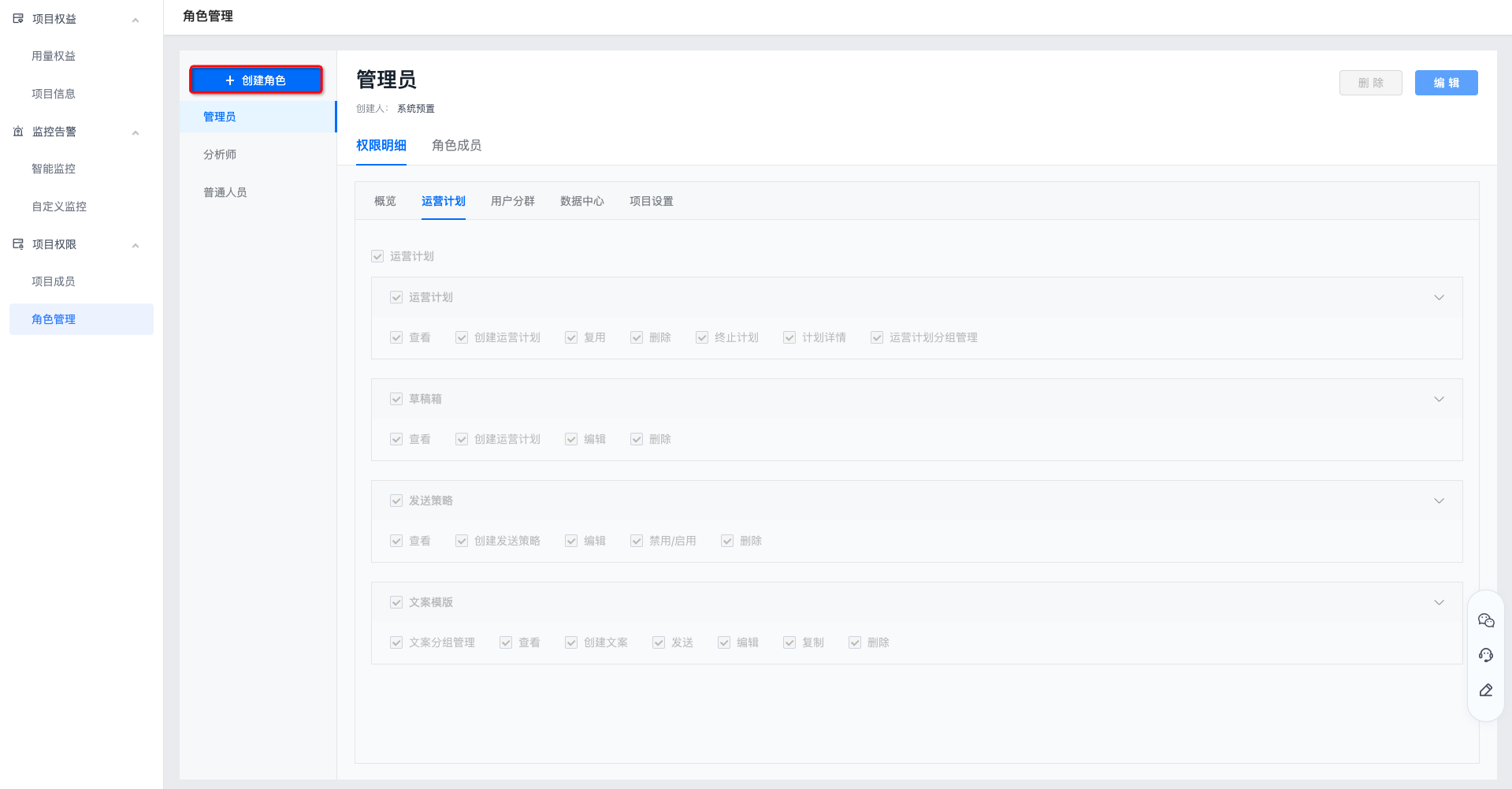
Permission Details
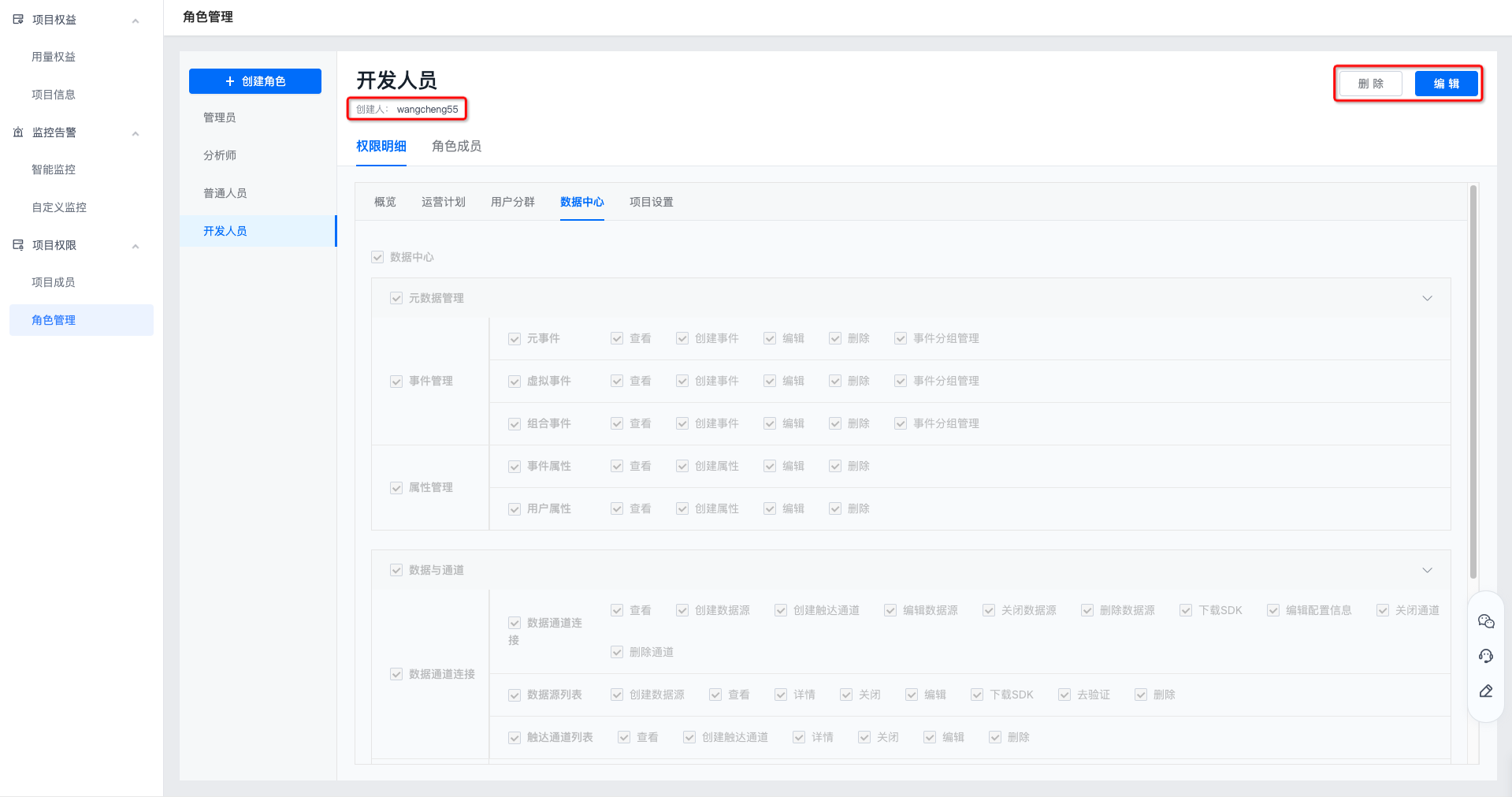
Click any role to view permissions for modules such as operation plans on the Permission Details page.
- Click "Delete" to delete the role. After the role is deleted, associated members are removed from this role.
- Click "Edit" to reselect module permissions. Click Save for changes to take effect.
Role Members
Click any role and select the Role Members page to view the list of all members using this role. Filtering by username or account ID is supported.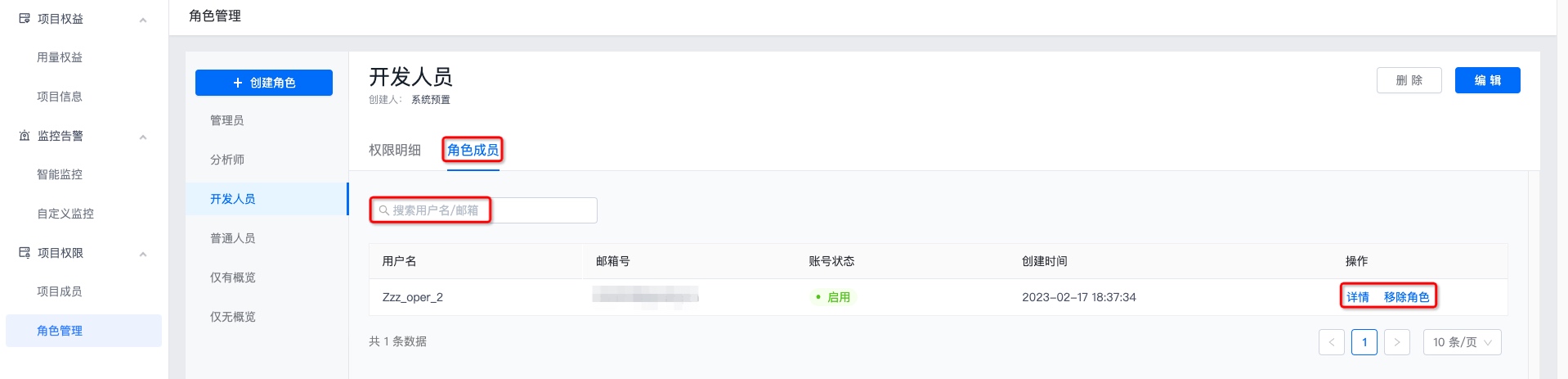
- Click "Details" to view permission details for all projects associated with this role.

- Click "Remove Role" and confirm again to remove it. After the role is removed, the account will no longer have permissions of this role.
Was this document helpful?

