


Email Integration
Last updated:2023-02-21
Email Integration
Overview
Operation Growth integrates email channels using the common SMTP protocol. Mainstream email service providers such as QQ Mail, NetEase Mail, and SendCloud all support this protocol. The configuration method is similar to login configuration for an email client.
Add a Channel
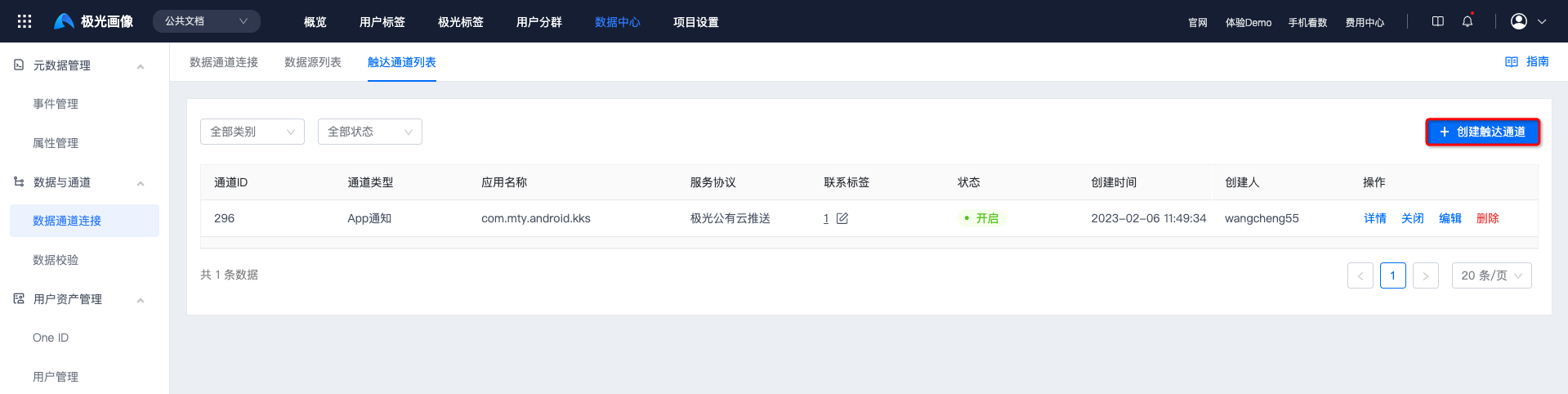
Go to [Data Center] - [Data Channel Connection] - [Reach Channel List], and click "Create Reach Channel".
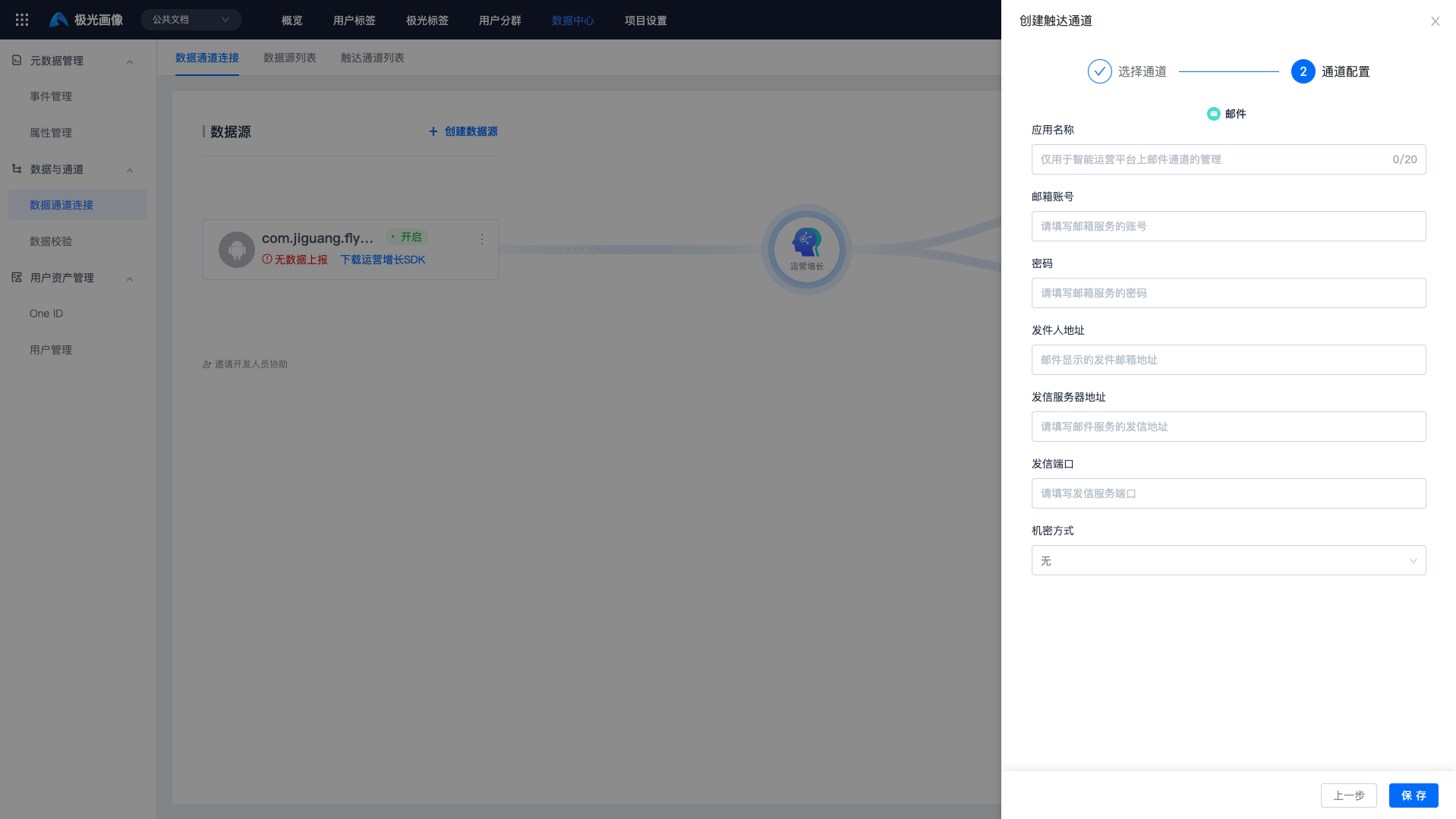
Select the "Email" channel and fill in the following 7 items. For details, see Email Settings.
- App name
- Email account
- Password
- Sender address
- Sending server address
- Sending port
- If the sending port is not one of 80, 443, 25, or 465, contact business support to explain the port.
- Encryption method
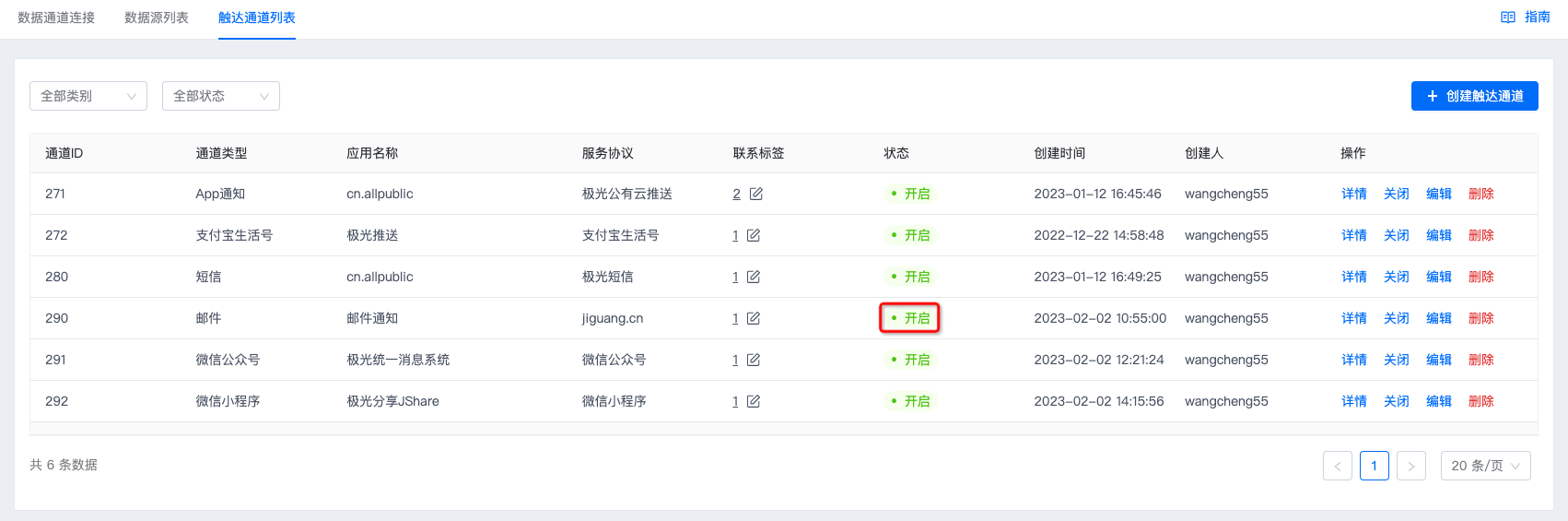
- Click "Save". If the status shows "Enabled", authentication is correct and the channel has been created successfully.
Email Settings
- For QQ Mail, see How to set POP3/SMTP SSL encryption.
- For SendCloud, see How to use SendCloud for sending email in a client.
- For NetEase Mail, see Mobile client software settings.
Channel Callback
The email channel does not require additional channel callback configuration.
Was this document helpful?

