One ID
This document guides users through configuring ID Mapping and managing user identifiers. For the usage logic of ID Mapping and user identifiers, see Basic Definitions of Asset Management.
ID Mapping
Go to User Asset Management to view the general user identifier priority logic of the Jiguang Operation Growth platform.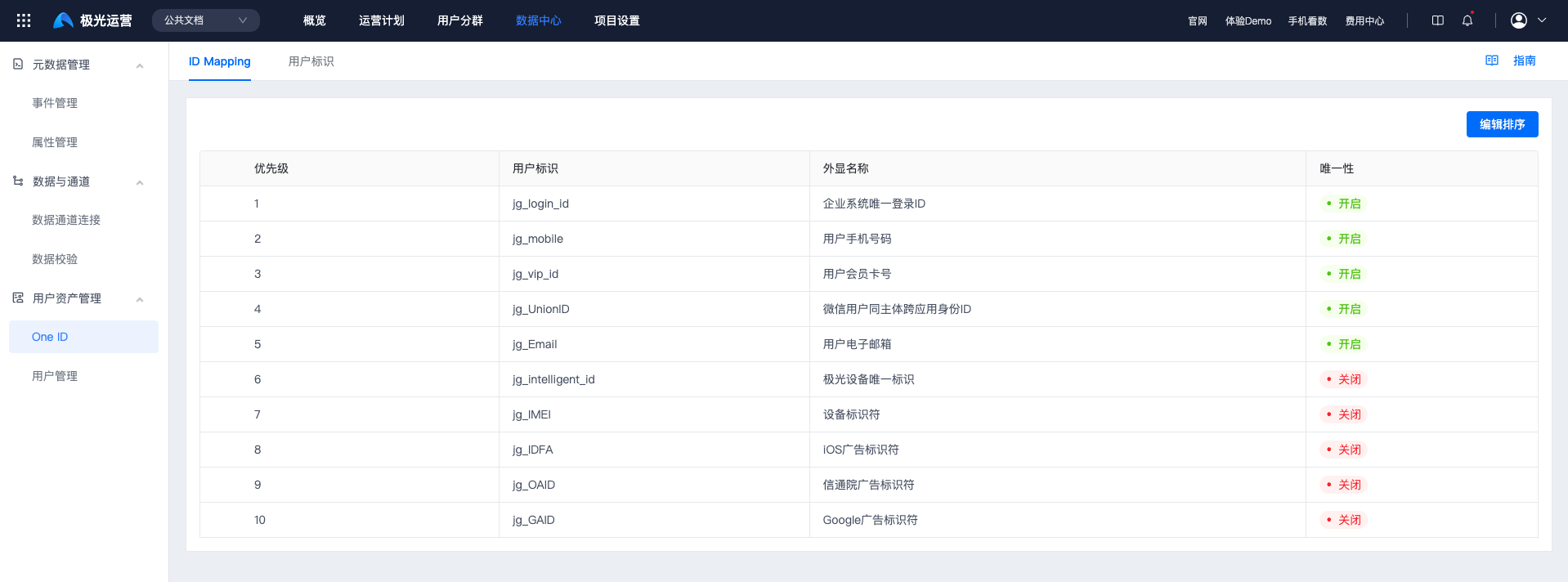
If an enterprise has special business operation scenarios, custom user identifier priority configuration is supported. Click Edit Sorting, then drag user identifiers to adjust priority.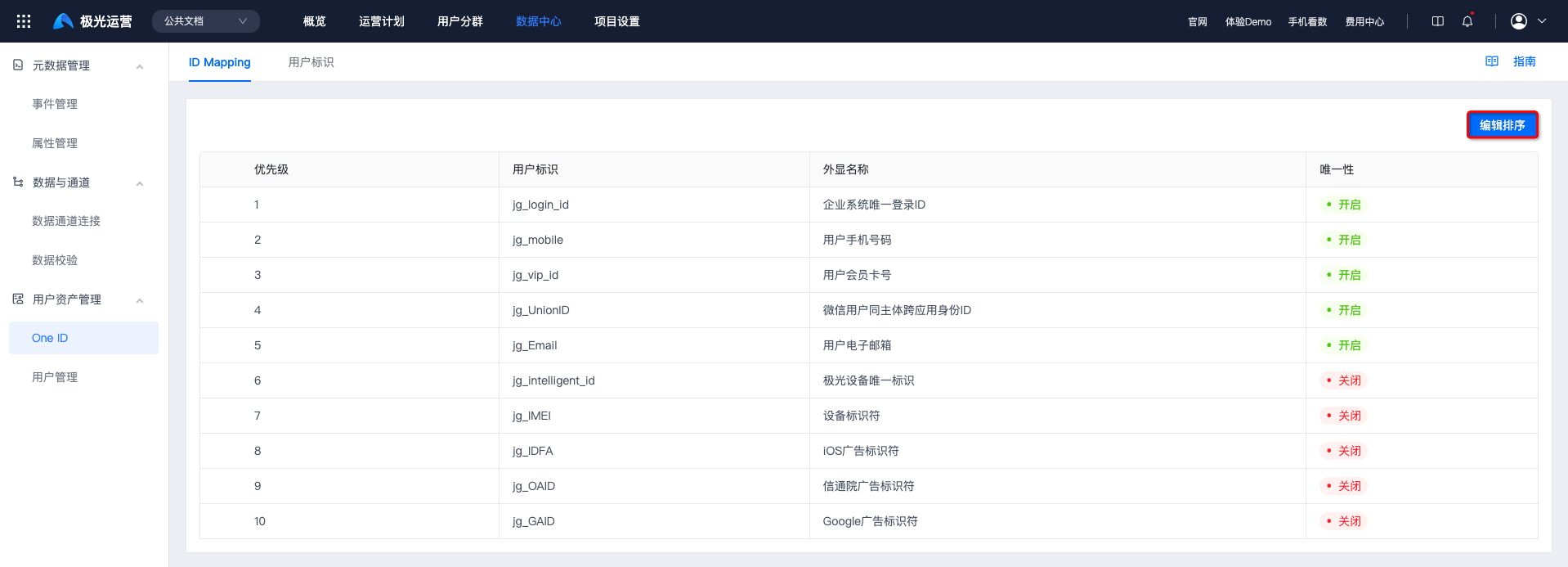
Click Save Sorting to make it take effect.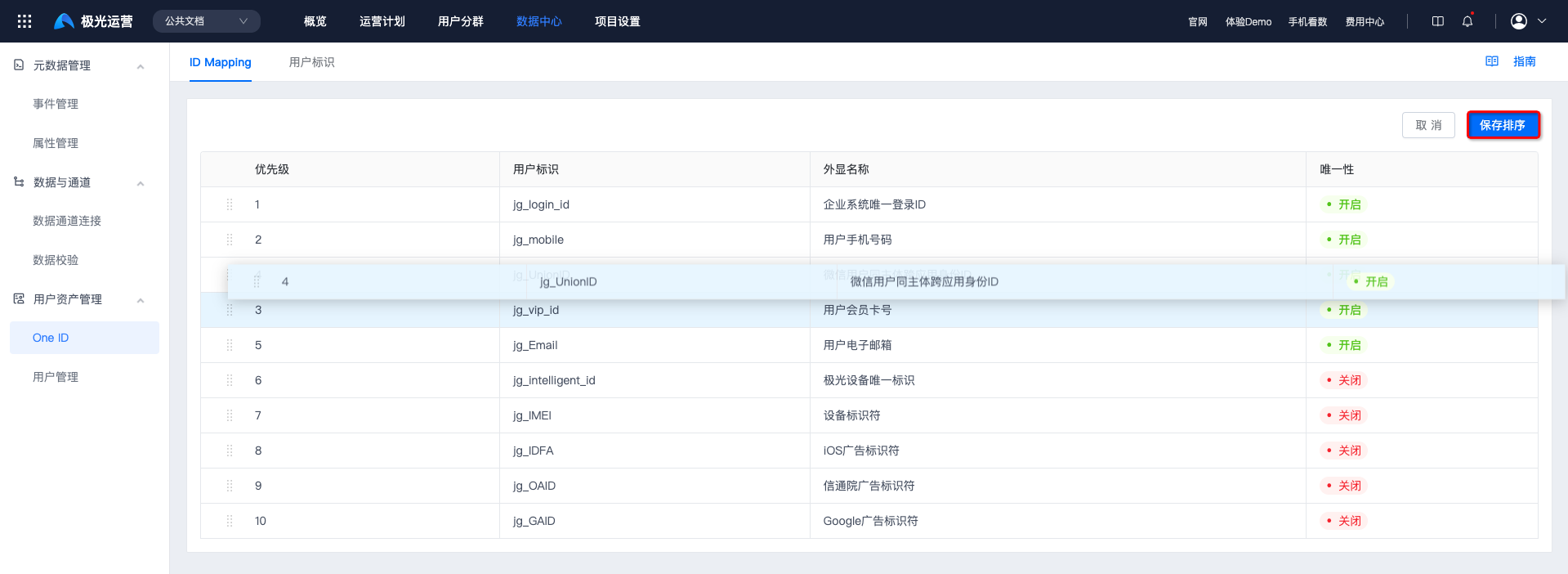
User Identifier
Users may have different ID systems to identify and distinguish their identities across different business platforms and business stages. These IDs from different systems are collectively called user identifiers in the Jiguang Operation Growth platform.
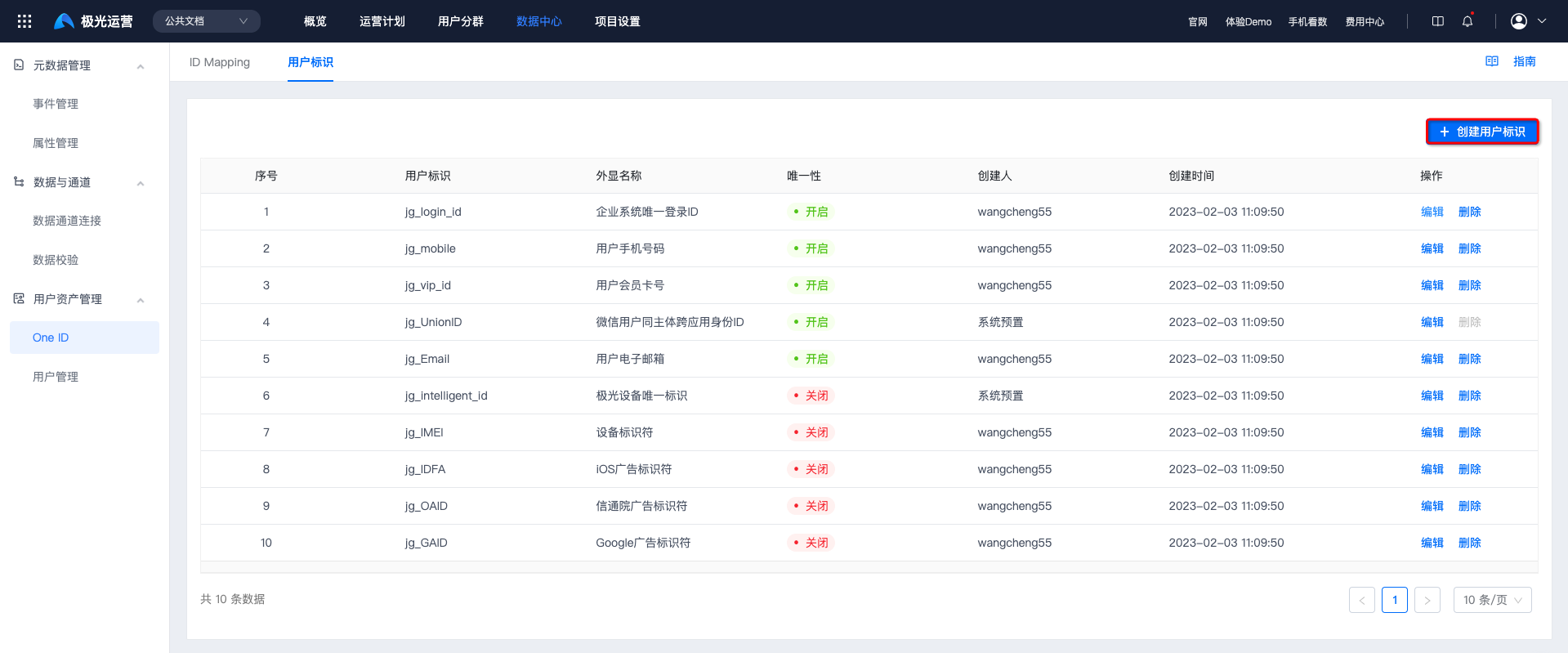
Preset User Identifiers
To help enterprises quickly start business operations, the Jiguang Operation Growth platform presets commonly used user identity identifiers. For details, see Preset User Identifier Description.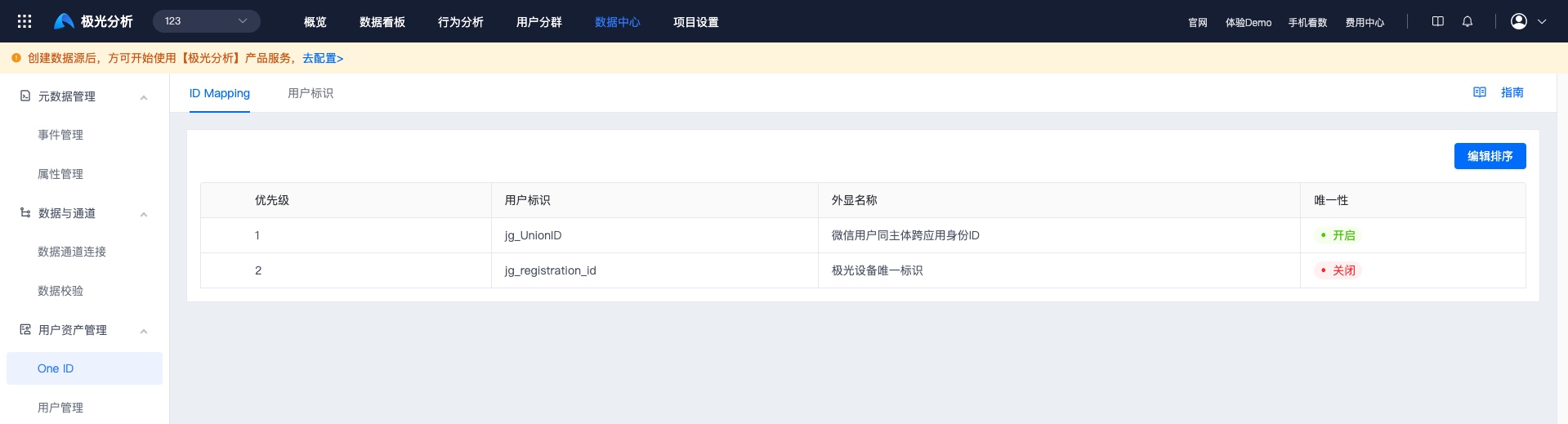
Create User Identifier
The Jiguang Operation Growth platform supports custom user identifier configuration, such as loginID, ID card number, faceID, device ID, WeChat openID, phone, OAID, and IDFA, to match personalized business scenarios of enterprise customers.
On the One ID -> User Identifier page, click Create User Identifier ID.
Enter the custom user identifier field name and user identifier display name, then configure Uniqueness, Encryption, and Sync Contact Information.
- Uniqueness: Enabled means this user identifier can have only one value. Disabled means this user identifier can have multiple values, up to 10. User identifiers with unique characteristics, such as ID card number and FaceID, are recommended to enable uniqueness.
- Encryption: Enabled means the first 4 characters of the user identifier field value are displayed in plaintext and the rest are encrypted. Disabled means all values of the user identifier field are displayed in plaintext.
- Sync Contact Information: Enabled means that when this user identifier value is updated, the specified contact information is also updated. A default contact must be specified. Disabled means that when this user identifier value is updated, the specified contact information is not updated.
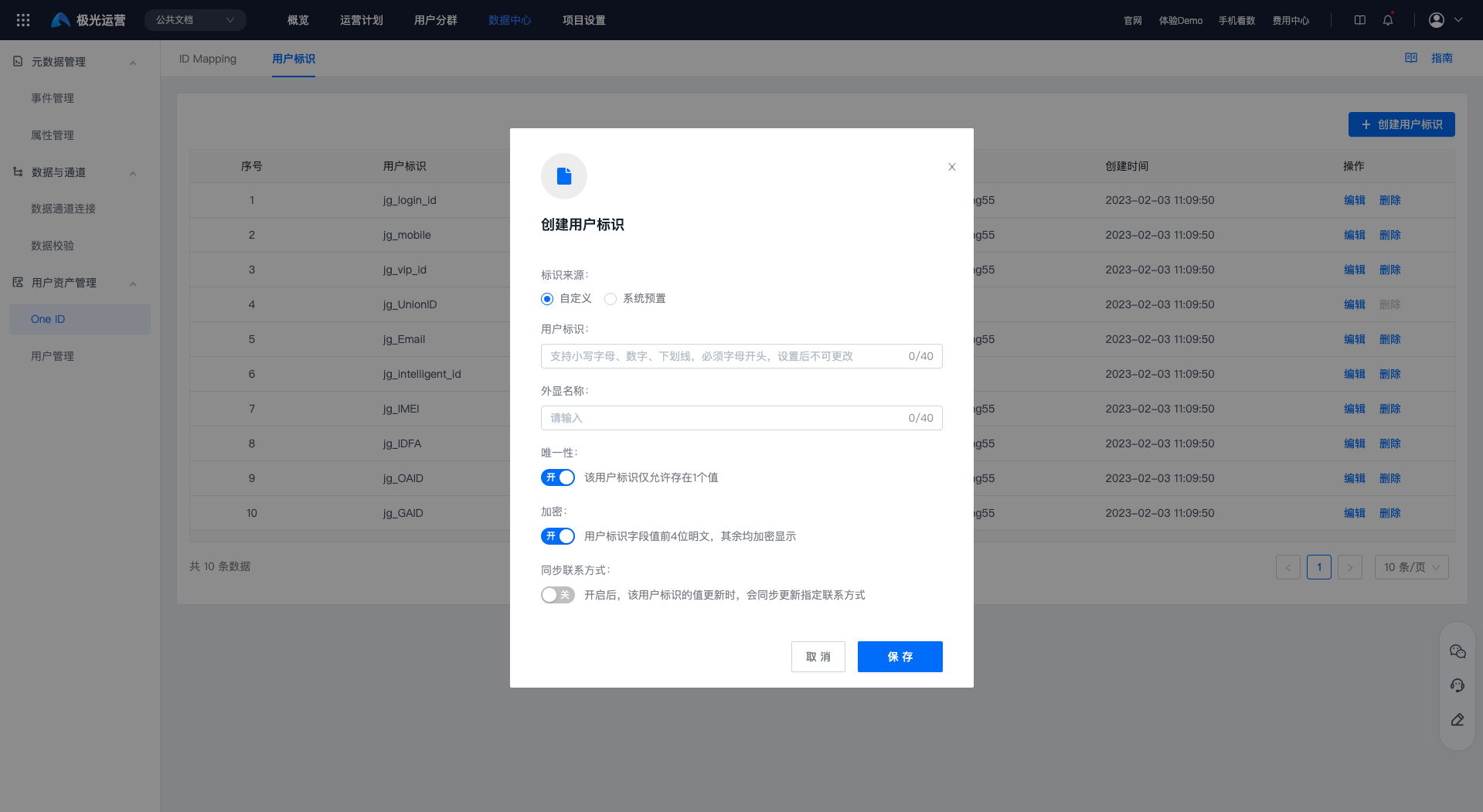
- Click Save to successfully create the user identifier ID.
Edit User Identifier
To modify configuration information for a user identifier ID, click Edit to enter the edit user identifier page.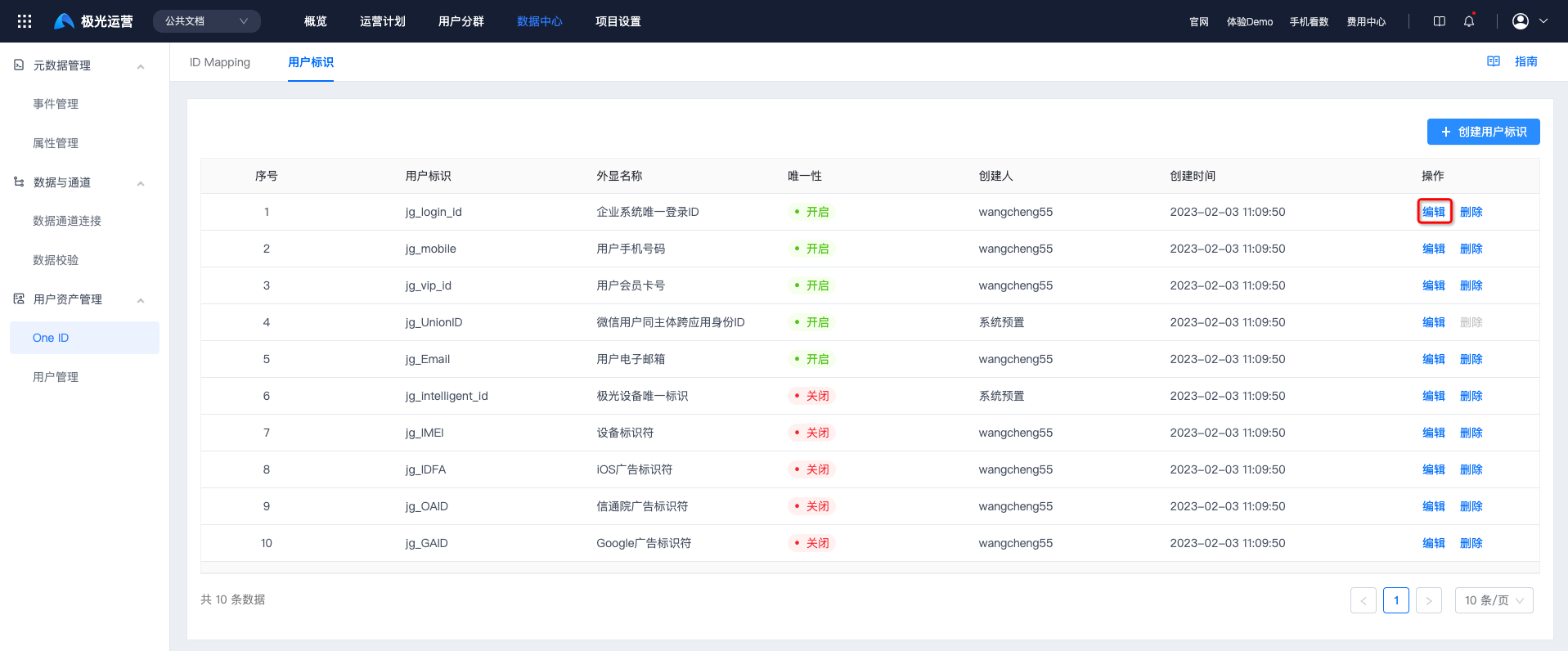
All configurations except the User Identifier field can be changed. Click Save to modify successfully.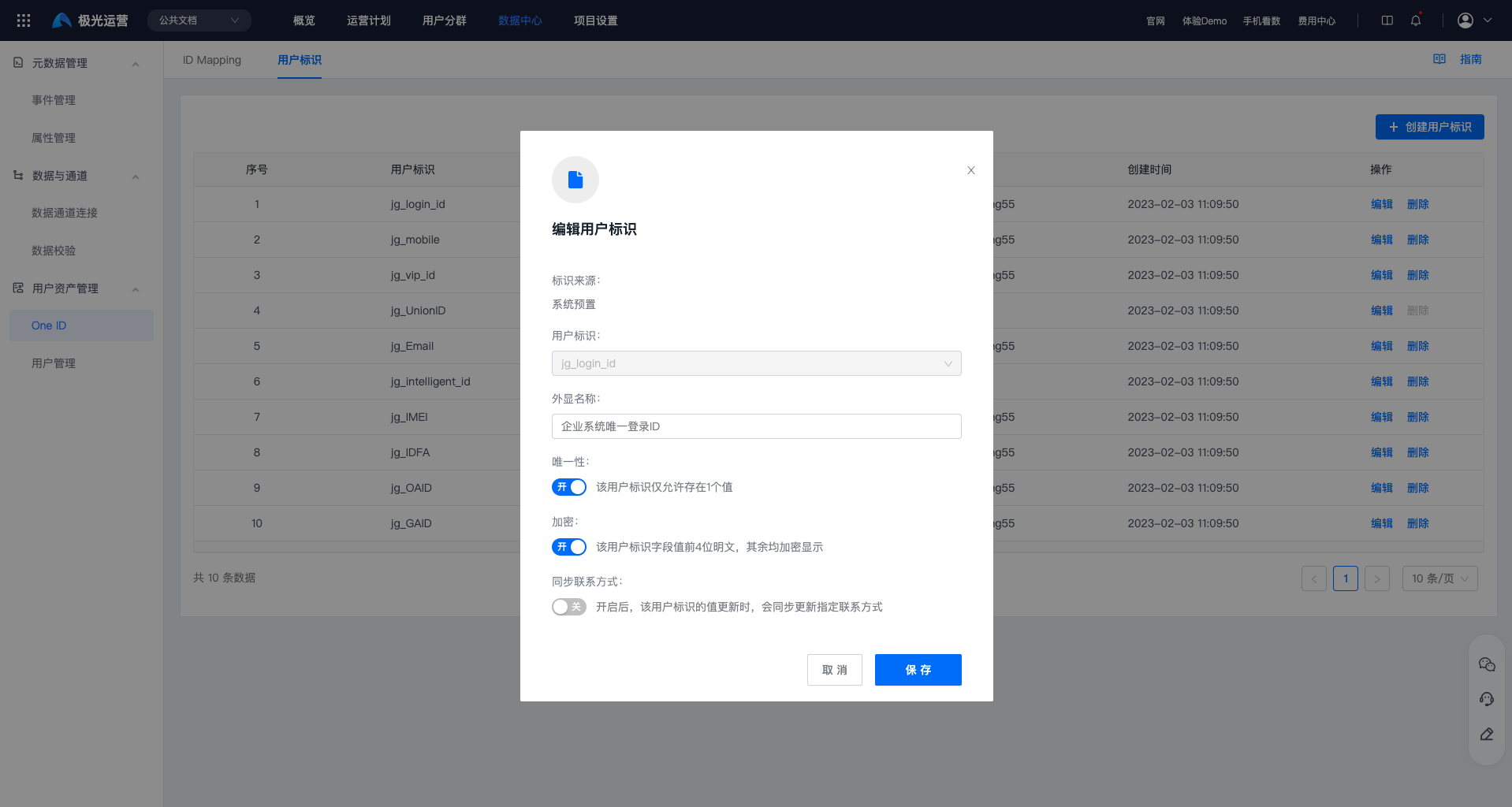
Delete User Identifier
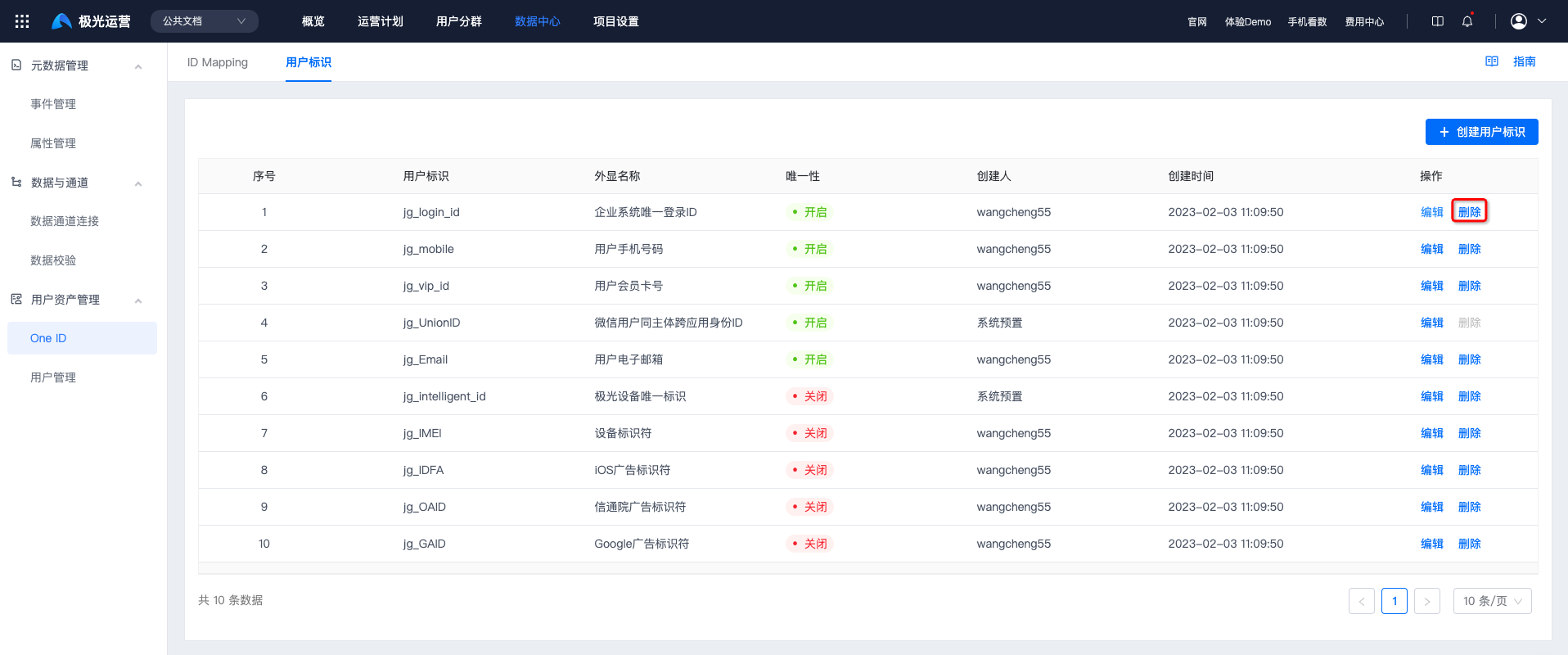
To delete a user identifier, click Delete. It can be deleted after secondary confirmation.
Deleting an existing user identifier may change ID Mapping priority, causing the user's unique identity ID (CUID) to change, or causing the user to become invalid, with no user identifier information.