AI User Prediction
AI user prediction segments are user collections composed of multiple users predicted by AI algorithms based on collected data. They are used for target audience selection in operation plans. You can create targeted operation plans for the corresponding user segments according to business needs to improve target conversion rates.
User Segment Group Management
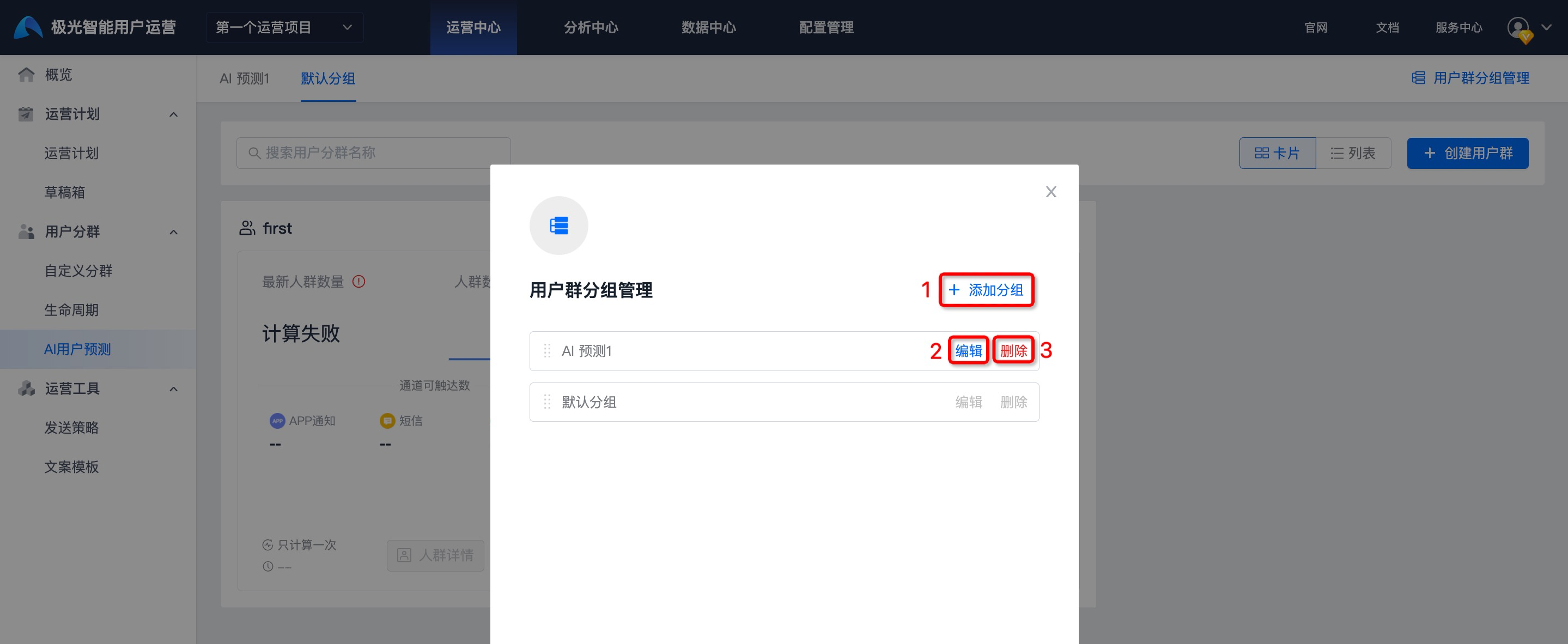
To conveniently manage different types of AI prediction user segments, you can use the user segment group management feature. Go to Operation Center -> User Segmentation -> AI User Prediction, and click User Segment Group Management.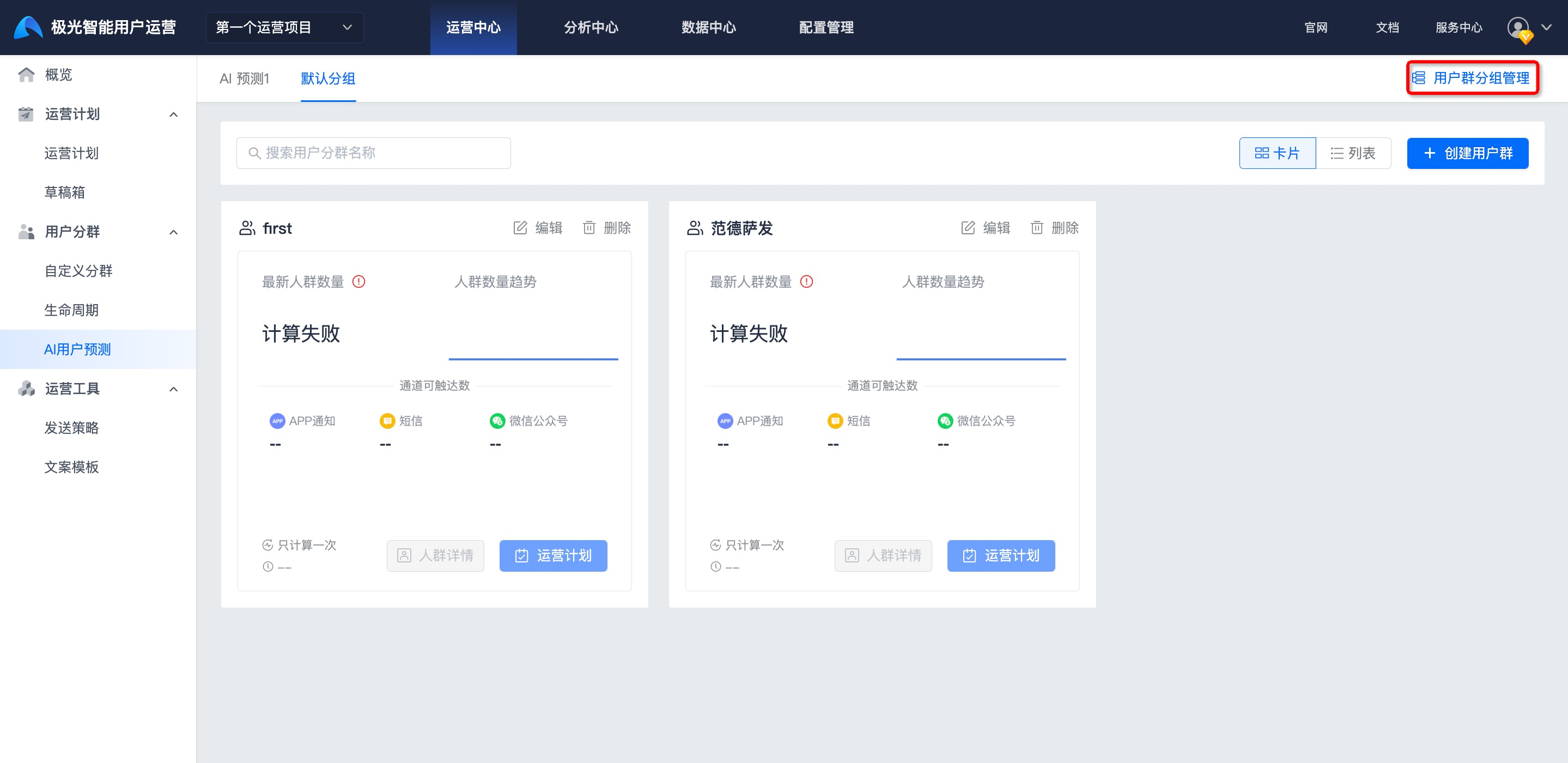
Add Group, Edit, and Delete operations are supported.
After deletion, all user segments under the group will be transferred to Default Group.
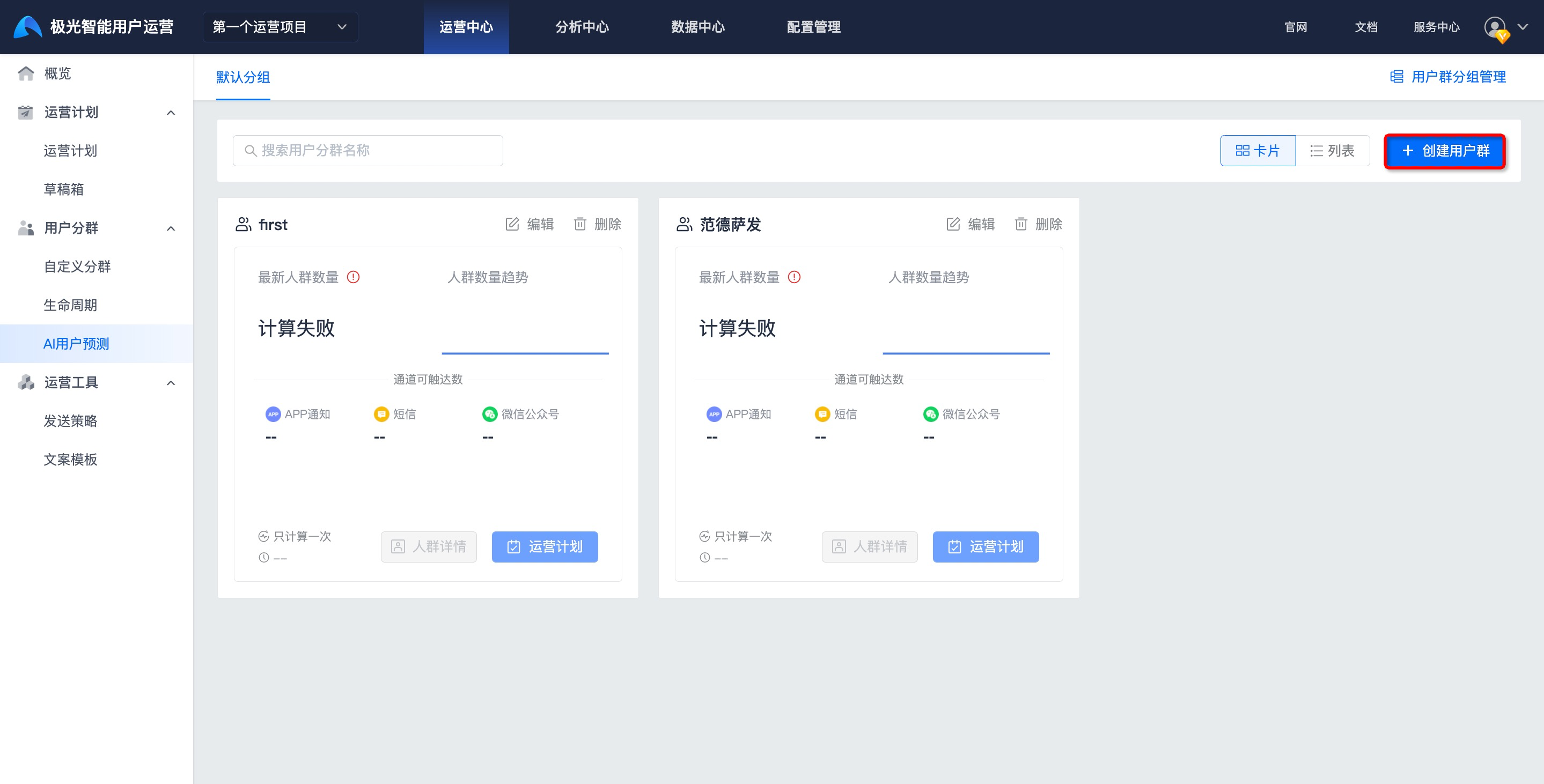
Create an AI Prediction User Segment
Click Create User Segment.
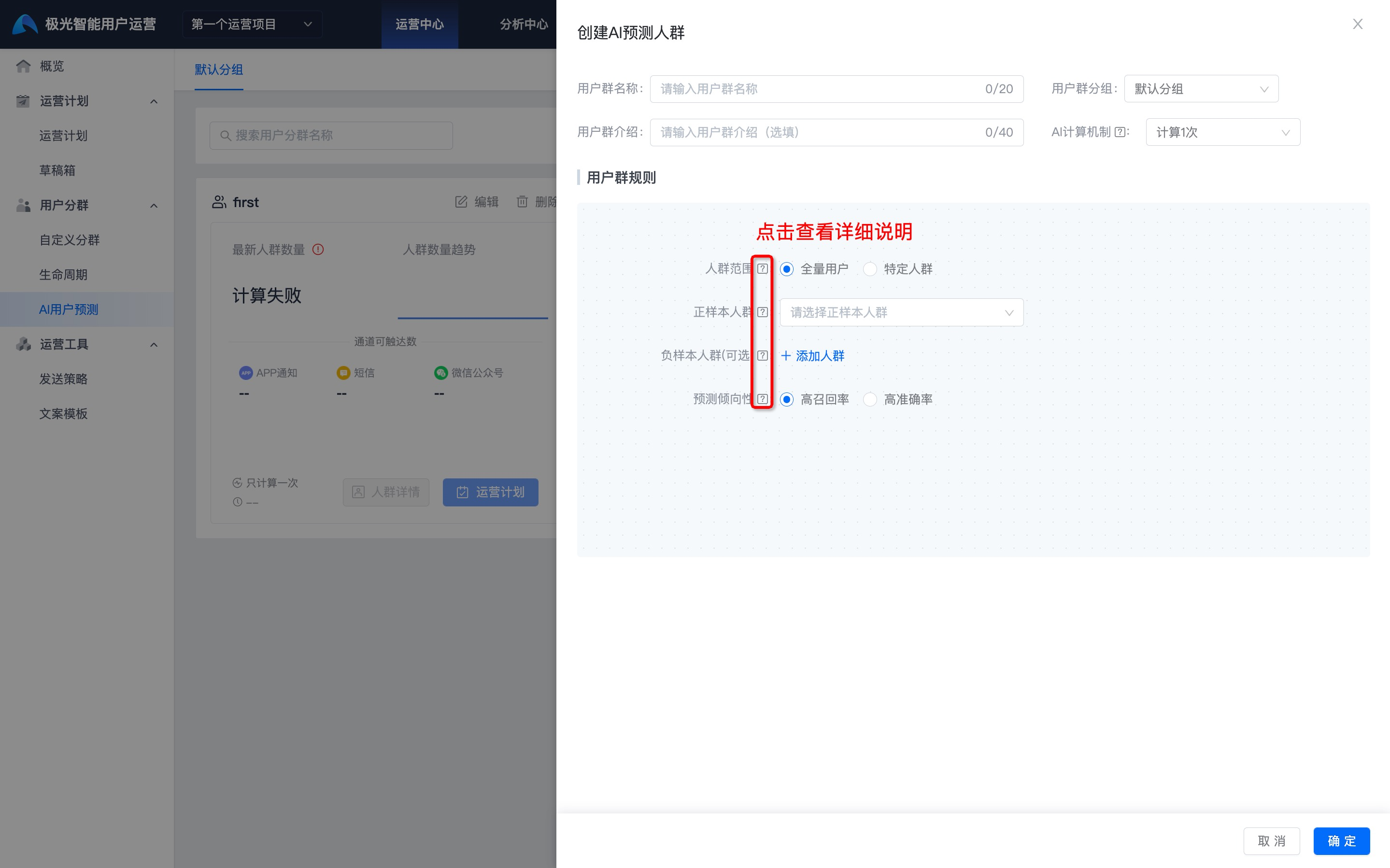
Fill in the user segment name, user segment group, user segment introduction, and AI calculation mechanism.
Configure user segment rules. Select the audience range, positive sample audience, negative sample audience, and prediction tendency.
- Audience range: Control the prediction range within the user segment limited by the target audience. Make sure the selected audience range is no fewer than 1,000 people.
- Positive sample audience: Use the positive sample audience as seed users for audience expansion. Make sure the selected positive sample is no fewer than 500 people.
- Negative sample audience: Use the negative sample audience as negative users for audience exclusion. If added, make sure the added negative sample audience is no fewer than 500 people.
- Prediction tendency
- High recall: Selecting this option may result in a larger predicted audience. It is suitable for operation campaigns with lower operation costs and covers as many target users as possible.
- High accuracy: Selecting this option may result in a smaller predicted audience. It is suitable for operation campaigns with higher operation costs and finds target users as accurately as possible.
View AI Prediction User Segments
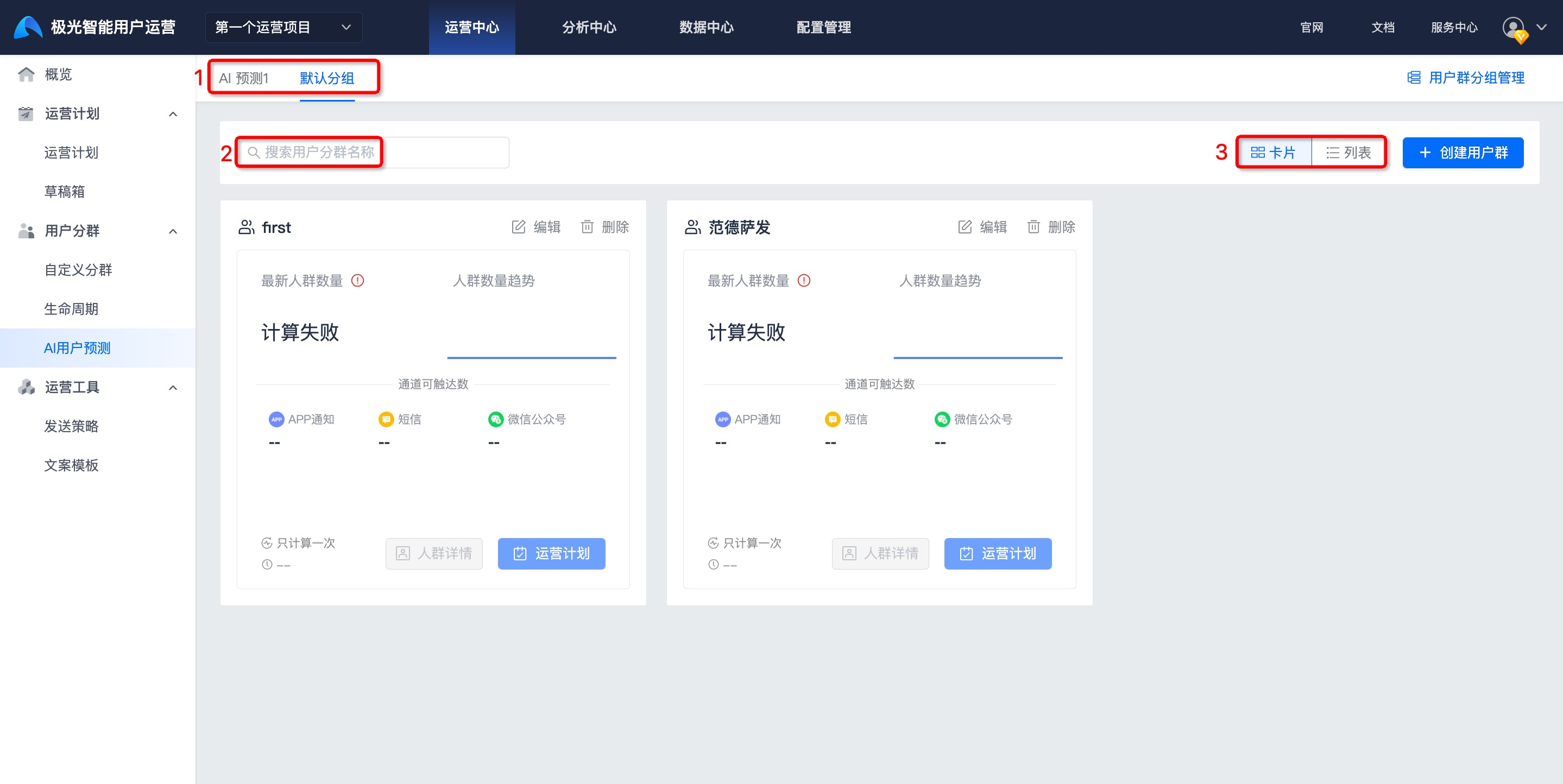
- Select the corresponding user segment group.
- Searching by user segment name in the search box is supported.
- Click Card or List to switch the display mode.
- Click Audience Details to go to the details page and view detailed information about the audience.
Edit AI Prediction User Segment
To change user segment information or user segment rules, click Edit to make changes, then click OK to save.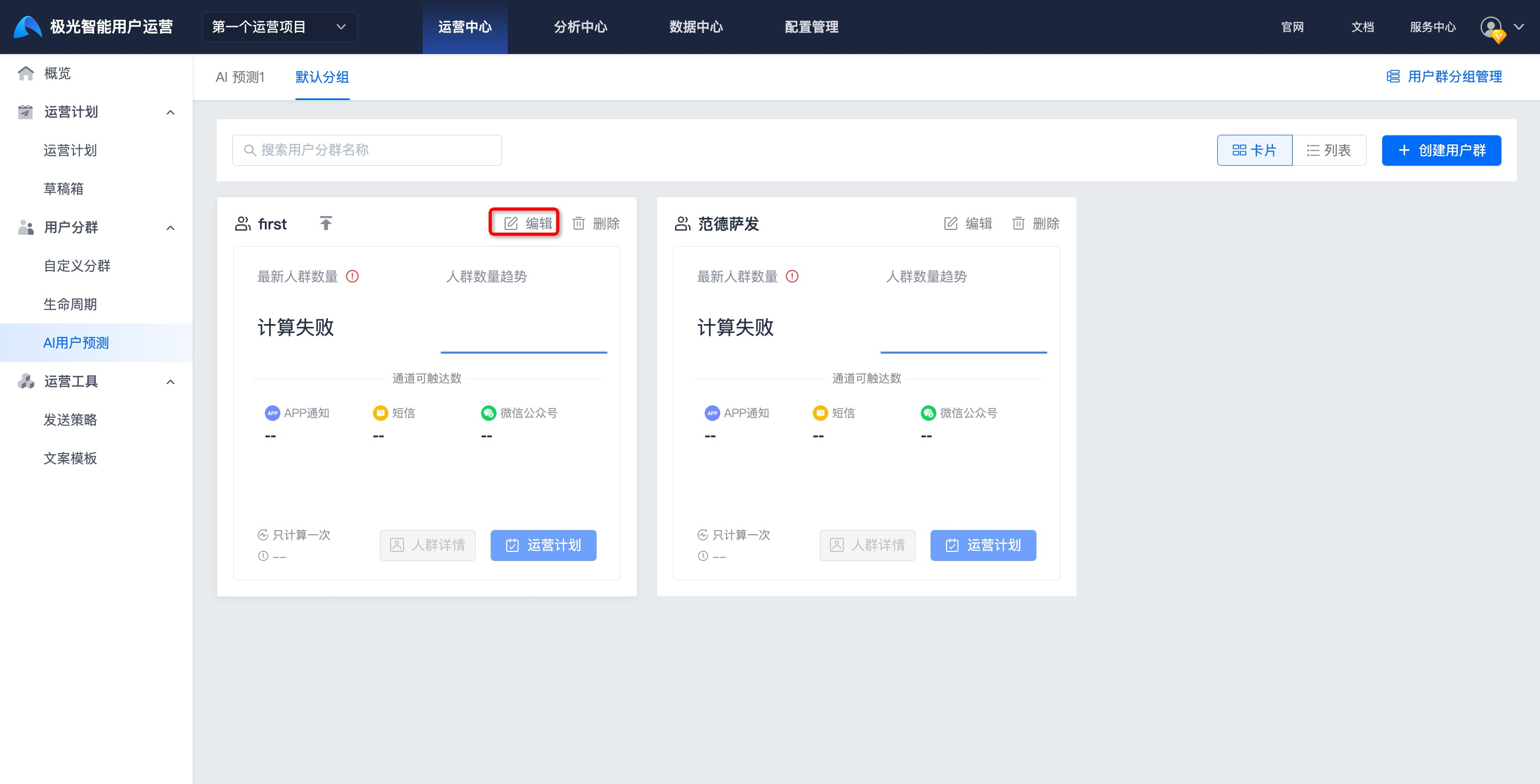
Delete AI Prediction User Segment
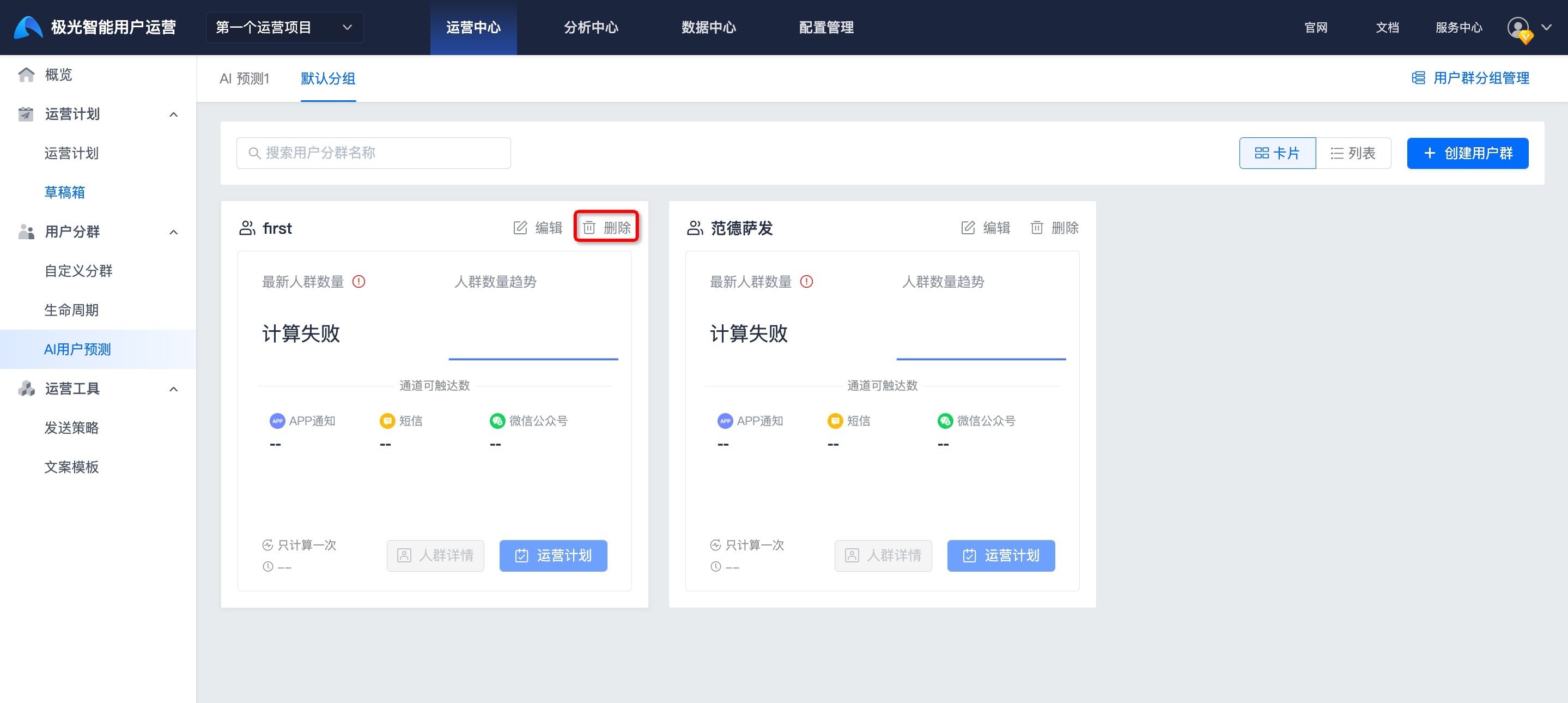
On the user segment list page, click Delete. The plan can be deleted after secondary confirmation.
After a user segment is deleted, it cannot be restored. Please operate with caution.
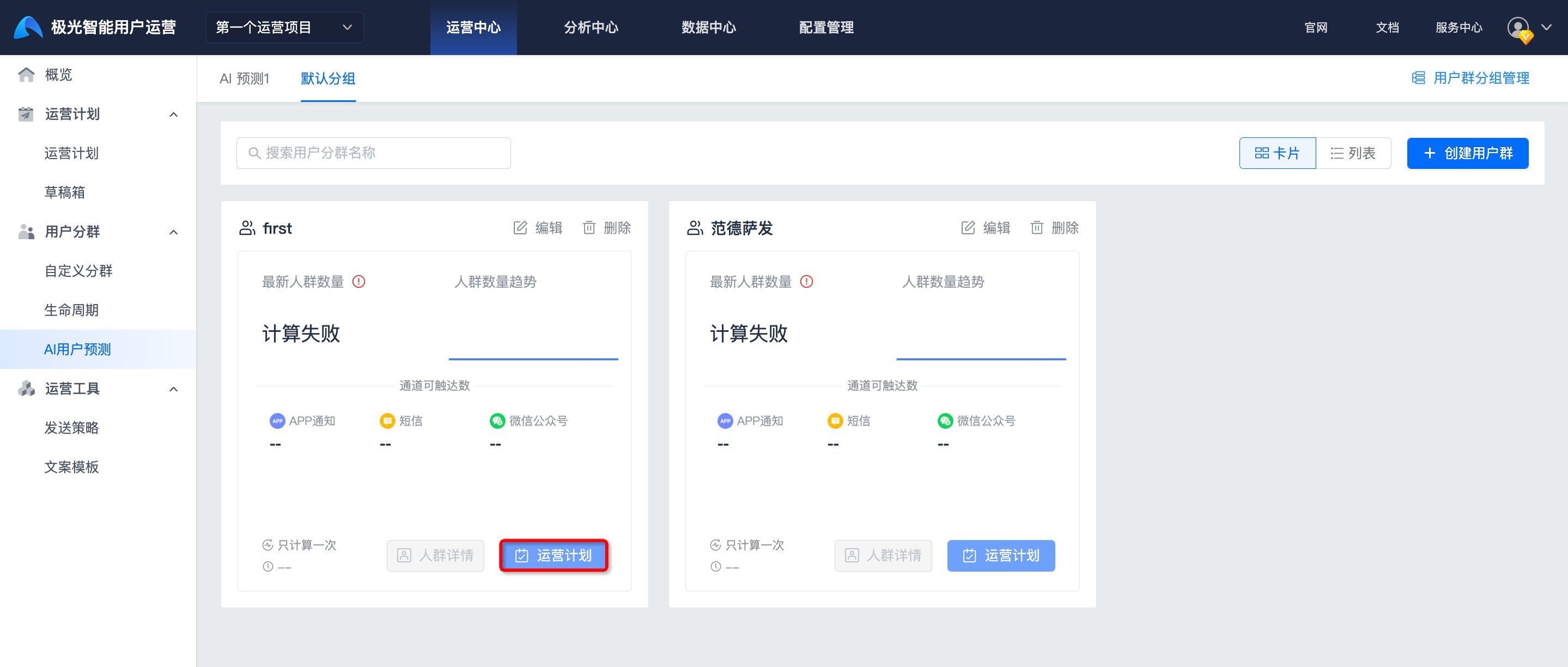
Create an Operation Plan
To quickly create an operation plan with this user segment as the target audience, click Operation Plan for the user segment. For details, see the document about creating operation plans.