Audit records
Prerequisites
On the [Push Settings]-[Security Management] page, the push audit function has been enabled.
Audit record description
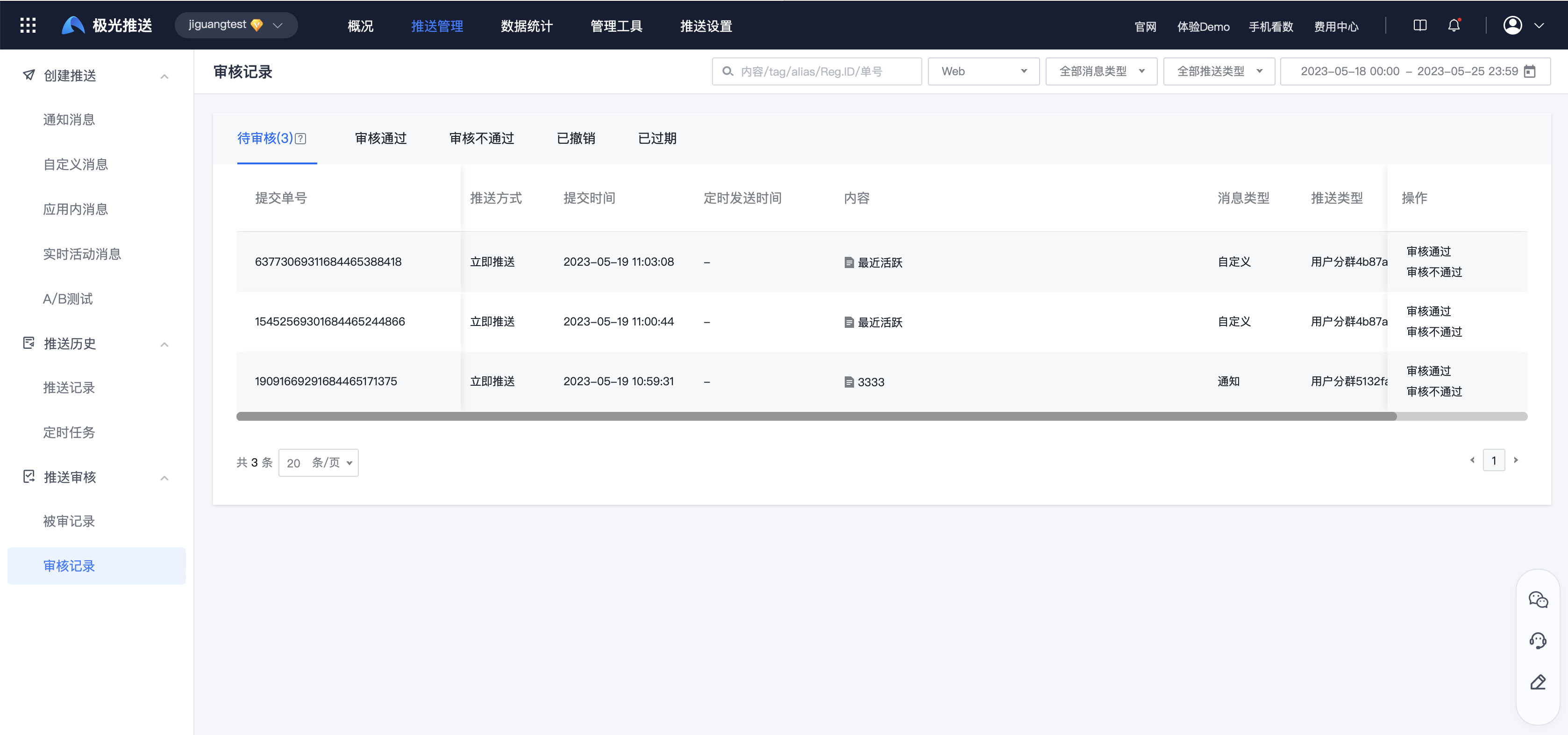
The auditor can view the audit records of all statuses by entering the [Message Push]-[Push Review]-[Audit Record] page.
Quantity to be reviewed: Indicates the total number of messages in the "pending review" status. Whether there are messages that have not been reviewed can be judged based on this number.
- Pending review: push that needs to be reviewed.
- Approved: The push is determined to meet the release conditions.
- Failed to pass the review: the push is judged as not meeting the delivery conditions.
- Revoked: Push that has been revoked by the creator.
- Expired: push that has passed the scheduled sending time.
Approved
Select the push that meets the delivery conditions in the list to be reviewed, click "Approval", and the push will be delivered normally.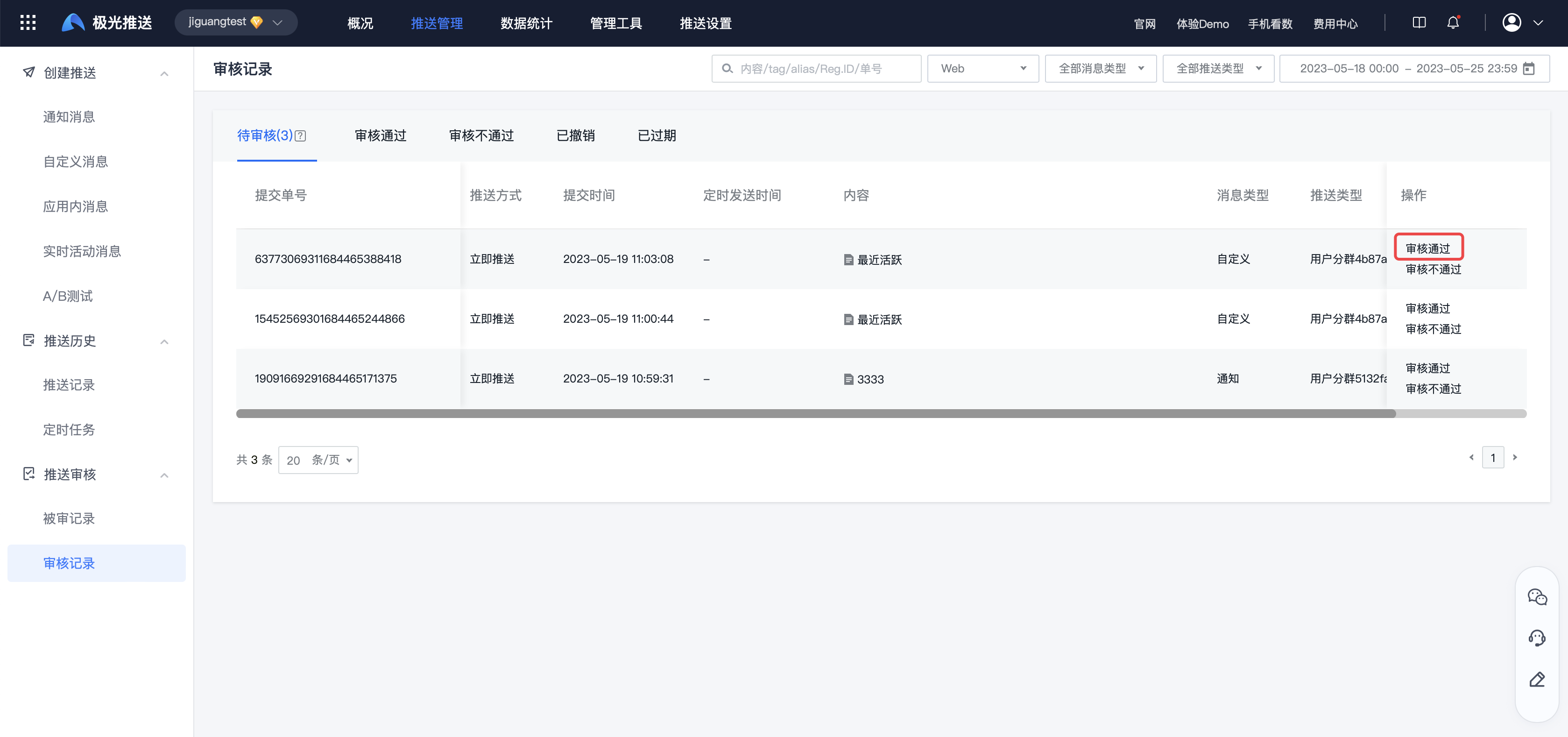
Failed to pass the review
Select the push that does not meet the delivery conditions in the pending review list, click "Audit Not Passed", and fill in the reason. The push will not be delivered. 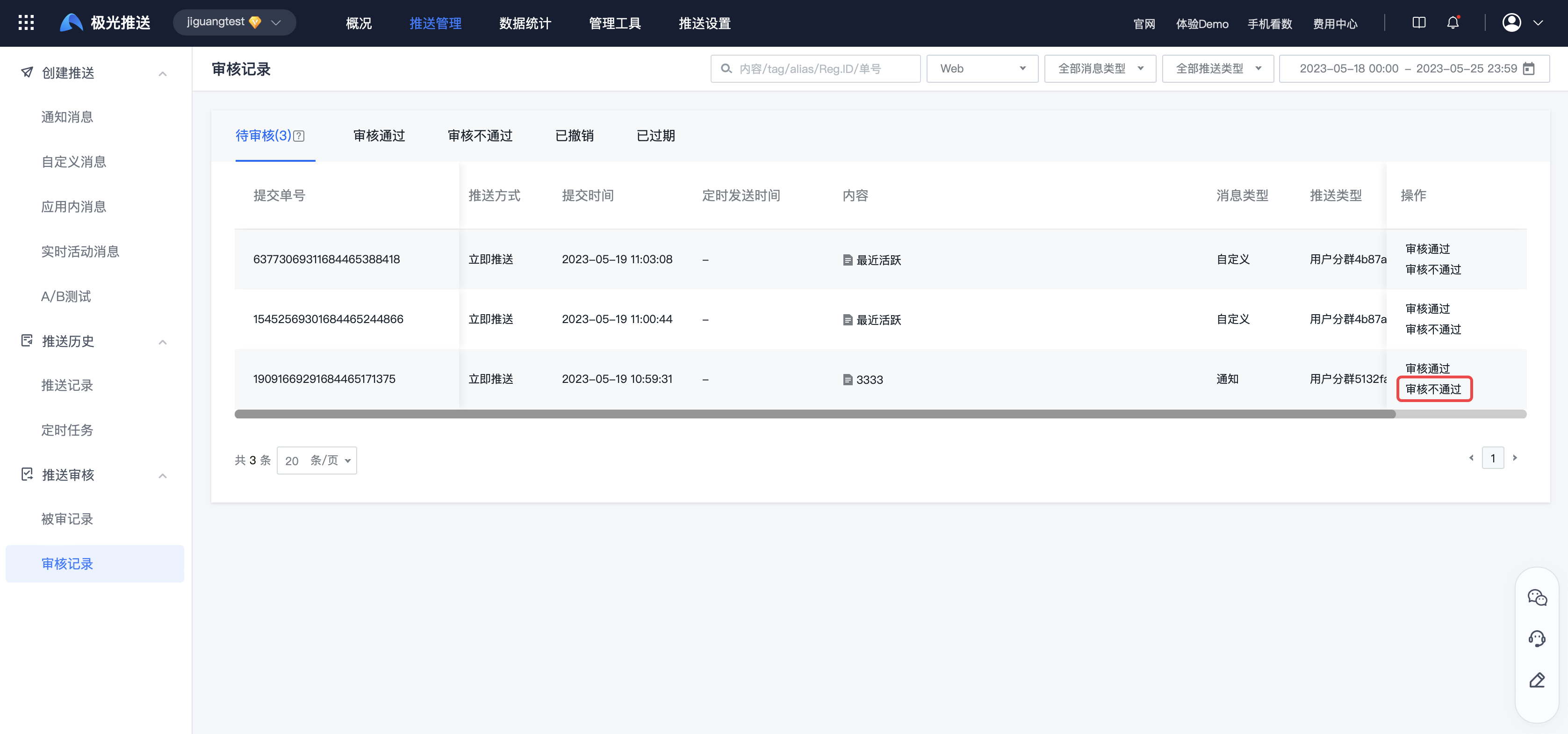
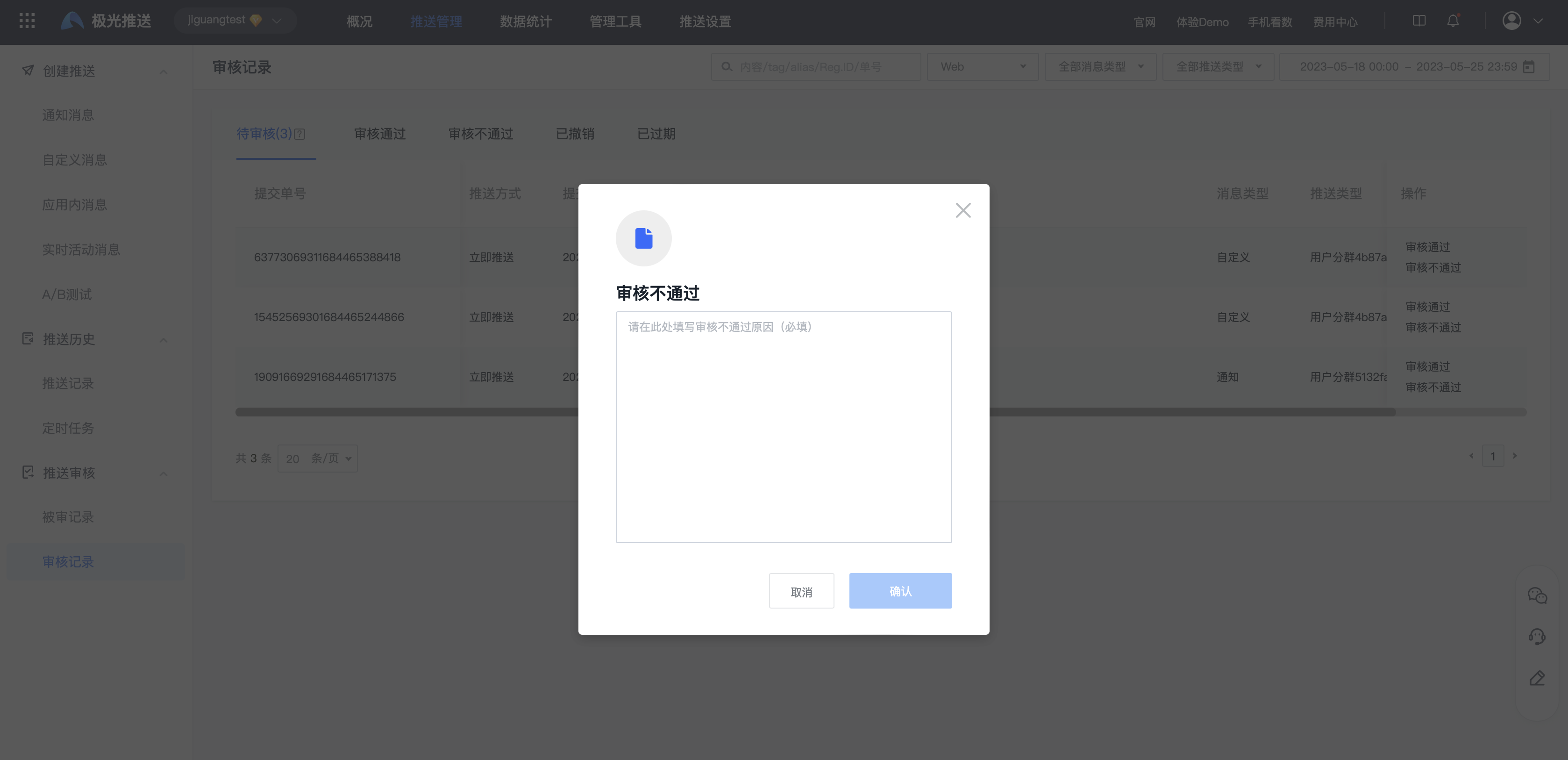
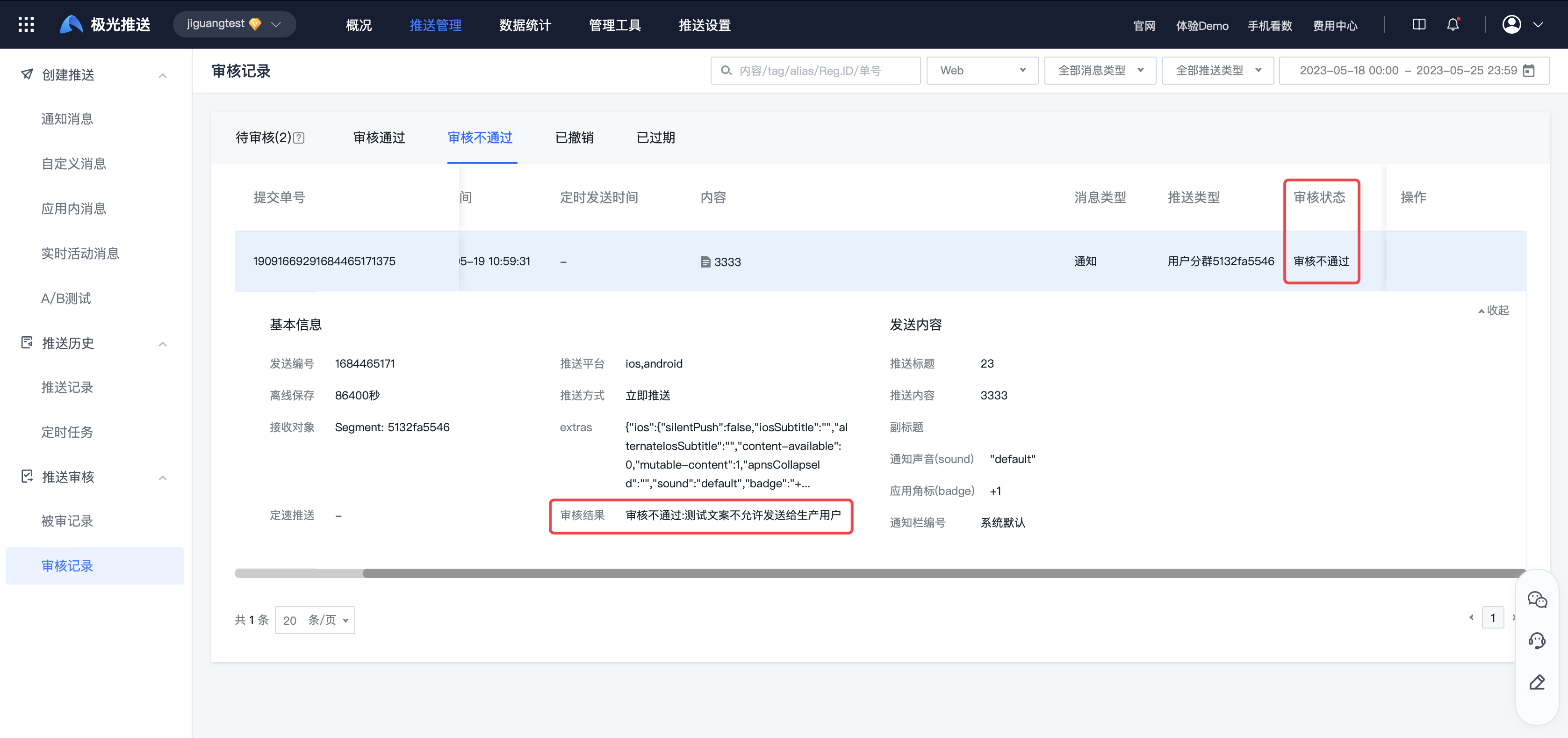
Switch to the "Audit Failed" list and click on the push record to view the audit results.