


Frequency control settings
The frequency control setting function supports setting the upper limit of push notifications received by a single device in a single day to prevent push notifications from disturbing users too frequently. It also supports setting the time period during which users can receive push notifications to prevent late-night push notifications from disturbing users. At the same time, in order to facilitate enterprise development and operation personnel to differentiate operations according to various business scenarios, it is supported to distinguish whether system type messages are not restricted.
Operation steps
Enter the [Push Settings]-[Frequency Control Settings] page and click "Edit".
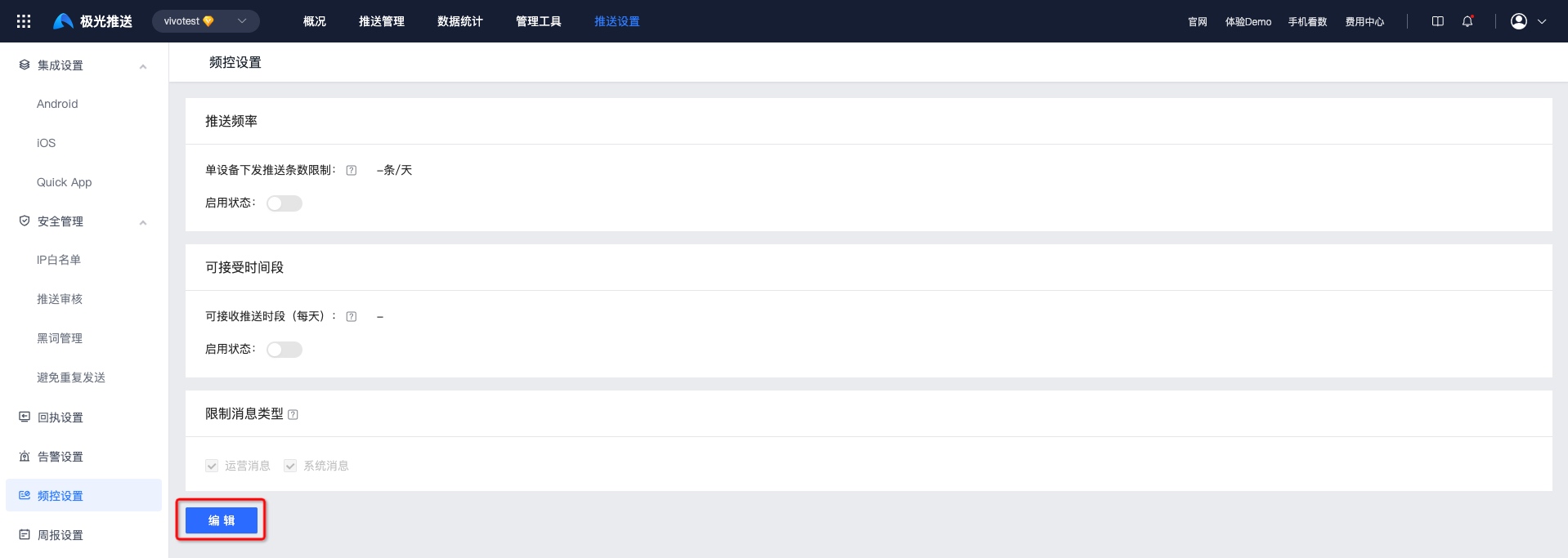
Choose whether to enable push frequency, acceptable time period, and system message limits based on business needs.
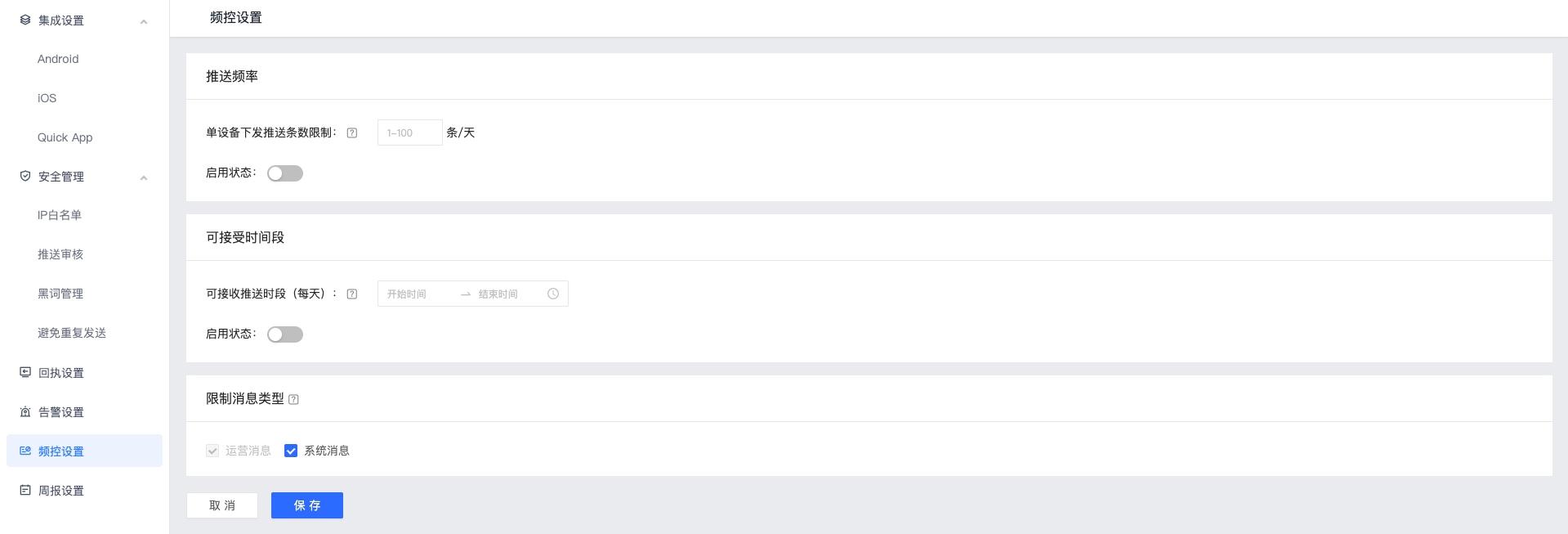
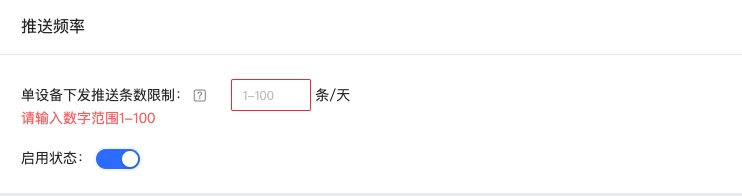
Push frequency
Click the "Enable" button and fill in the limit on the number of push messages sent by a single device. Each user is allowed to send up to N messages per day. If the limit is exceeded, it will be discarded directly.
The "operation messages" issued by the Android manufacturer are not only controlled by [the upper limit of the number of push messages from the manufacturer](/en/jpush/client/Android/android_3rd_qps#Configuration of the manufacturer's operation message policy), but are also controlled by this policy.
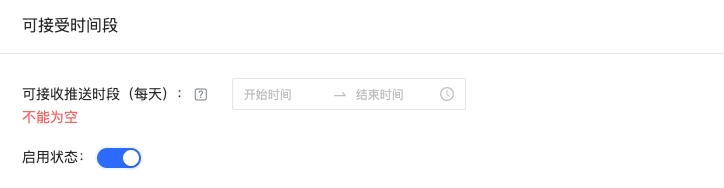
Acceptable time period
Click the "Enable" button and select the acceptable push period.
- If the message is not within the specified time period, the message will be discarded directly.
- The "operation messages" issued by the Android manufacturer are not only controlled by [the upper limit of the number of push messages from the manufacturer](/en/jpush/client/Android/android_3rd_qps#Configuration of the manufacturer's operation message policy), but are also controlled by this policy.
Limit message types
- After the frequency control setting function is turned on, it will take effect on "operation messages" by default. You can choose whether to limit "system messages".
- Developers need to proactively specify whether the message type is "system message" or "operation message" when initiating a push; if the push message type is not specified, the default is "operation message". Jiguang does not judge or calibrate the specified message type, and will adapt the message type specified by the developer to the Android manufacturer channel.


