


SDK Integration Guide
Usage tips
This article is JPush Quick App SDK Standard integration guide document.
matching SDK The version is:v1.0.0and later versions.
- If you want to test quickly, please refer to this article to run through it in a few minutes. Demo。
- JPushOn the documentation website, there are all relevant guides,API, tutorials and all other documents. Updated versions, including those of this document, will be posted to this website in a timely manner.
Product Description
This article is JPush Quick App SDK Standard integration guide document
Main scene:
Quick app message push
Integrated compressed package contents
- libs/jcore-quickapp-1.x.x.js
- SDK core development kit
- libs/jpush-quickapp-1.x.x.js
- SDK push development kit
- example
- is a complete Quick App project, passed this demonstration JPush SDK The basic usage can be used as a reference.
Quick App Platform version
SDK Support the fast application platform v1000 and later versions.
Create app
createJiguangDeveloper account
Please visit JPushOfficial websiteRegister yourJiguangaccount.
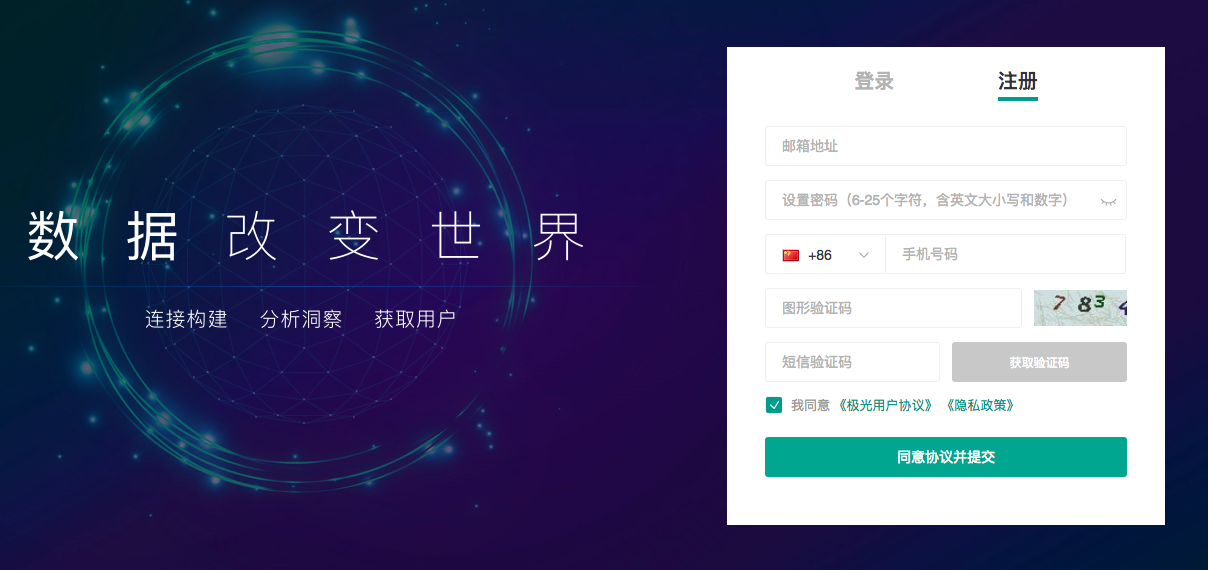
PortalCreate an application on
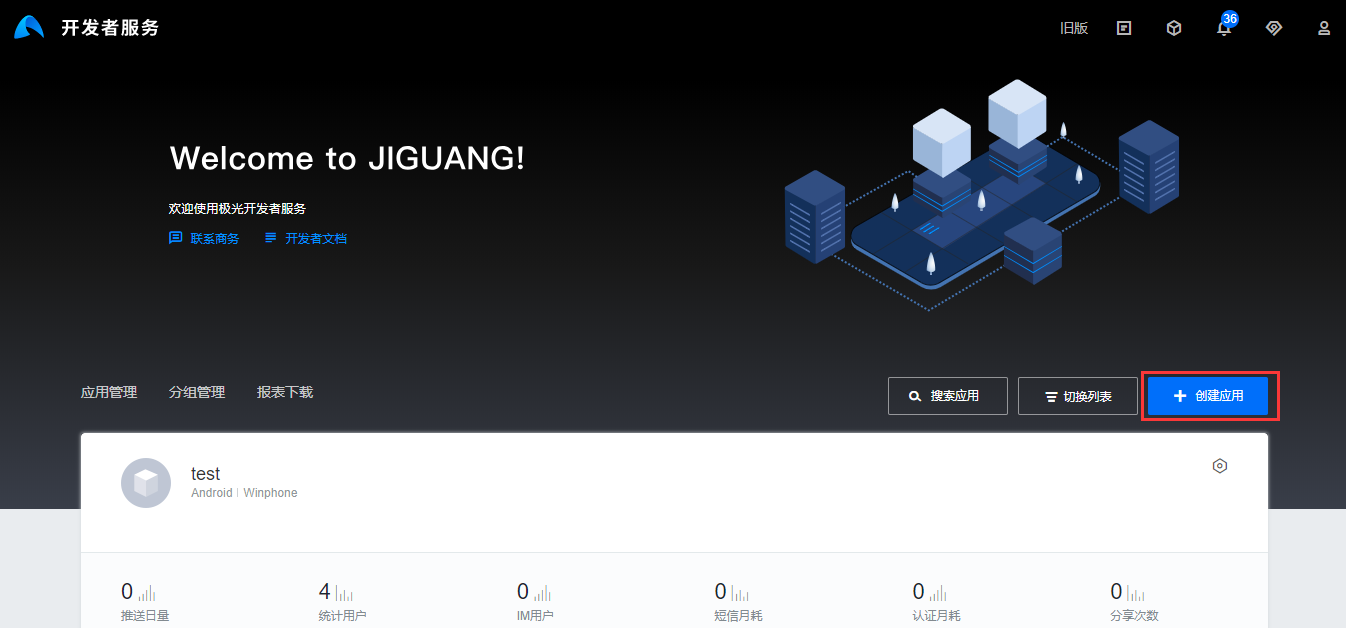
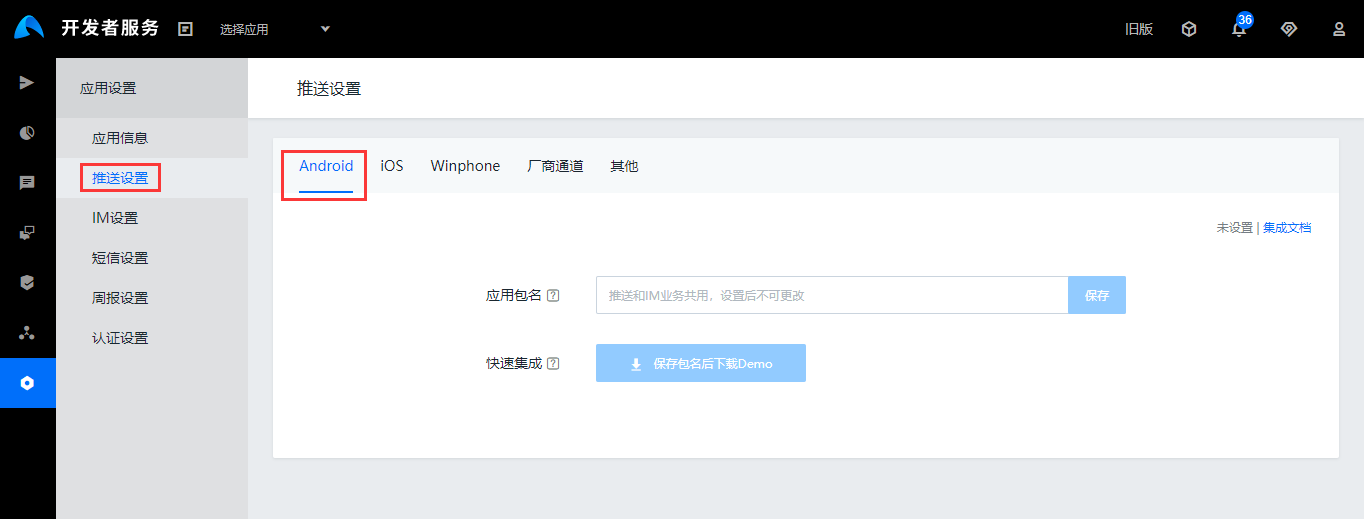
Log in with your registered account and enterJiguangAfter entering the console, click the "Create Application" button to enter the interface for creating applications. Just fill in the name of your application and the application package name, and finally click the "Create My Application" button at the bottom to complete the application creation.
View application information
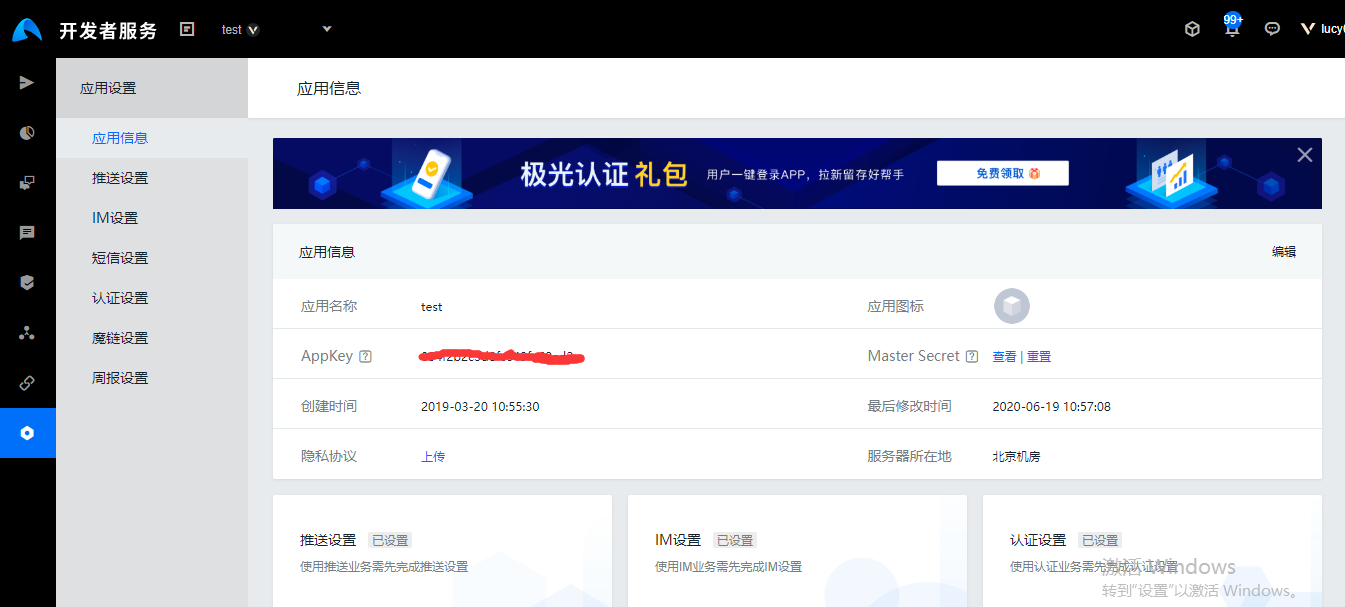
After creating an application, return to the user home page to see the application list. Click on the application you just created to view application information.
Local project configuration
- Unzip the compressed package and put libs Copy the following files to the project libs under.
- jpush-quickapp-1.x.x.js。
Configuration manifest.json
need to be in manifest.json Configuration SDK Required quick application platform dependency libraries and enable application logs. Examples are as follows:
          "features": [
    { "name": "system.prompt" },
    { "name": "system.router" },
    { "name": "system.shortcut" },
    { "name": "system.device" },
    { "name": "system.app" },
    { "name": "system.fetch" },
    { "name": "system.storage" },
    { "name": "system.cipher" },
    { "name": "system.network" },
    { "name": "service.push" },
    { "name": "system.geolocation" },
    { "name": "system.notification" },
    { "name": "system.wifi" },
    { "name": "system.websocketfactory"}
],
"config": {
    "logLevel": "debug"
},
Add to SDK of Nodejs Dependent libraries
The push SDK need to depend on nodejs The library, dependency method and description are as follows (skip if you already depend on related modules):
Using object copy
npm install lodash.clonedeep --save
Use data compression to reduce traffic
npm install pako --save
Use data encryption for added security
npm install crypto-js --save
SDK initialization
Set debugging mode: the parameters are true Indicates that debugging mode is turned on and you can see SDK log.
JPushInterface.setDebugMode(boolean isDebugMode);JPushInterface.setDebugMode(boolean isDebugMode);This code block is shown in the floating windowexist app.ux Import in SDK and use AppKey initialization:
import { JPushInterface } from './libs/jpush-quickapp-1.0.0' export default { showMenu: util.showMenu, createShortcut: util.createShortcut, onCreate(){ JPushInterface.setDebugMode(true); this.JPushInterface = JPushInterface.init(this, "your appkey", "test-channel") } }import { JPushInterface } from './libs/jpush-quickapp-1.0.0' export default { showMenu: util.showMenu, createShortcut: util.createShortcut, onCreate(){ JPushInterface.setDebugMode(true); this.JPushInterface = JPushInterface.init(this, "your appkey", "test-channel") } }This code block is shown in the floating window
ps:It is recommended to JPushInterface The object is set as a global method, which is exposed to every page for use. There is no need to import it repeatedly. Use it when needed. this.$app.JPushInterface call SDK Related methods.
More API
other API Please refer to the interface documentation for usage:Quick App SDK API
run demo
Comes with compressed package example is a API Demonstration example. You can run it directly to test. Operation can refer to Quick App Official documentation
Statistics push clicks
Since the quick app does not have a dedicated push click processing interface, we need to add click reporting code to the page that can be pushed and clicked. on the corresponding page onInit and onRefresh Add this interface call in the interface.
              onInit(query) {
        this.$app.JPushInterface.notificationReceive(query, (param) =>{

        })
    },
    onRefresh(query) {
        this.$app.JPushInterface.notificationReceive(query, (param) =>{

        })
    }

    param 为 JPush 透传参数
Technical support
Email contact:support@jiguang.cn

