Return receipt settings
Turning on the return receipt function can return data information such as delivery, click, arrival success, geofencing, etc. to the filled-in return receipt address, making it easier for users to process the data themselves. Return receipt details availablecontact business。
Return receipt address description
The return receipt address must end with http or https At the beginning, custom ports are not supported, and IP is not supported. 10.0.0.0/8,172.16.0.0/12,192.168.0.0/16 Private network segment.
Delivery/click/non-delivery receipt
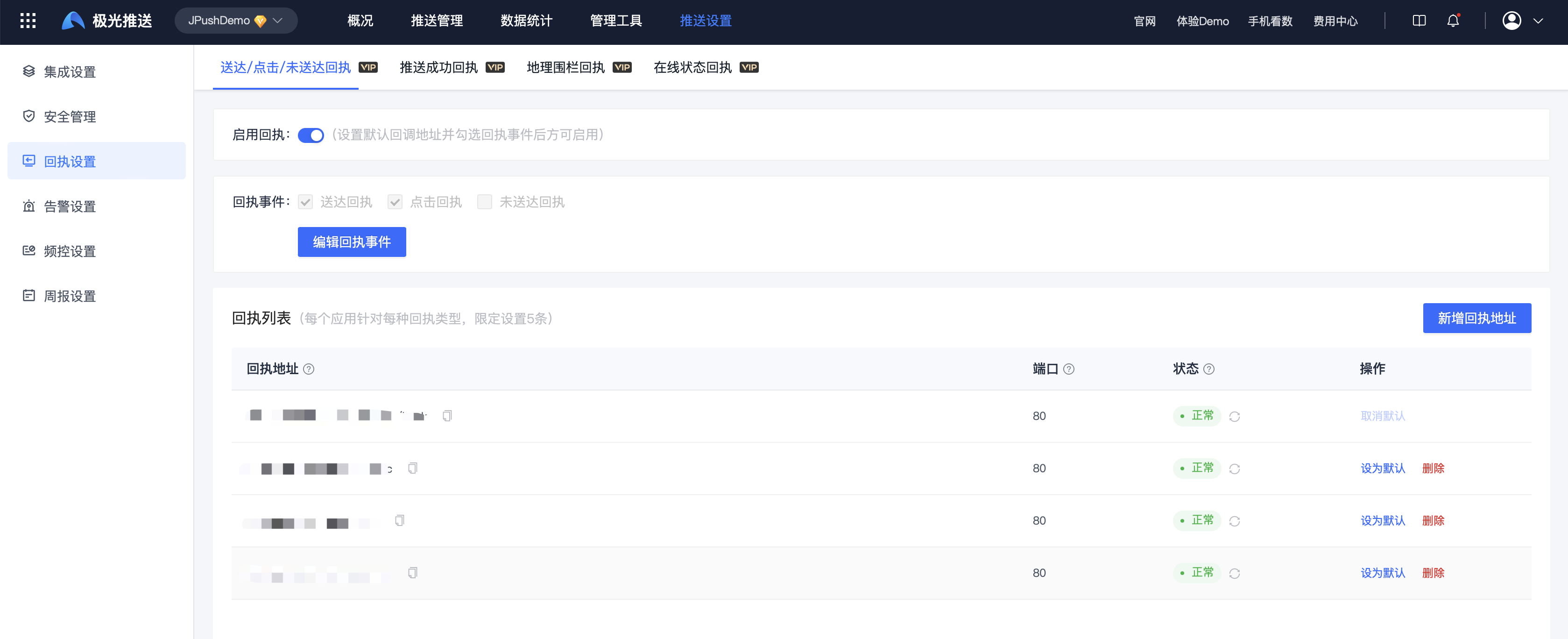
Enter the [Message Push] - [Push Settings] - [Receipt Settings] - [Delivery/Click/Undelivery Receipt] page, click "Enable", and add a return receipt address.
Push success receipt
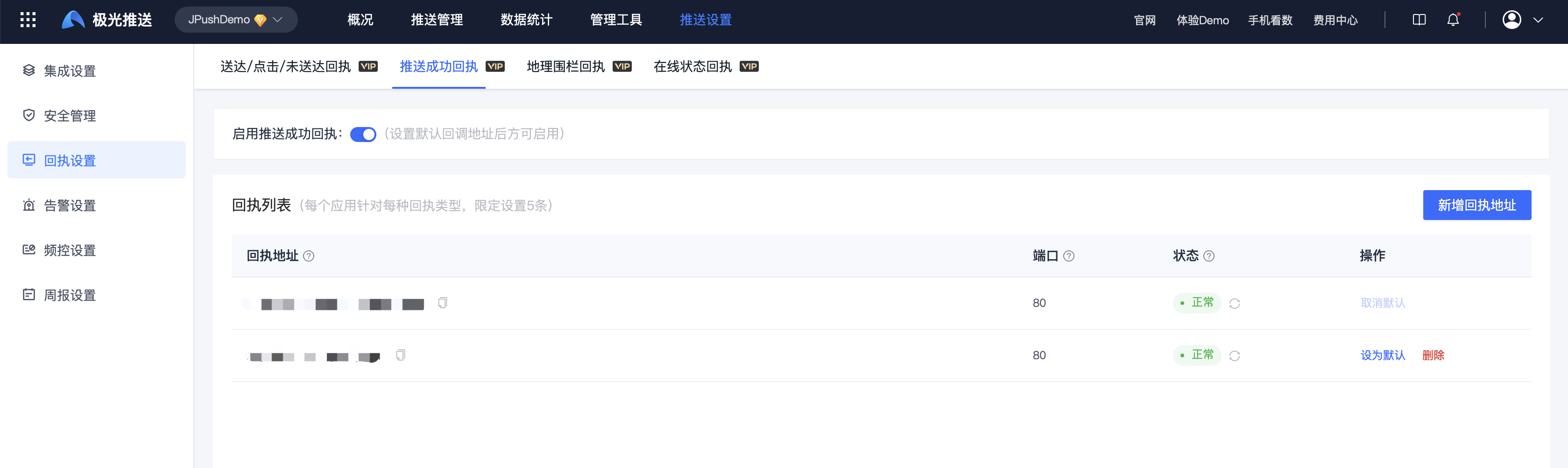
Enter the [Message Push]-[Push Settings]-[Receipt Settings]-[Push Successful Receipt] page, click "Enable", and add a return receipt address.
geofence receipt
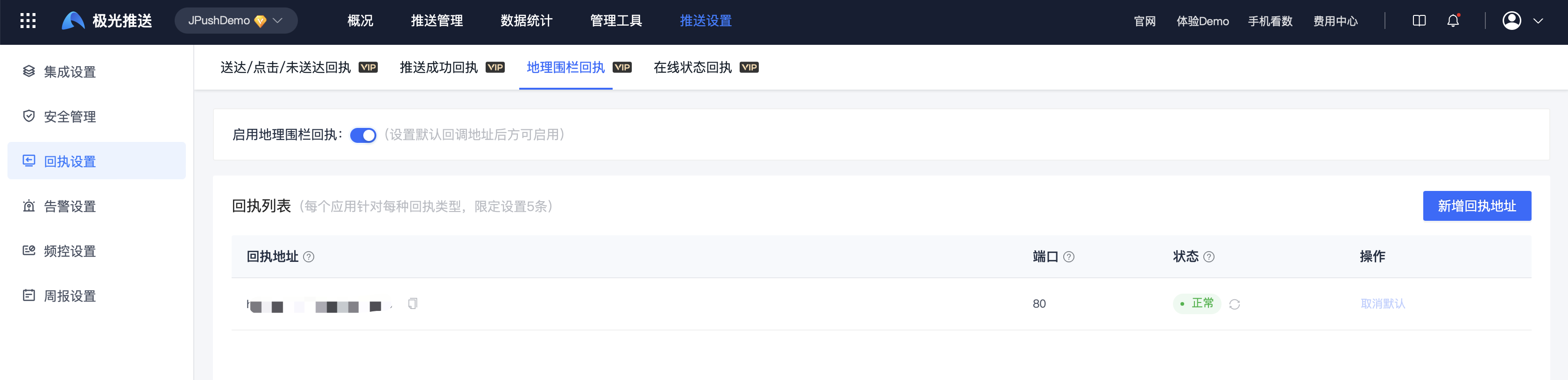
Enter the [Message Push]-[Push Settings]-[Receipt Settings]-[Geofencing Receipt] page, click "Enable", and add a return receipt address.
Online status receipt
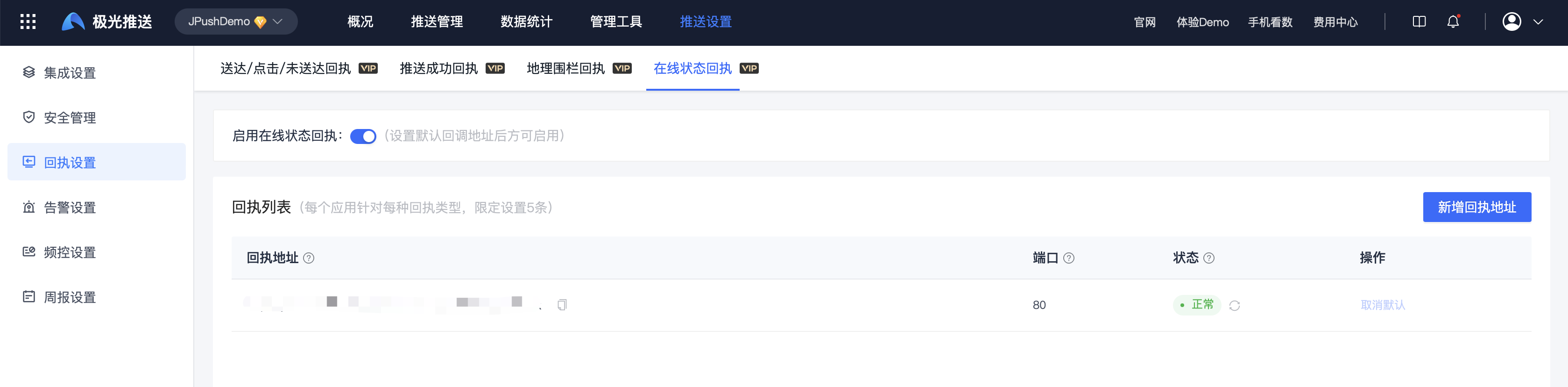
Enter the [Message Push]-[Push Settings]-[Receipt Settings]-[Online Status Receipt] page, click "Enable", and add a return receipt address.