security management
To prevent push accidents, JiGuang console provides security management settings. This article is intended to guide users on how to set up security management on the Jiguang console.
IP whitelist
Description
If this item is not filled in, it means that there is no IP restriction for API calls; once it is filled in, it means that the AppKey only accepts push requests from the specified IP.
Settings
Enter the [Message Push]-[Push Settings]-[Security Management]-[IP Whitelist] page, fill in the IP address that can be called and click Save. 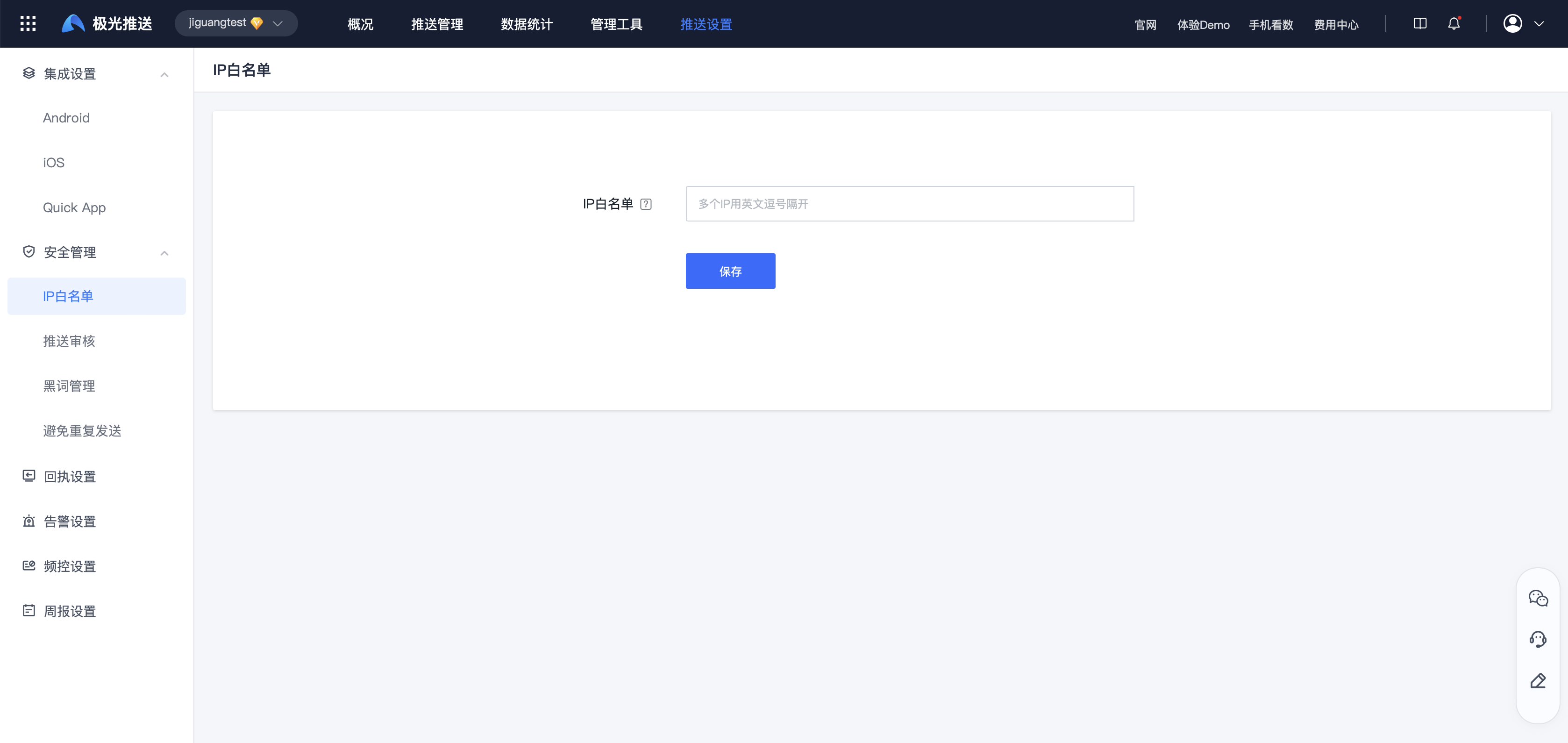
Push review
Description
After a push is created, the message needs to be approved by the reviewer before it can be released.
Even if you have audit permissions for this application, you cannot audit push requests issued by your own account.
Reviewer
- You can select any account with audit permissions to perform audit operations.
- By default, the administrator has audit permissions. You can also select a sub-account under the administrator to audit the push of this application.
- If there are no other sub-accounts, you can contact the administrator to add a sub-account and assign the sub-account push review permissions for this application.
AUDIT OBJECTIVE
- Currently, only push requests issued on the Jiguang official website page are reviewed.
Settings
- Click to turn on "Enable Push Review".
2. Select the reviewer and click Save.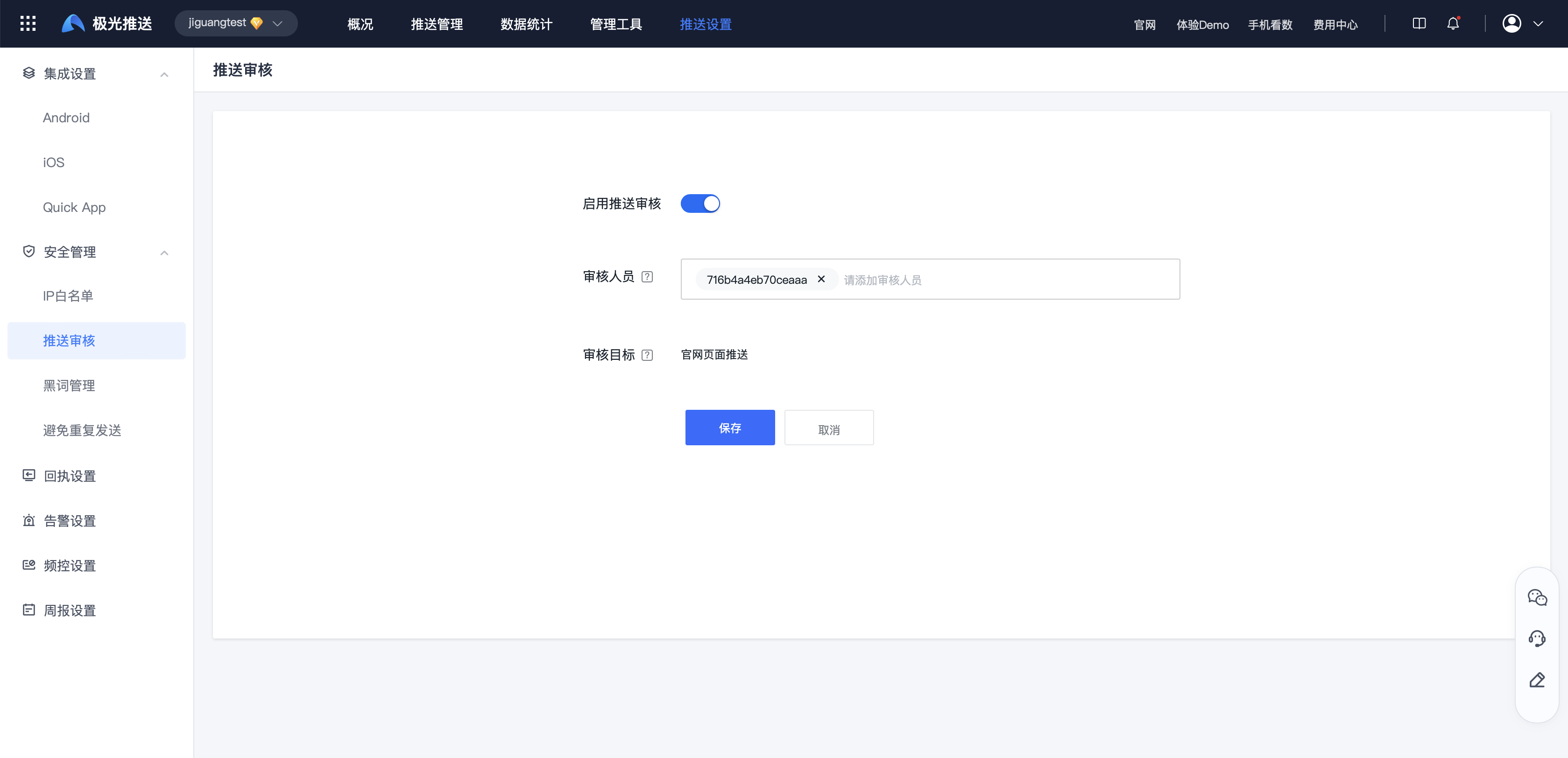
Black word management
Description
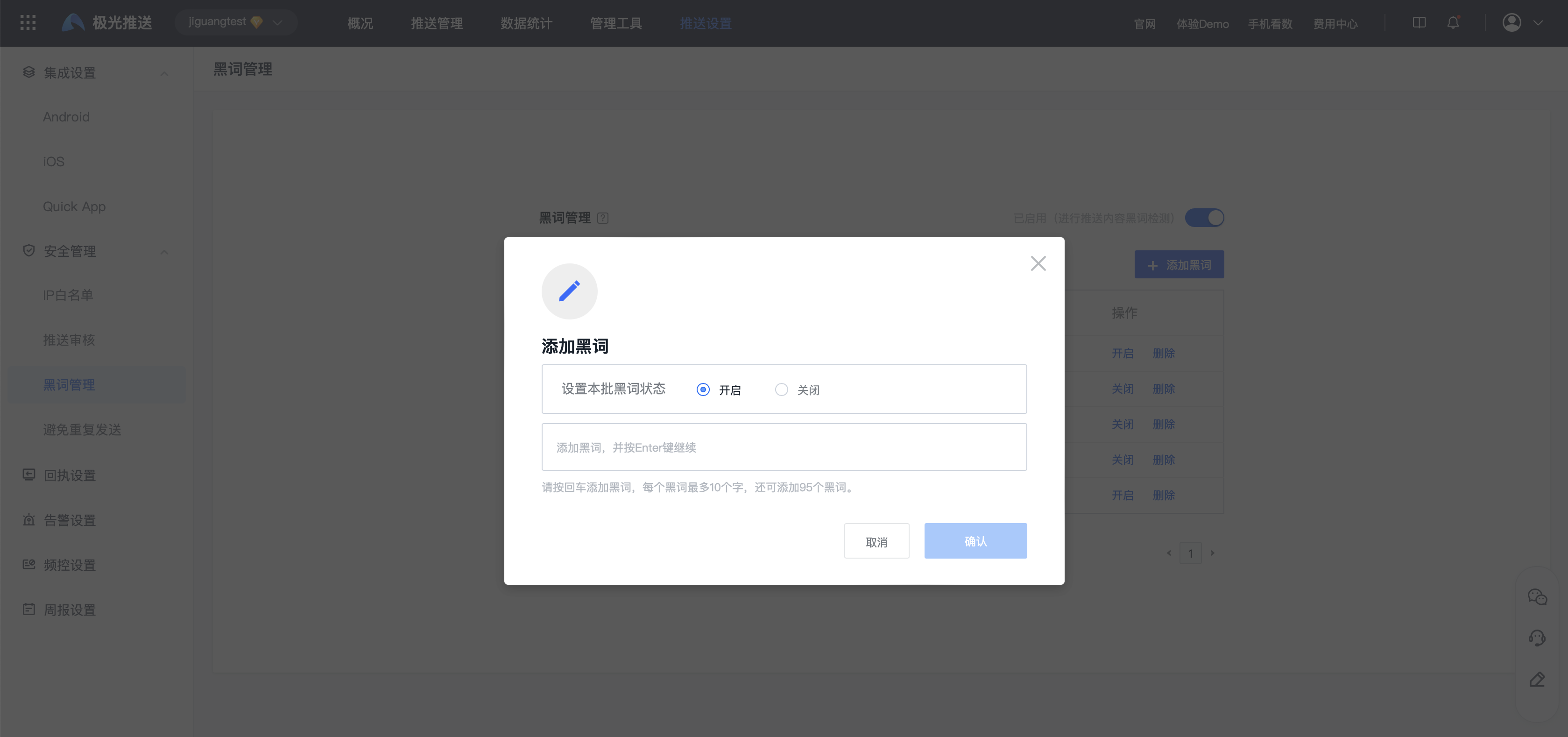
When enabled, black words will be detected in the message content when sending a message, and up to 100 black words can be added.
Settings
- Click to turn on "Detect black words in push content".
2. Add black words and select on/off.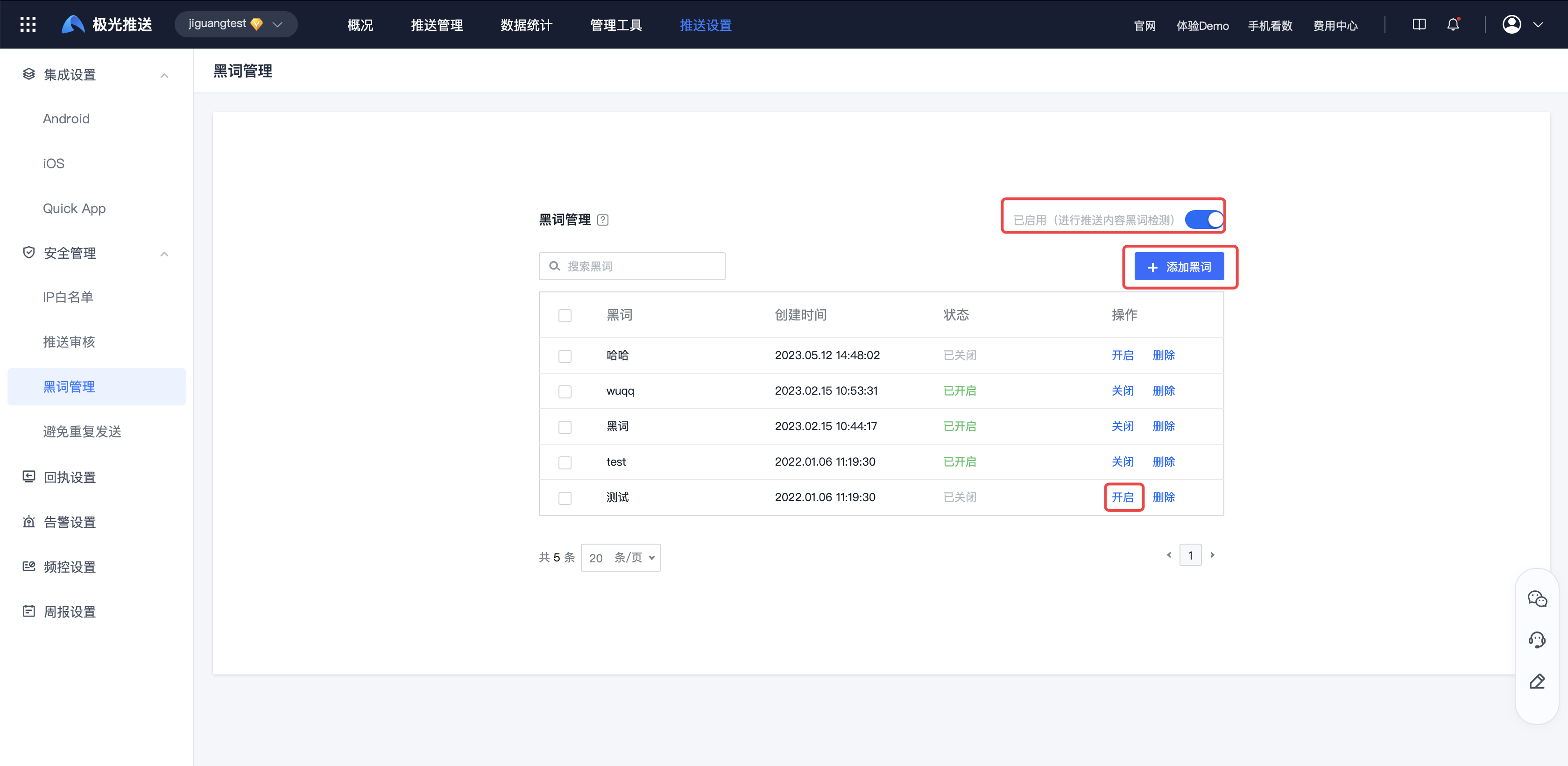
Avoid repeated sending
Description
After turning it on, it will technically prevent the same message from being sent to a single user repeatedly on the same day.
Settings
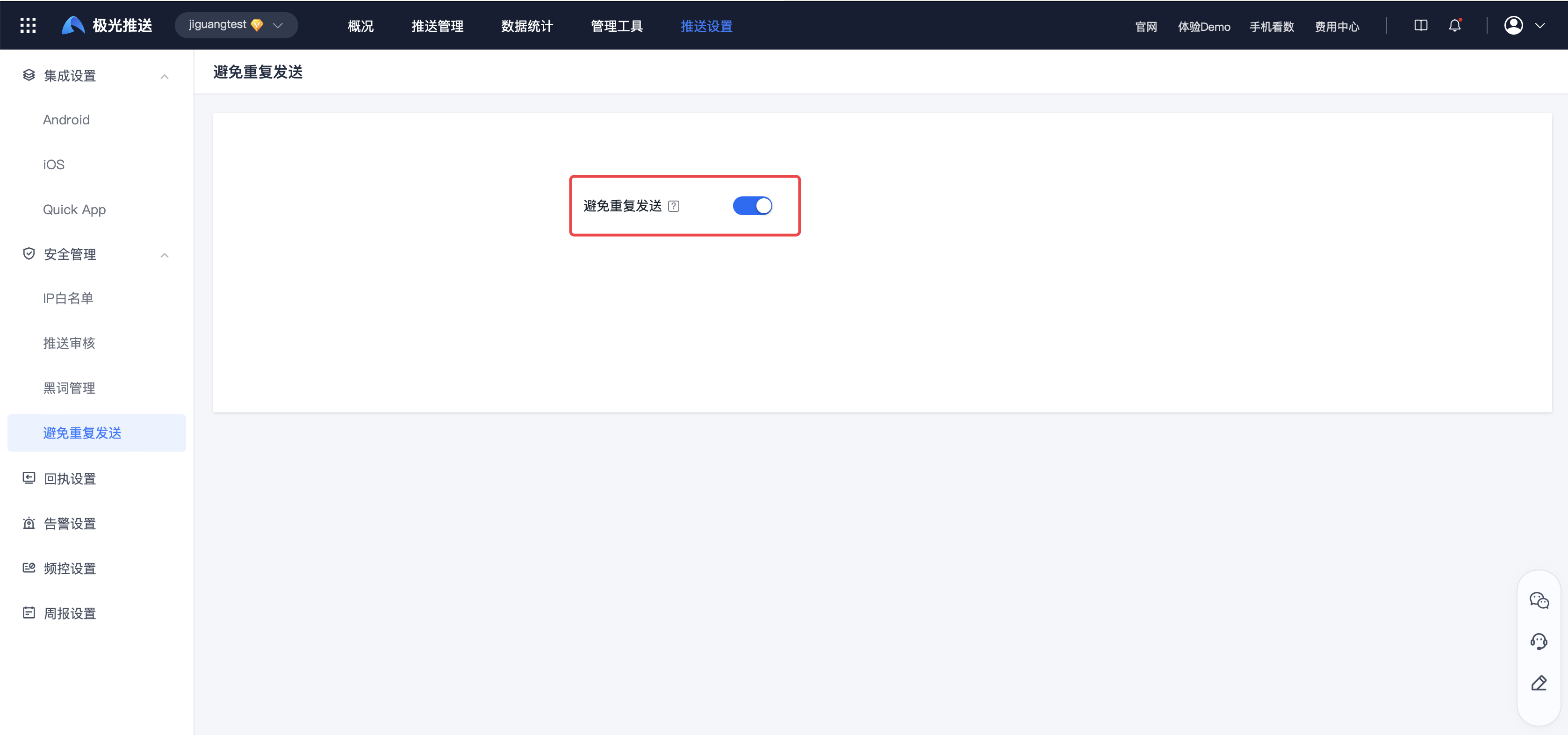
Click to turn on "Avoid duplicate sending".